67
Mission Operation
8
8.2.2 Controlling the UAV via Map
Map screen:
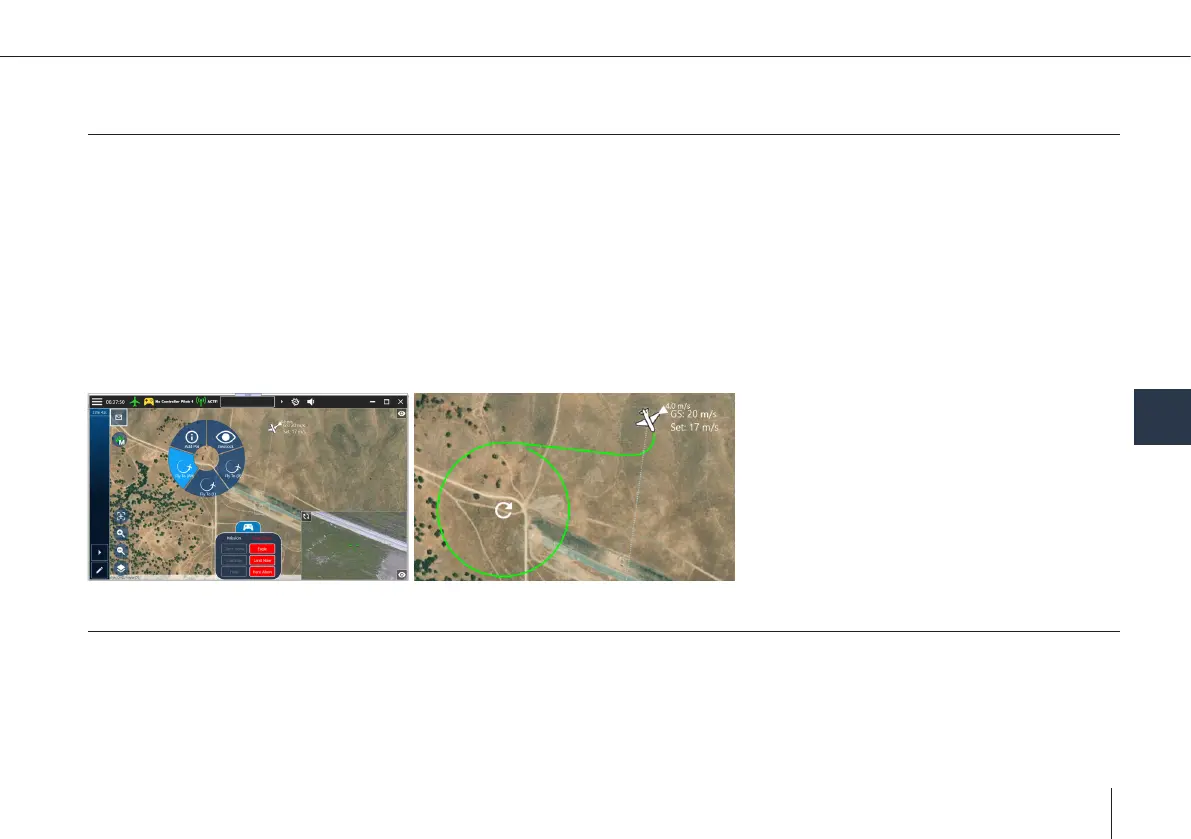
• Command the UAV to loiter at specic position
°
Click on a free part of the map & select “y to” option in context menu
°
By default, the target AGL will be the AGL altitude at the current UAV location
°
Flight path is simulated & displayed
UAV altitude warnings in path:
1. Warning appears
2. Flight is not started
3. Conrm to ignore the altitude warning
4. Flight will start
8.2.3 Controlling the UAV via Mission
• Mission: Collection of waypoints, take-off & landing
• Missions can be created & edited
• Missions can be uploaded to the UAV before take-off, or during ight
°
Uploading while airborne:
1. The UAV will loiter during upload
2. Start executing the mission from the specied starting point



 To Next Page