30
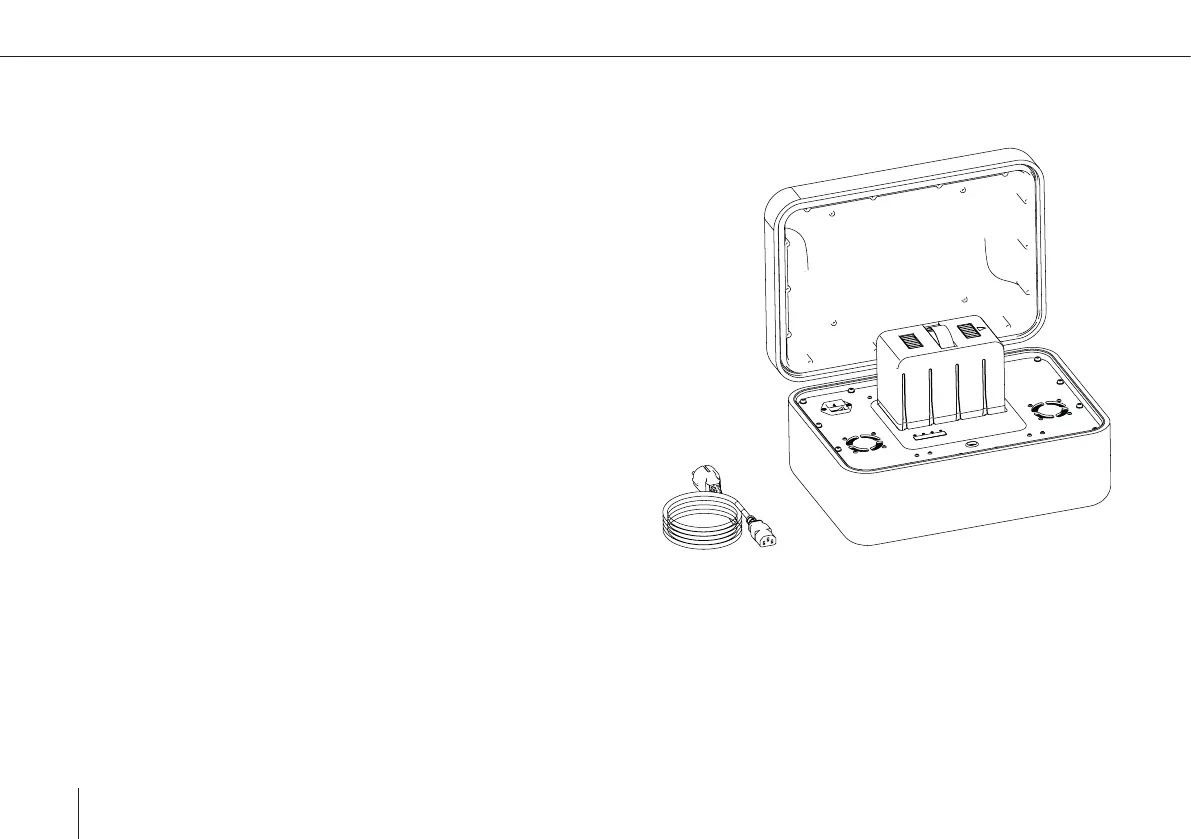
1. Connect the SBP charger to a power source (110 – 230 V AC).
2. Flip the power switch to turn on the charger. Three LEDs will light
up indicating the charger is trying to detect a battery to charge.
A green LED indicates the charger is powered. A yellow LED
(Charging) and a green LED (Full) are ashing alternately.
3. Press the Start/SoC-button to activate the battery.
4. Insert the SBP into the charging mount, matching the arrow direc-
tion of the battery and the charging station. The yellow ashing
LED indicates the battery is charging.
5. Once the yellow ashing switches to permanently green the char-
ging is completed. Charging time: 1 – 1.5 hours.
6. The battery can be removed by pulling the handle and the station
can be turned off.
NOTE: If the charger is powered for too long without a battery, a red (error) light will
ash. If this is the case turn off the charger, wait 20 seconds, turn it back on and repeat
from step 2.
Smart Battery Pack charging



 To Next Page