59
Mode Display
Current autopilot mode
Upload Status
1. Write flight plan:
Upload your mission to the UAV
2. If a different mission is stored on the UAV, the
upload mission box appears with a Warning or
an Error.
UAV Status
1. EO/IR strobe lights on/off
Activates/deactivates the strobe lights for visibili-
ty. Located on top and on the bottom of the UAV.
IR Light is only visible with night vision goggles.
2. UAV type
3. Autopilot version
4. Flight time
5. Serial number
6. Sensor status information
Mission Operation
Header icon colorcodes:
Unknown Status
Operational
Warning
Error (Either ight or mission critical)
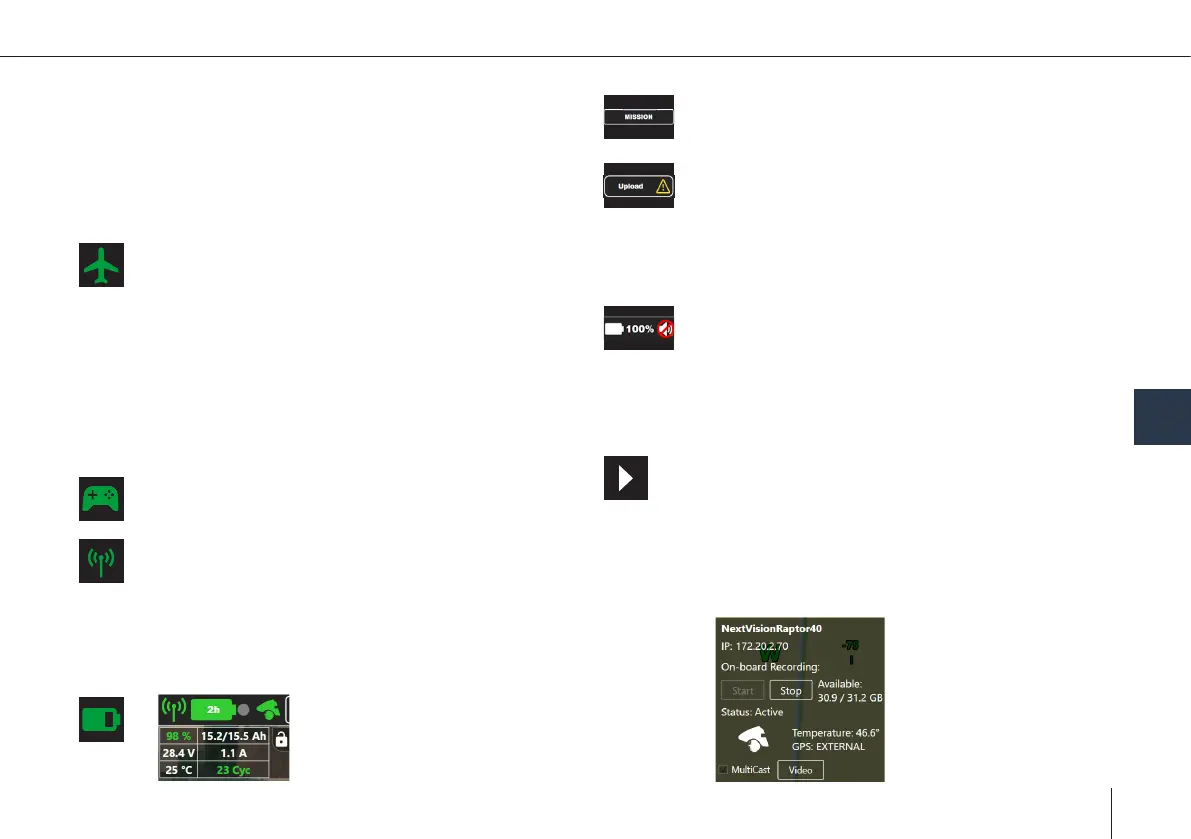
Battery Status
1. State of Charge
2. Voltage
3. Temperature
4. Capacity
(Remaining/Total)
5.Current
6.Cycles
Connection Status
1. Connection type (USB, data link status
(not connected, no data, active))
2. Connection quality over time
3. Mesh network & details about each node's
temperature, voltage & connection quality
GCS Controller Status
Replay Status
1. Video timeline
2. Play/Pause
3. Change to Live View
4. Replay speed
5. Export the replay
6. Live/Log replay
Tablet Status
1. Current volume
2. Tablet battery state of charge in %
3. Loss of internet connection
4. Setting brightness
5. Setting volume
8
Payload Status
Start/stop
on-board recording



 To Next Page