82
Editing
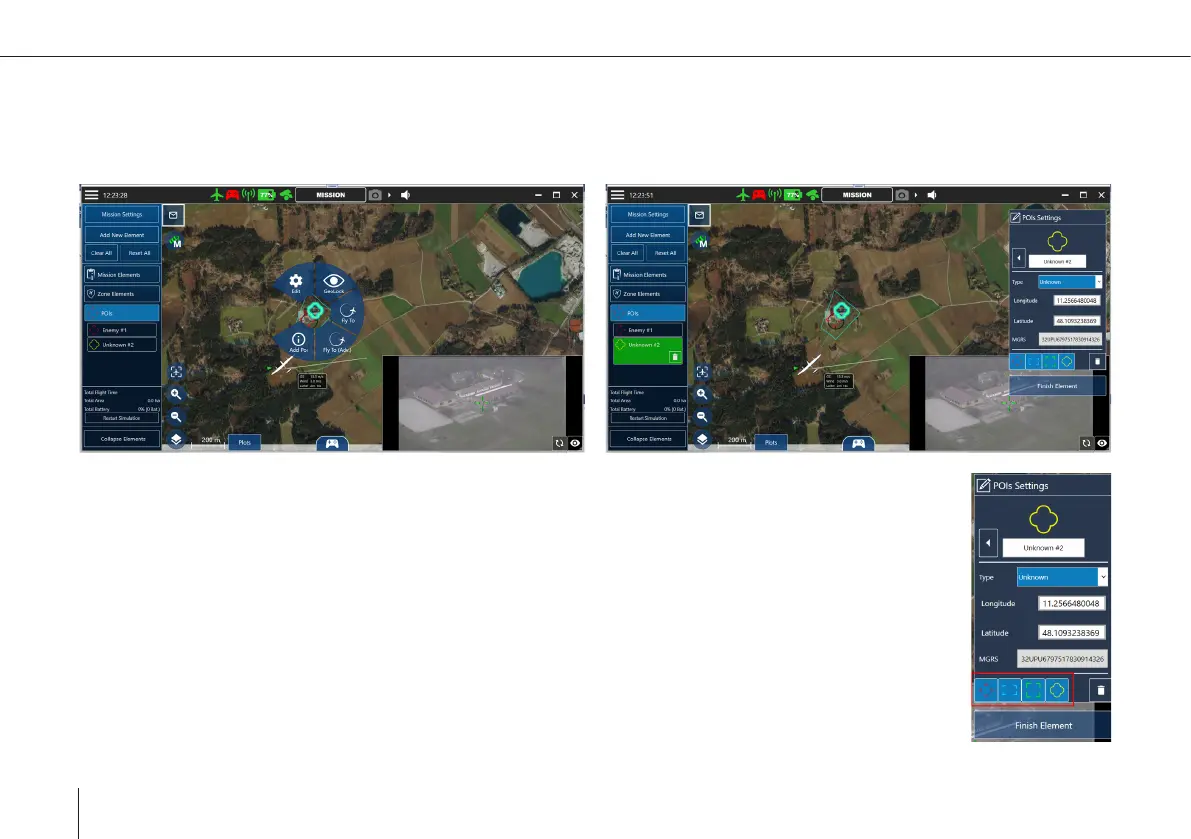
POIs can be edited by selecting them on the map and clicking Edit, or under the POI tab in the sidebar. In the popping up POI
settings window the name, type and location can be changed. Clicking the trash button deletes the selected POI. In addition a
selected POI can be dragged on the map to a new location.
Filtering
The POI settings view allows to lter out the display for POIs of any type on the map and in the sensor
image.



 To Next Page