Current Section: AUTO 11
Navigation:
2. AUTO
AUTO is the normal operating mode. Programmed irrigation will run automatically with the
controller dial set to AUTO.
If you forget to return the dial to AUTO, the controller will automatically continue to run programs,
unless the dial is set to the OFF position when all irrigation is cancelled.
AUTO
Mon 12:01
07 Mar 2021
12:01
Contrast 6
MV
Close
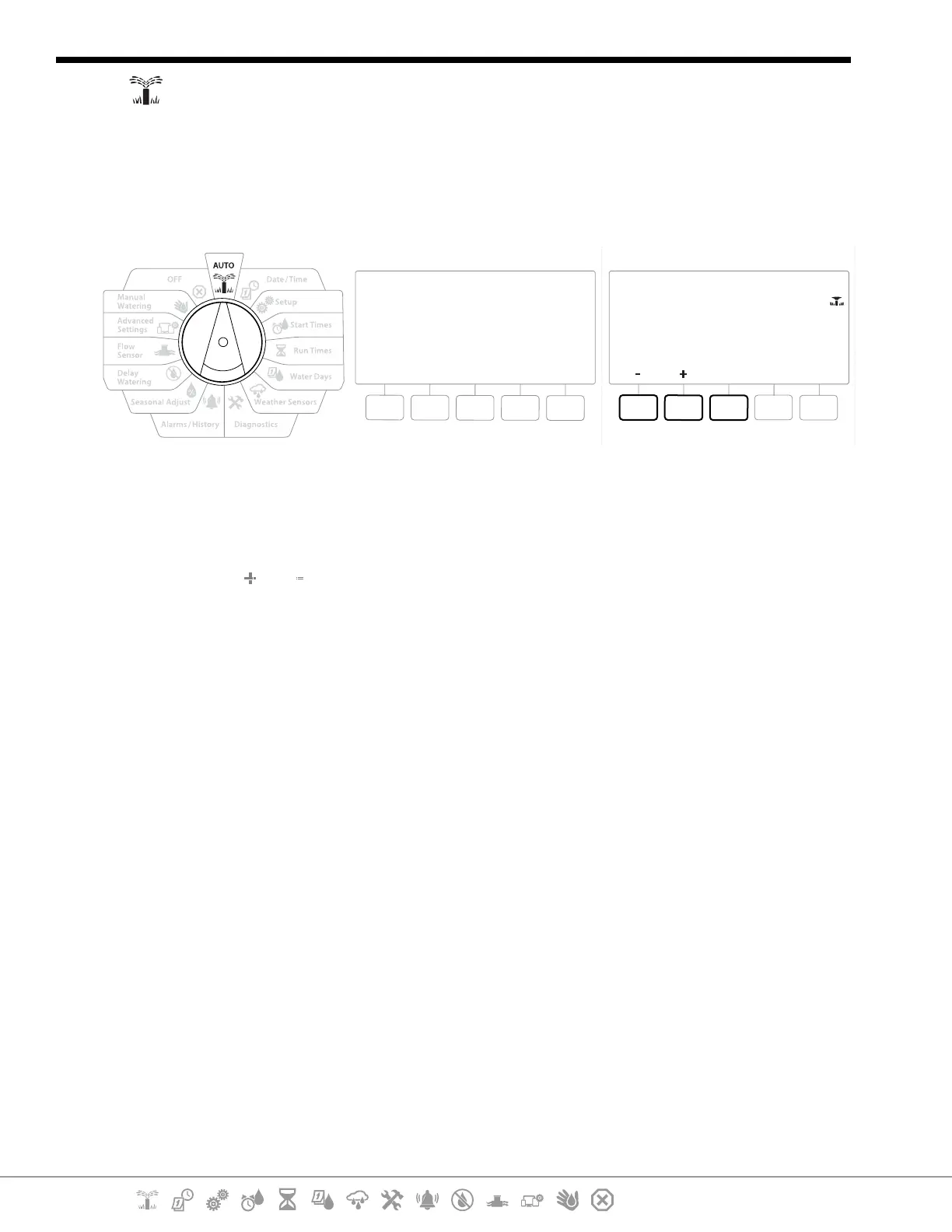
1 Turn the controller dial to AUTO
2 The Auto screen is displayed with the current day and time shown.
3 When a program is running in AUTO mode, the station number will show on the screen.
Press the and keys to add or subtract minutes from the run time for the currently
running station. To advance to the next station in a program, press the Adv key.
4 To cancel a currently running program, turn the controller dial to OFF for three seconds
and then return the dial to AUTO.


 To Next Page
 Loading...











