Current Section: Alarms/ History 48
Navigation:
10. ALARMS/ HISTORY
10.4.1 Flow History
With Flo-Watch™ enabled, the controller will automatically track the volume of water owing
through the system.
•
This can be useful for checking your actual water consumption against your water bill.
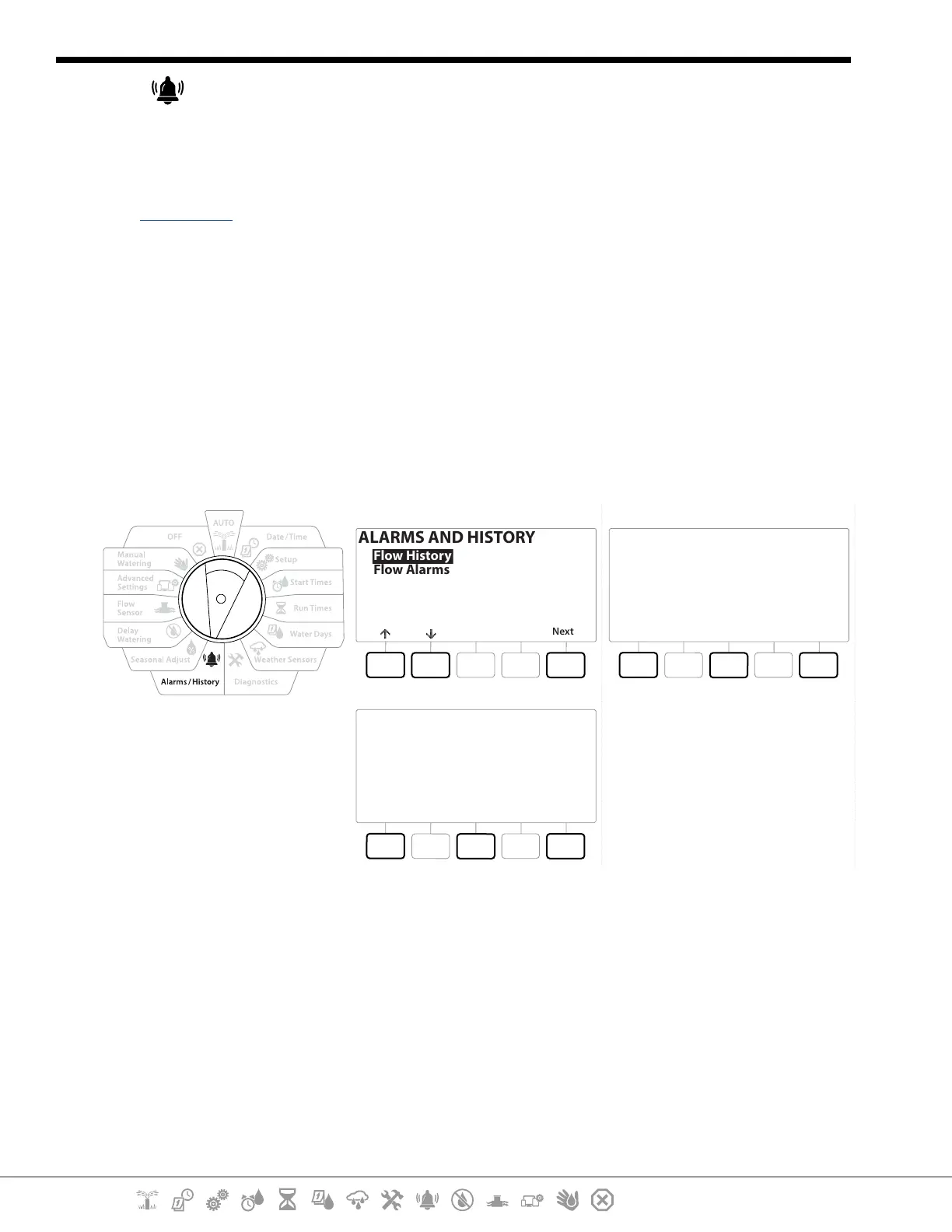
1 Turn the controller dial to Alarms/History
2 At the ALARMS AND HISTORY screen, with “Flow History” selected, press Next .
3 The Flow History screen appears, showing month-to-date and last month water
consumption.
•
Press the Days key to change the view to the last 30 days and previous 30 days.
ALARMS AND HISTORY
Next
Flow History
Flow Alarms
DoneClearMonths
Last 30 Days
0 Gal
Prior 30 Days
0 Gal
DoneClearMonths
Last 30 Days
0 Gal
Prior 30 Days
0 Gal
10.4.2 Clear Flow History
1 At the Clear Flow History conrmation screen, press the Yes key to continue. If you’re not
sure, press the No key.
2 The conrmation screen appears, showing that Flow History has been cleared, resetting
the ow to 0.
•
Pressing Clear from either the monthly or daily screen will clear BOTH monthly and daily ow log data.


 To Next Page
 Loading...












