Current Section: Flow Sensor 61
Navigation:
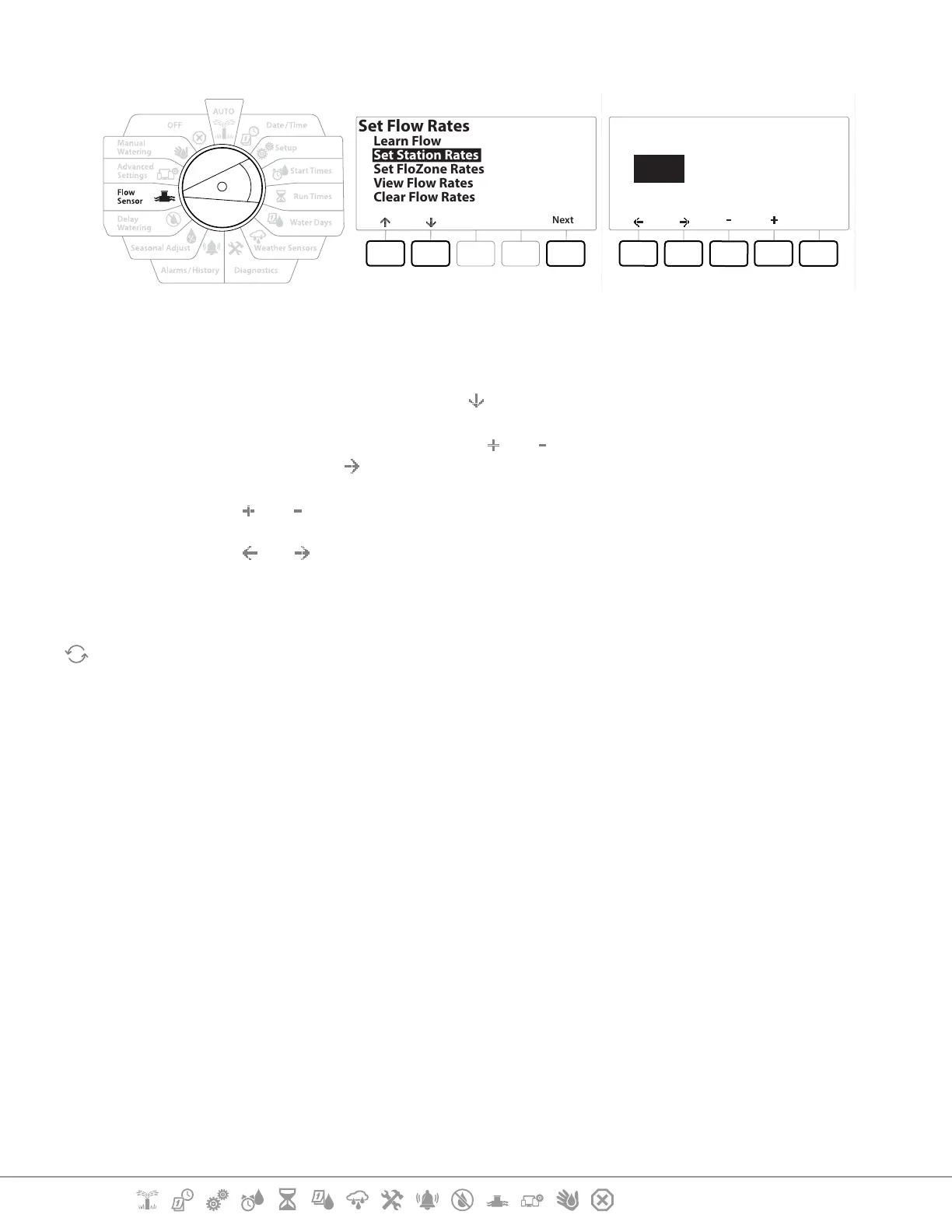
13.1.2 Set Station Rates
Set Flow Rates
Next
Learn Flow
Set Station Rates
Set FloZone Rates
View Flow Rates
Clear Flow Rates
Done
001 0000.0
User Entered
Station
FZ None
GPM
1 Turn the controller dial to Flow Sensor
2 At the FLOW SENSOR screen, with “Set Flow Rates” selected, press Next .
3 At the Set Flow Rates screen, press the key to select “Set Station Rates”, then press Next .
4 At the Set Station Rates screen, press the and keys to set the desired Station (from 1
to 240), then press the key.
5 Press the and keys to set the desired Flow Rate for that station.
6 Press the and to navigate between the number setting elds.
•
Press and HOLD keys to accelerate settings.
Repeat this process to manually set up Flow Rates for additional stations as desired.


 To Next Page
 Loading...












