Current Section: Weather Sensors 39
Navigation:
8. WEATHER SENSORS
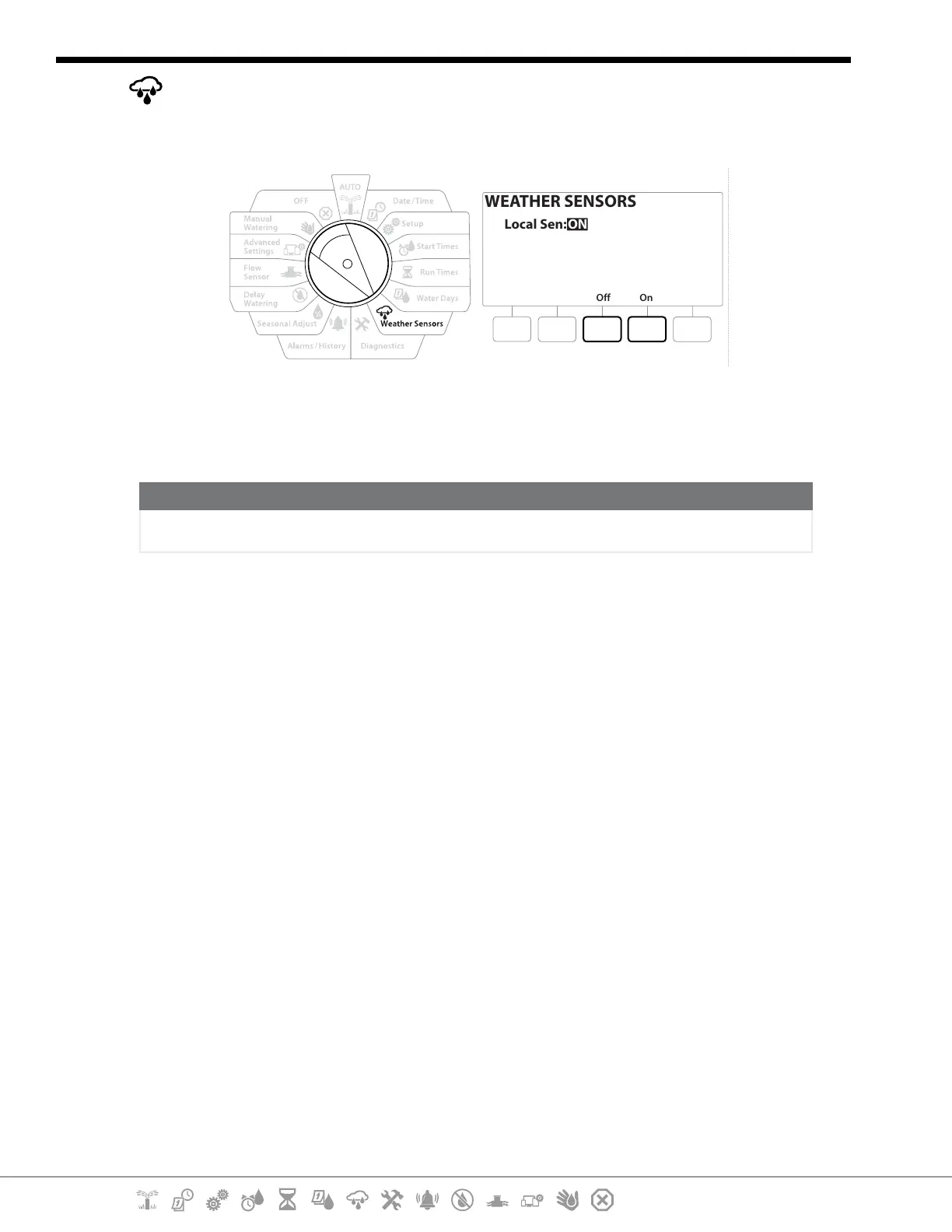
The LXME2 can accept input from a single weather sensor wired directly to the controller.
Off On
WEATHER SENSORS
Local Sen: ON
1 Turn the controller dial to Weather Sensors
2 At the Weather Sensors screen, press the On key to activate the local Weather Sensor or
else press O to bypass.
NOTICE
Follow the sensor manufacturer’s instructions to correctly install and make wire connections to the sensor.
Ensure the sensor installation is in compliance with all local codes.
Supported Rain Bird® Weather Sensors:
• RSD rain shut o device
• WR2-RC wireless rain sensor
• WR2-RFC wireless rain/freeze sensor


 To Next Page
 Loading...












