Manual #016-0159-956
35
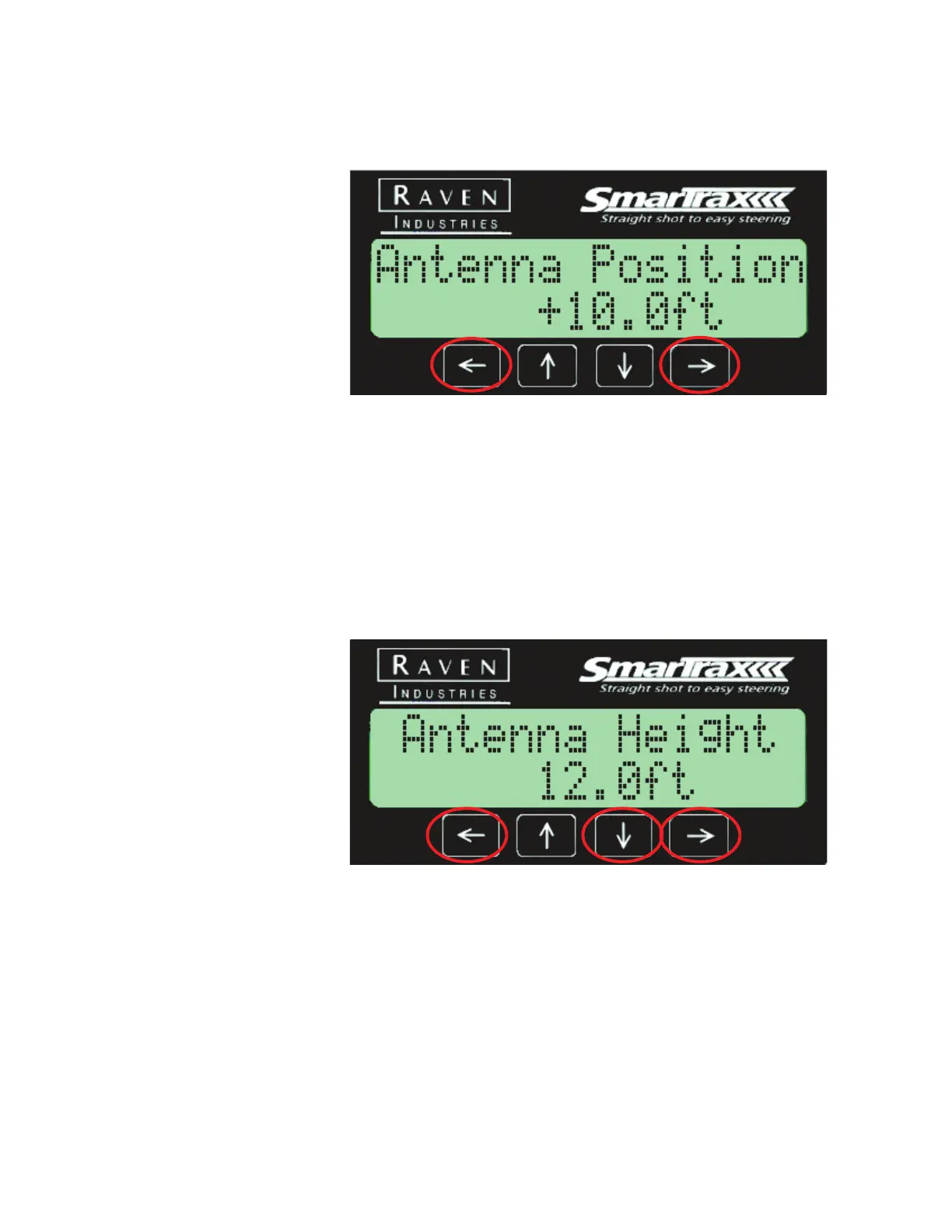
Antenna Position
The antenna position refers to where the antenna is in respect to the wheels.
Setting the Antenna Correction
1. Measure the horizontal distance from the rear axle to the antenna.
Press the Left or Right arrow until the measured value is displayed.
Antenna Height
Antenna height is a critical value that will need to be measured and entered
into the controller. This value is the height from the ground to the antenna
and is necessary in order for an enhancer or tilt sensor to work properly.
Press the Left or Right arrow to set the antenna height, then press the Down
arrow button when you are finished setting the value.



 To Next Page
 Loading...




