CONTROL PAN ELS
Control Panels do the work in the menu system: it's where
you choose a setting, enter a number, or adjust a level such as
tint or brightness. There are three kinds of control panels:
sl!ders, choice lists, and numeric entry.
Sliders
Sliders are used to make adjustments to a particular control.
For example, to adjust the TV's tint:
1. Press MENU to bring up the Main Menu.
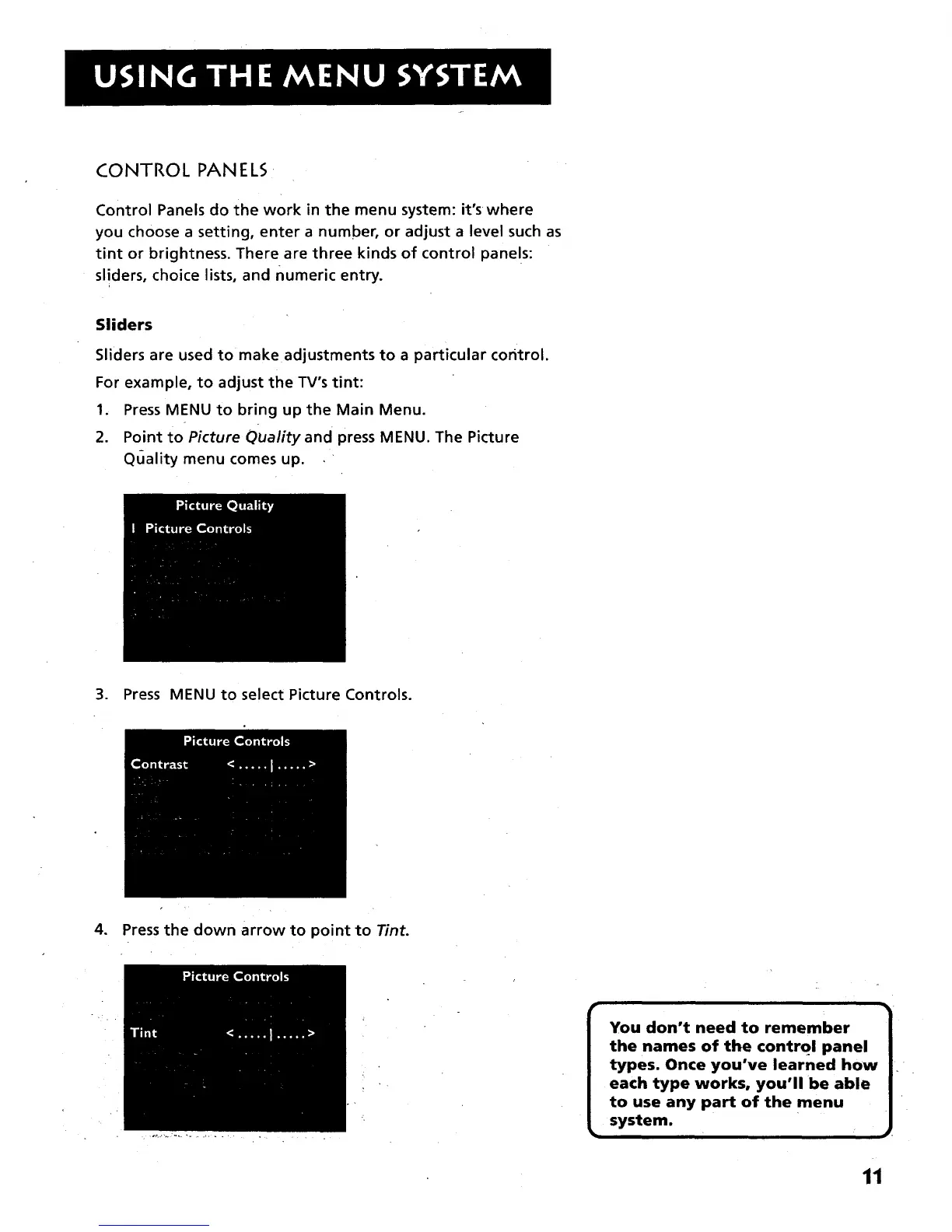
2. Point to Picture Quality and press MENU. The Picture
Quality menu comes up.
3. Press MENU to select Picture Controls.
4. Press the down arrow to point to Tint.
the names of the control panel
types. Once you've learned how
each type works, you'll be able
to use any part of the menu
system.
11



 To Next Page