5. Press the right or left arrow to adjust the indicator'line.
Notice that the picture changes as yo u adjust the tint.
Now that you know how the Tint slider works, you i_now how
all sliders work.
Choice Lists
Choice lists are used to choose a particular setting from a list
of settings. The current setting in a choice list is always
highlighted in green.
For example, to indicate whether you're currently using a
home antenna or a cable TV signals:
1. Press MENU to bring up the Main Menu.
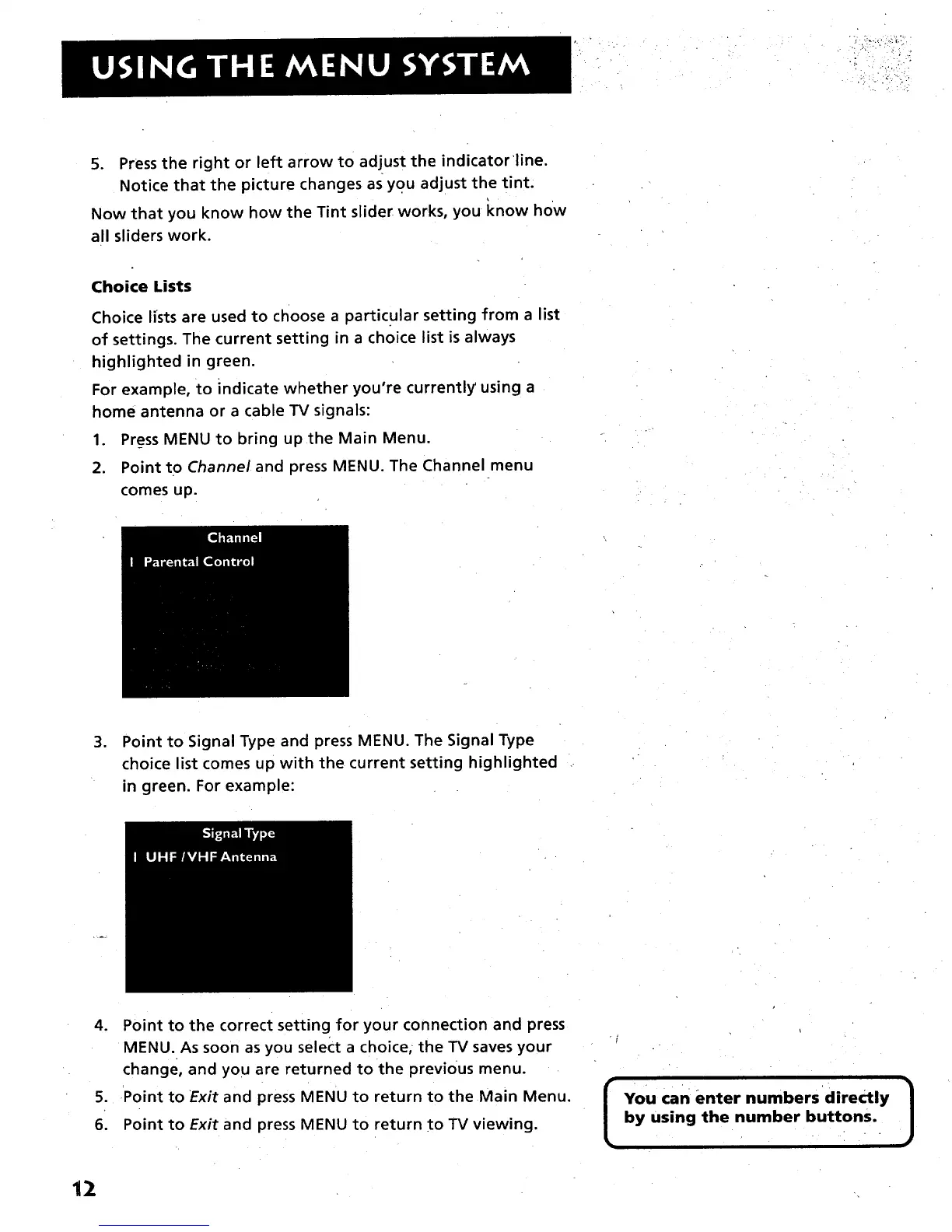
2. Point to Channel and press MENU. The Channel menu
comes up.
.
Point to Signal Type and press MENU. The Signal Type
choice list comes up with the current setting highlighted
in green. For example:
.
S.
6.
Point to the correct setting for your connection and press
MENU. As soon as you select a choice, the TV saves your
change, and you are returned to the previous menu.
Point to Exit and press MENU to return to the Main Menu.
Point to Exit and press MENU to return to TV viewing.
[
You can enter numbers directly
by using the number buttons.
]
12



 To Next Page