Numeric Entry
A numeric entry control panel is used to enter numbers or
letters.
For example, to set the current time:
1. Press MENU to bring up the Main Menu.
2. Point to Time and press MENU.
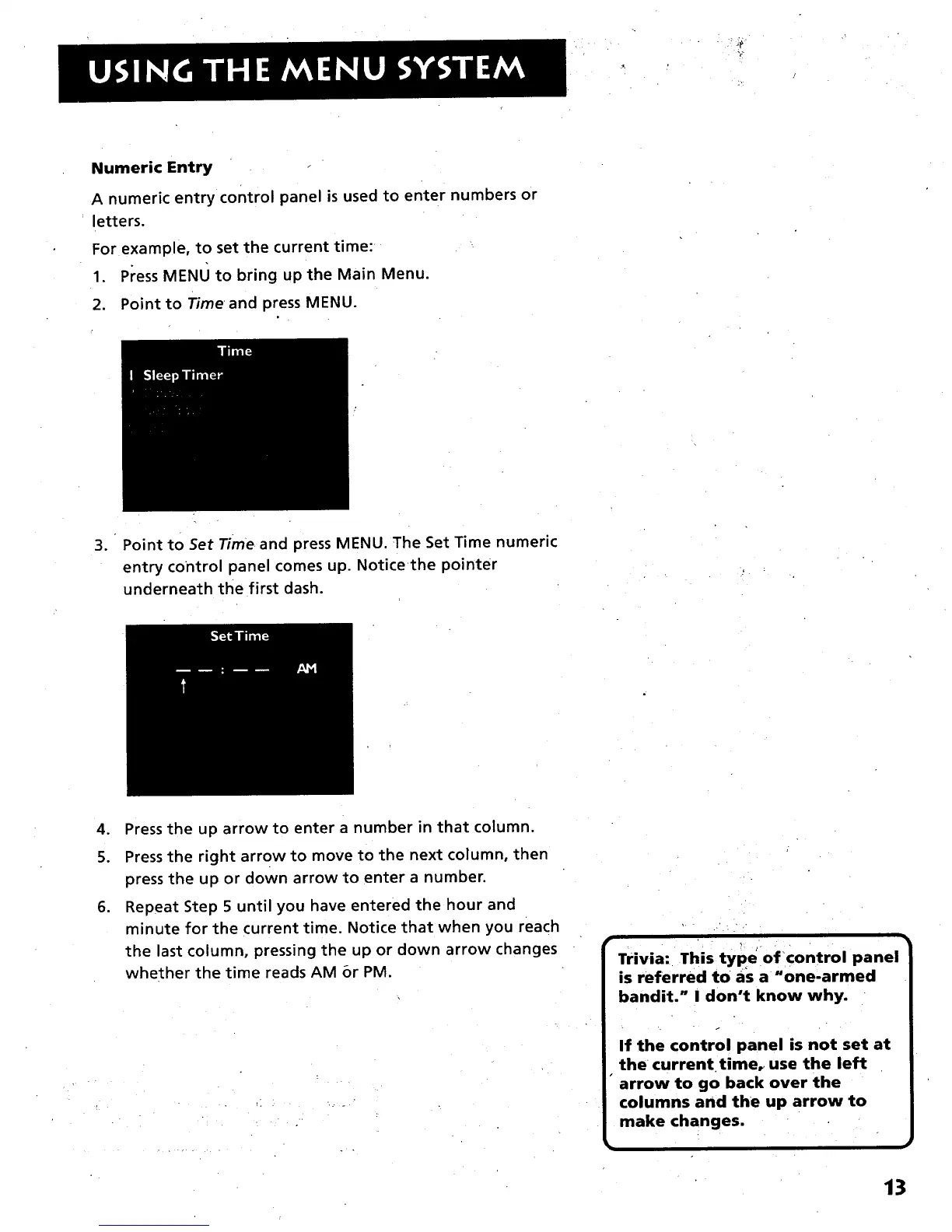
. Point to Set Time and press MENU. The Set Time numeric
entry control panel comes up. Notice the pointer
underneath the first dash.
4. Press the up arrowto enter a number in that column.
5. Press the right arrow to move to the next column, then
press the up or down arrow to enter a number.
6. Repeat Step 5 until you have entered the hour and
minute for the current time. Notice that when you reach
the last column, pressing the up or down arrow changes
whether the time reads AM or PM.
Trivia: This type of control panel
is referred to as a _one-armed
bandit." I don't know why.
If the control panel is not set at
the current time_ use the left
• arrow to go back over the
columns and the up arrow to
make changes.
13



 To Next Page