STEP 1
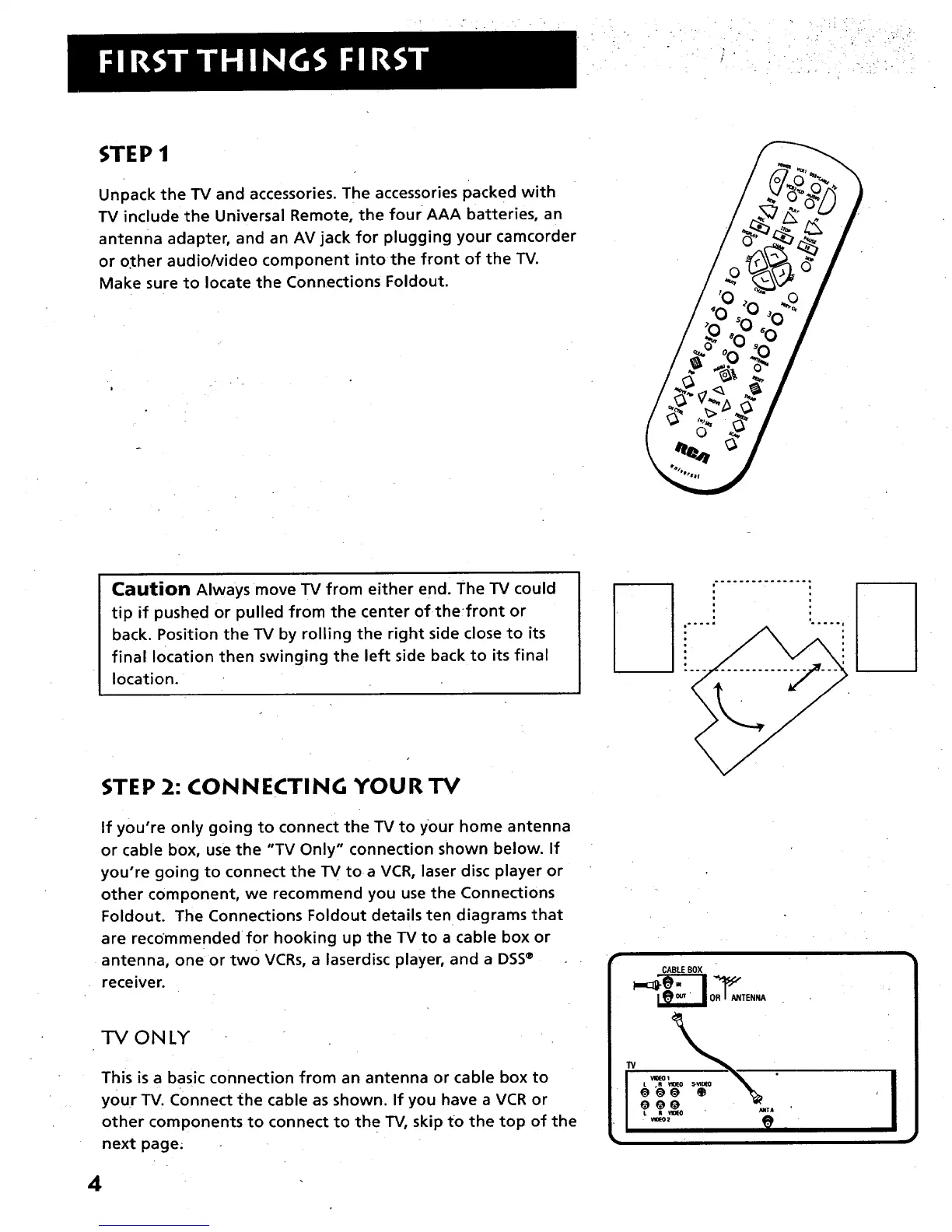
Unpack the TV and accessories. The accessories packed with
TV include the Universal Remote, the four AAA batteries, an
antenna adapter, and an AV jack for plugging your camcorder
or o.ther audio/video component into the front of the TV.
Make sure to locate the Connections Foldout.
|
Caution Always move TV from either end] The TV could
tip if pushed or pulled from the center of thefront or
back. Position the TV by rolling the right side close to its
final location then swinging the left side back to its final
location.
i
STEP 2: CONNECTING YOUR TV
If you're only going to connect the TV to your home antenna
or cable box, use the "TV Only" connection shown below. If
you're going to connect the TV toa VCR, laser disc player or
other component, we recommend you use the Connections
Foldout. The Connections Foldout details ten diagrams that
are recommended for hooking up the TV to a cable box or
antenna, one or two VCRs, a laserdisc player, and a DSS®
receiver.
ONLY
This is a basic connection from an antenna or cable box to
your TV. Connect the cable as shown. If you have a VCR or
other components to connect to the TV, skip to the top of the
next page.
CABLEBOX
I
4



 To Next Page