, • . , -
1-V WITH OTHER COMPONENTS
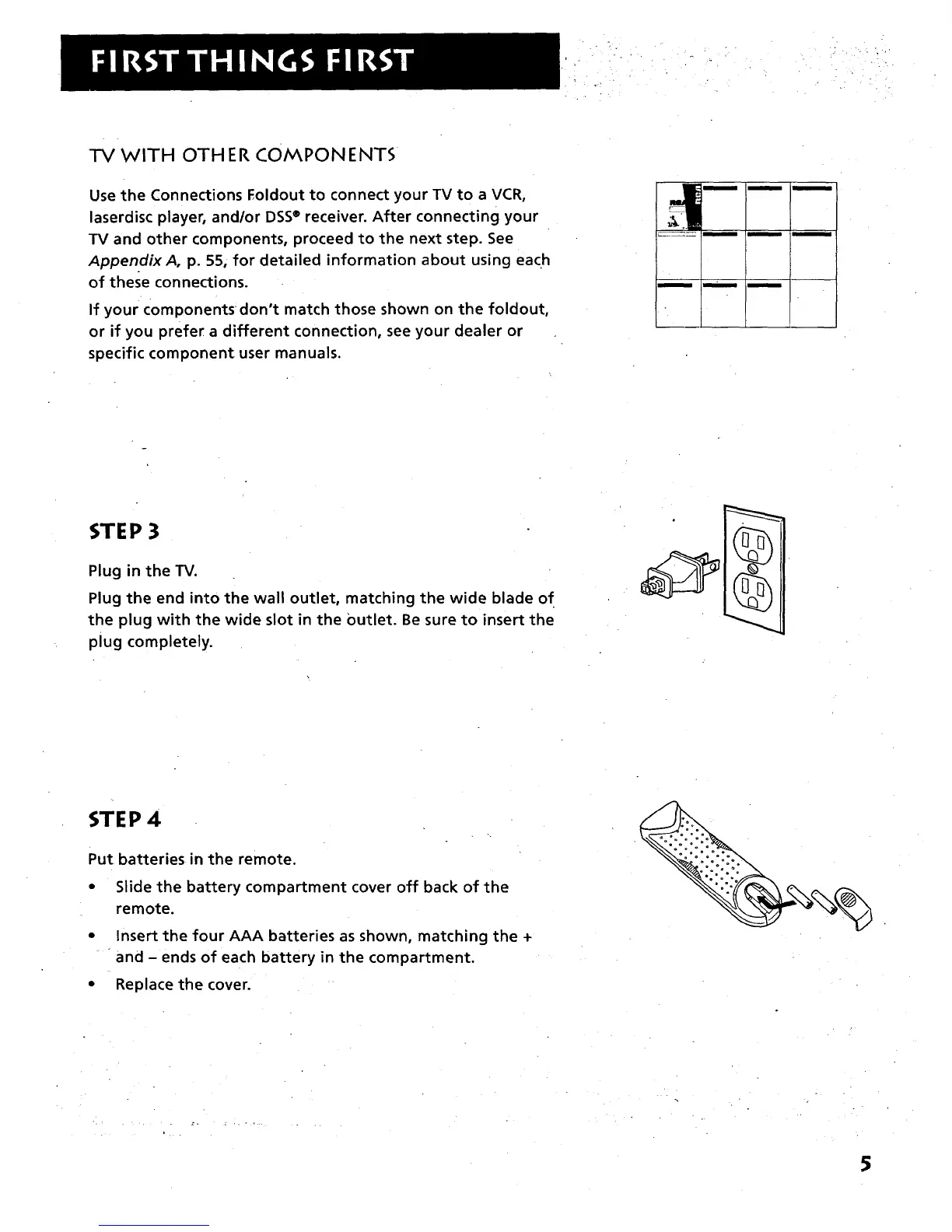
Use the Connections Foldout to connect your TV to a VCR,
laserdisc player, and/or DSS® receiver. After connecting your
TV and other components, proceed to the next step. See
Appendix A, p. 55, for detailed information about using each
of these connections.
If your components don't match those shown on the foldout,
or if you prefer a different connection, see your dealer or
specific component user manuals.
m n n
STEP 3
Plug in the TV.
Plug the end into the wall outlet, matching the wide blade of
the plug with the wide slot in the Outlet. Be sure to insert the
plug completely.
STEP 4
Put batteries in the remote.
• Slide the battery compartment cover off back of the
remote.
• Insert the four AAA batteries as shown, matching the +
and - ends of each battery in the compartment.
• Replace the cover.
5



 To Next Page