STEP 5
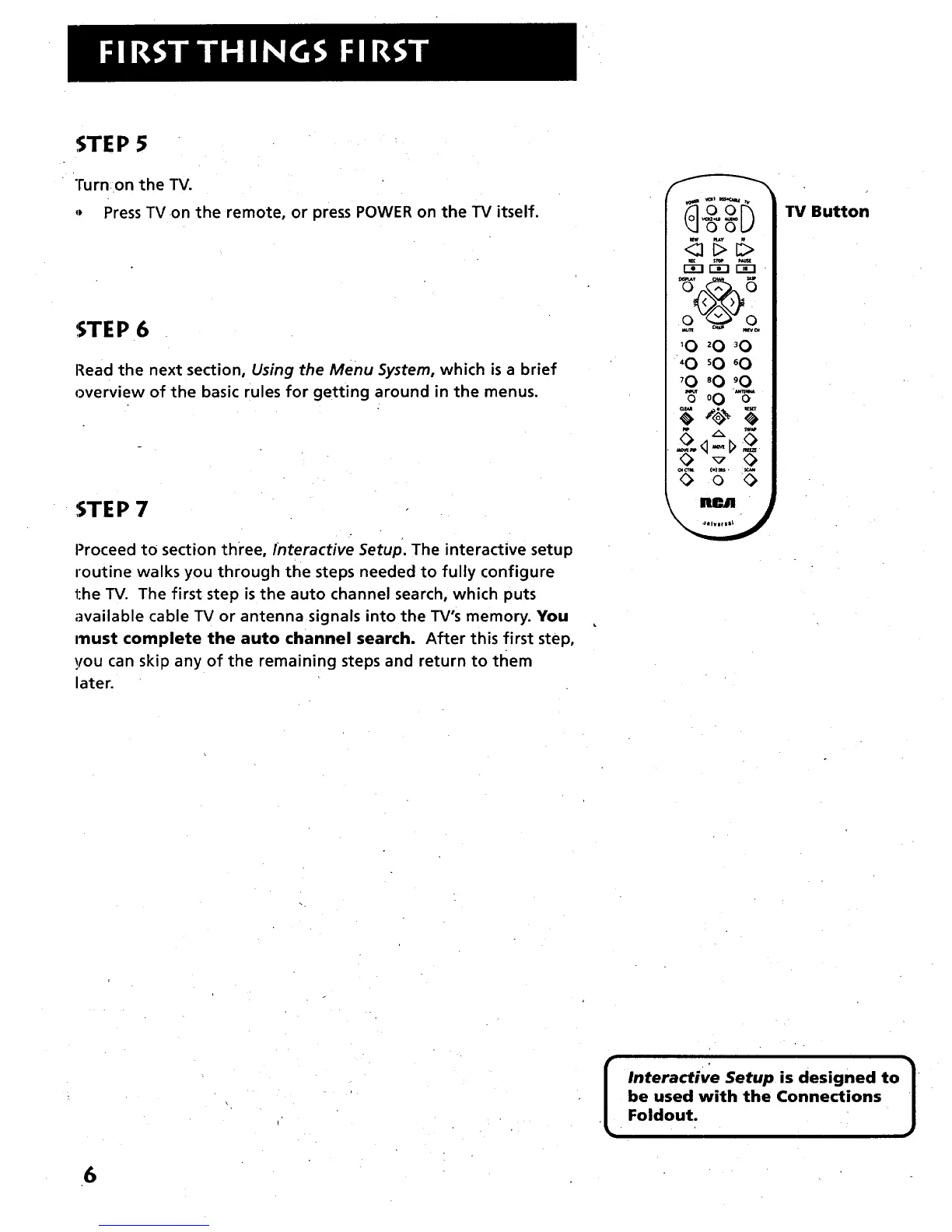
Turn on the TV.
,, Press TV on the remote, or press POWER on the TV itself.
STEP 6
Read the next section, Using the Menu System, which is a brief
overview of the basic rules for getting around in the menus.
STEP 7
Proceed to section three, Interactive Setup. The interactive setup
routine walks you through the steps needed to fully configure
the TV. The first step is the auto channel search, which puts
available cable TV or antenna signals into the TV's memory. You
ITlust complete the auto channel search. After this first step,
you can skip any of the remaining steps and return to tliem
later.
_oU
0 0
'0 _0 _0
_0 _0 _0
_0 _0 _0
'_o0%-
TV Button
[
Interactive Setup is designed to
be used with the Connections
Foldout.
6



 To Next Page