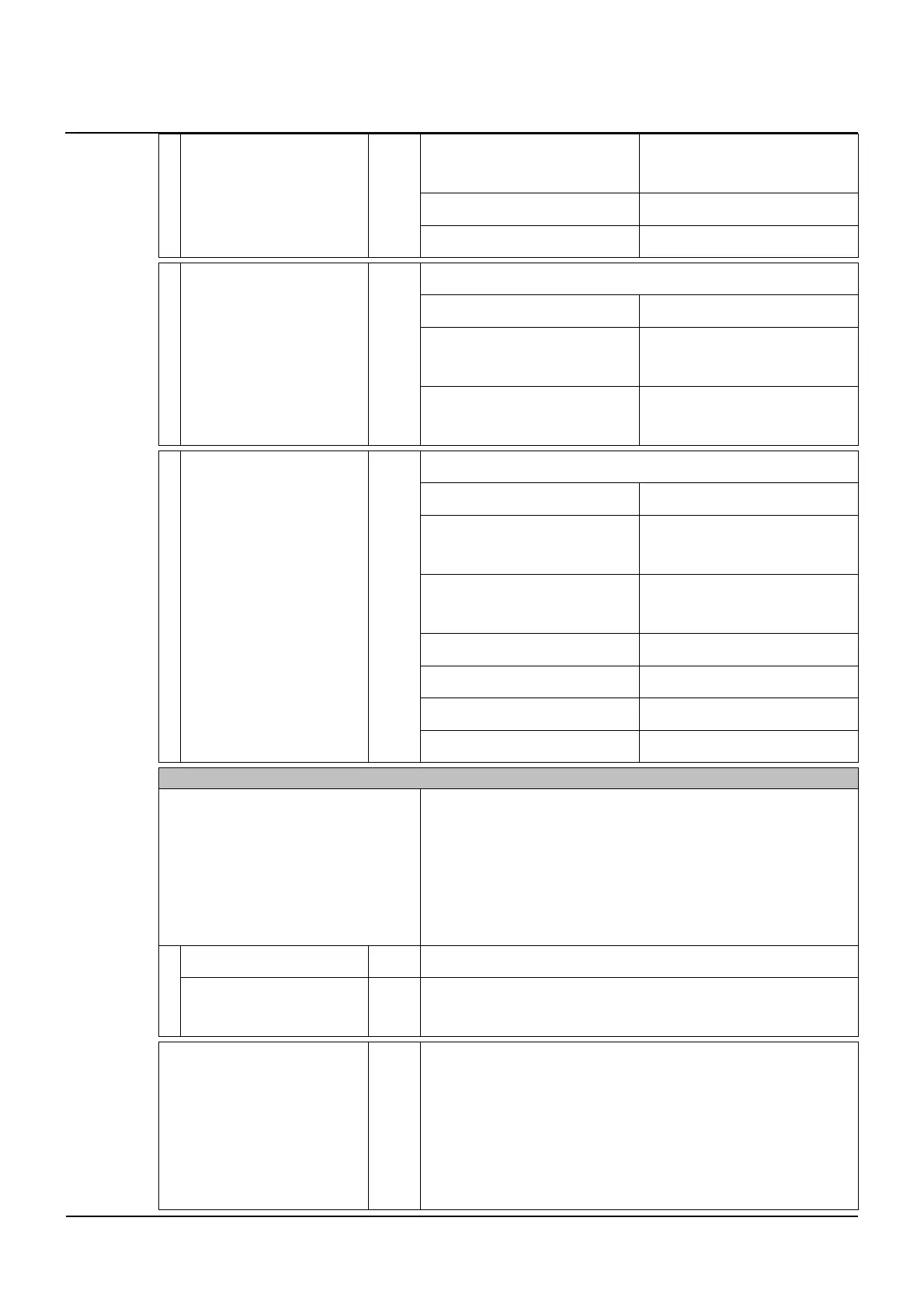
Configurations
16
102-127108955 V1.1 69/ 102
Manual drive → When Auto-
matic
Activated
Manual drive → Collision Activated
Manual drive → Closing speed 10
Setting for Full Power Applications at Brussels airport.
Parameter Default value
Miscellaneous → Alarm display
→ Time activation
0
→ Brussels Airport
Miscellaneous → Alarm display
→ Time safety
6
Setting for Full Power Applications in Germany.
Parameter Default value
Manual drive → When Auto-
matic
Activated
Manual drive → Assisted clo-
sure
Increasing
Manual Drive → Active sensors SIS activated
Locking → Lock function Always locked
Locking → Lock Manually Activated
→ Default 1
Output → AUX1_OUT Test sensors
MASTER/SLAVE 2 LEAVES
→ AKA function This is used to configure the function of AKA input with mas-
ter/slave systems.
▪ In corridors or passages it can be determined
whether only one or both leaves open when trig-
gered, e.g. normal operation acting on one door or
opening both doors when a hospital bed needs to
pass.
→ Master + Slave X AKA acts on both drives.
→ Only Master AKA input affects only the master drive, AKI and SSK act on
both drives (“sister-circuit”). No one-way operation is possible.
→ Overlap 5 0 = no overlap (blunt door opening)
5 = slight overlap (simple door opening)
40 = very large overlap (multiple door opening)
In the adjusted overlapping area only ever one leaf moves.
When opening, the stationary leaf waits until the moving leaf
has left the overlapping area y.



 To Next Page