Front Door
1. Left top cover (page 9 "Left Top Cover")
2. Center top cover (page 10 "Center Top Cover")
3. Right top cover (page 10 "Right Top Cover")
4. Front corner cover (page 11 "Front Corner Cover")
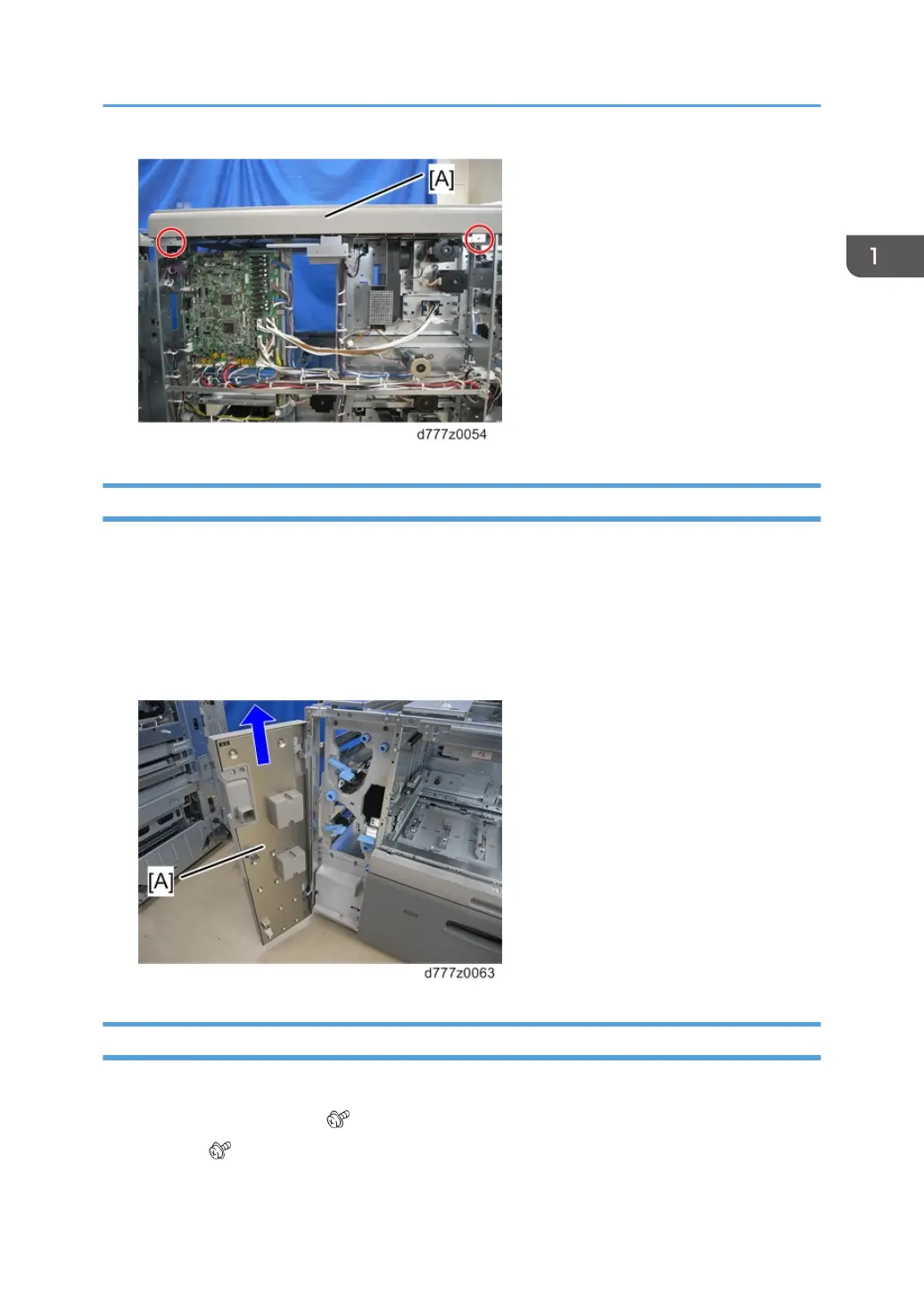
5. Lift the front door [A] and remove it.
Upper Inner Cover
1. Open the front door.
2. Remove the two levers [A] ( x1 each).
3. Knob [B] ( x1)
Exterior Covers
13



 To Next Page
 Loading...