Delivering Scan Files
96
4
Selecting the Sender by Entering the Registration Number
Select a sender by entering its Short ID number (registered using the ScanRouter
delivery software). For details about how to set Short IDs, see the manuals sup-
plied with the ScanRouter delivery software.
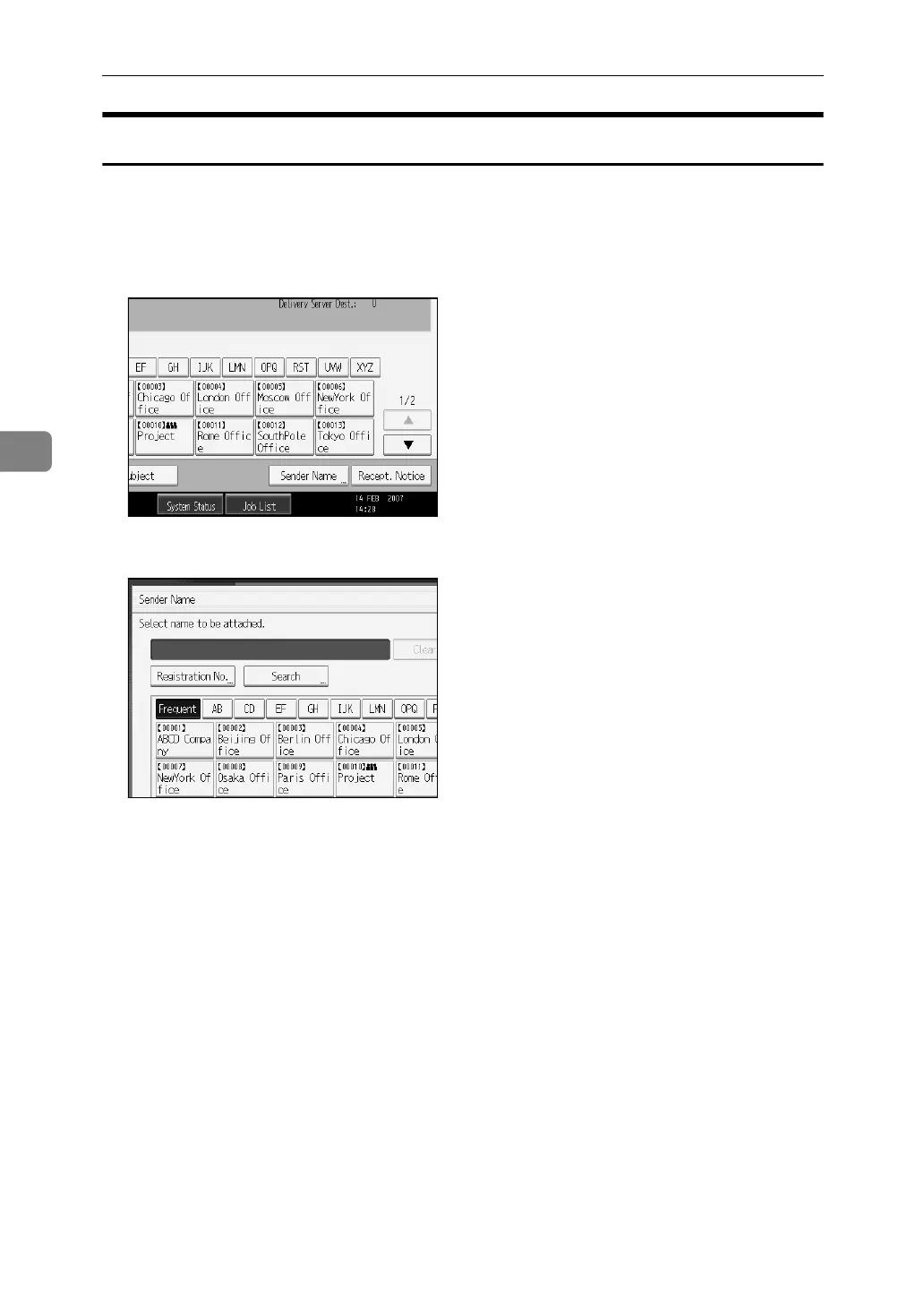
A Press [Sender Name].
B Press [Registration No.].
C Using the number keys, enter the three-digit registration number assigned
to the required destination folder.
If the entered number is less than five digits, press the {q} key after the last
number.
Example: To enter 006
Press the {6} key, and then press the {q} key.
D Press [OK].
By pressing [Change], you can change the selected destination.



 To Next Page
 Loading...










