Storing Files Using the Scanner Function
80
3
Changing Data for a Stored File
You can change data for a stored file, such as [User Name], [File Name], and [Password].
Note
❒ Information for files waiting for delivery cannot be changed.
Changing a user name
You can change the user name for a stored file.
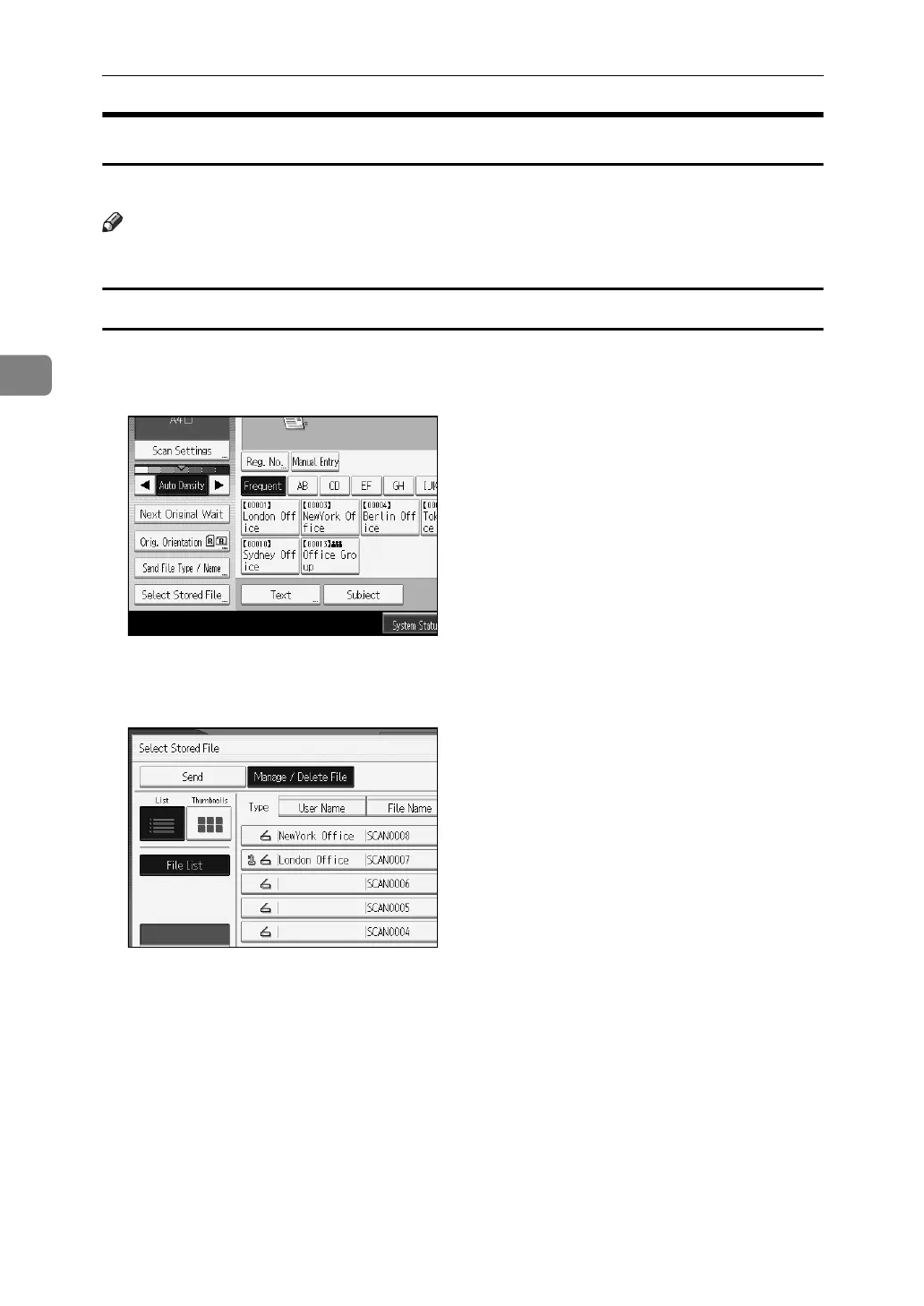
A Press [Select Stored File].
The list of stored files appears.
B Press [Manage / Delete File].
C Select the file containing the file information you want to change.
If you select a password-protected stored file, a screen for entering the pass-
word appears. Enter the password, and then press [OK].
D Press [Change User Name].
E Enter a new user name.
The user names shown here are names that were registered on the [Adminis-
trator Tools] tab in [System Settings]. To change a user name not shown here,
press [Manual Entry], and then enter the user name.
F Press [OK].



 To Next Page
 Loading...










