Sending Scan Files by E-mail
34
1
Specifying the E-mail Message
This section explains how to specify the e-mail message.
The message can be created in the following ways:
• Select the registered e-mail message from the list
• Enter the message directly
Important
❒ The messages that can be selected from the list must be registered in [System
Settings] in advance. For details, see General Settings Guide.
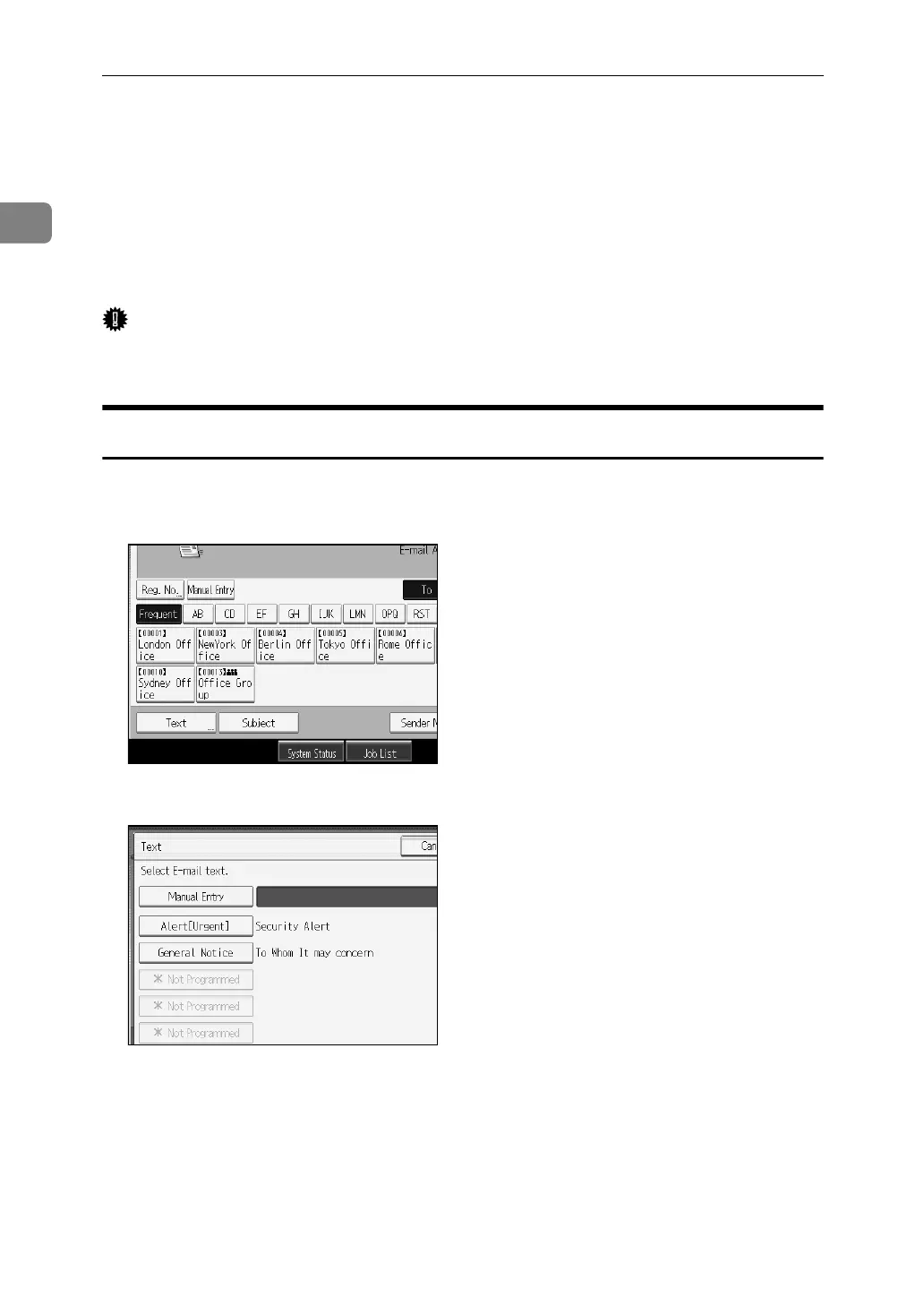
Selecting a Message from the List
You can select a message from the list.
A Press [Text].
B Select a message.
C Press [OK].


 To Next Page
 Loading...










