Specifying the Sender
97
4
Selecting a Sender by Searching the Delivery Server’s Destination List
This section explains how to select a sender by searching the delivery server’s
Destination List.
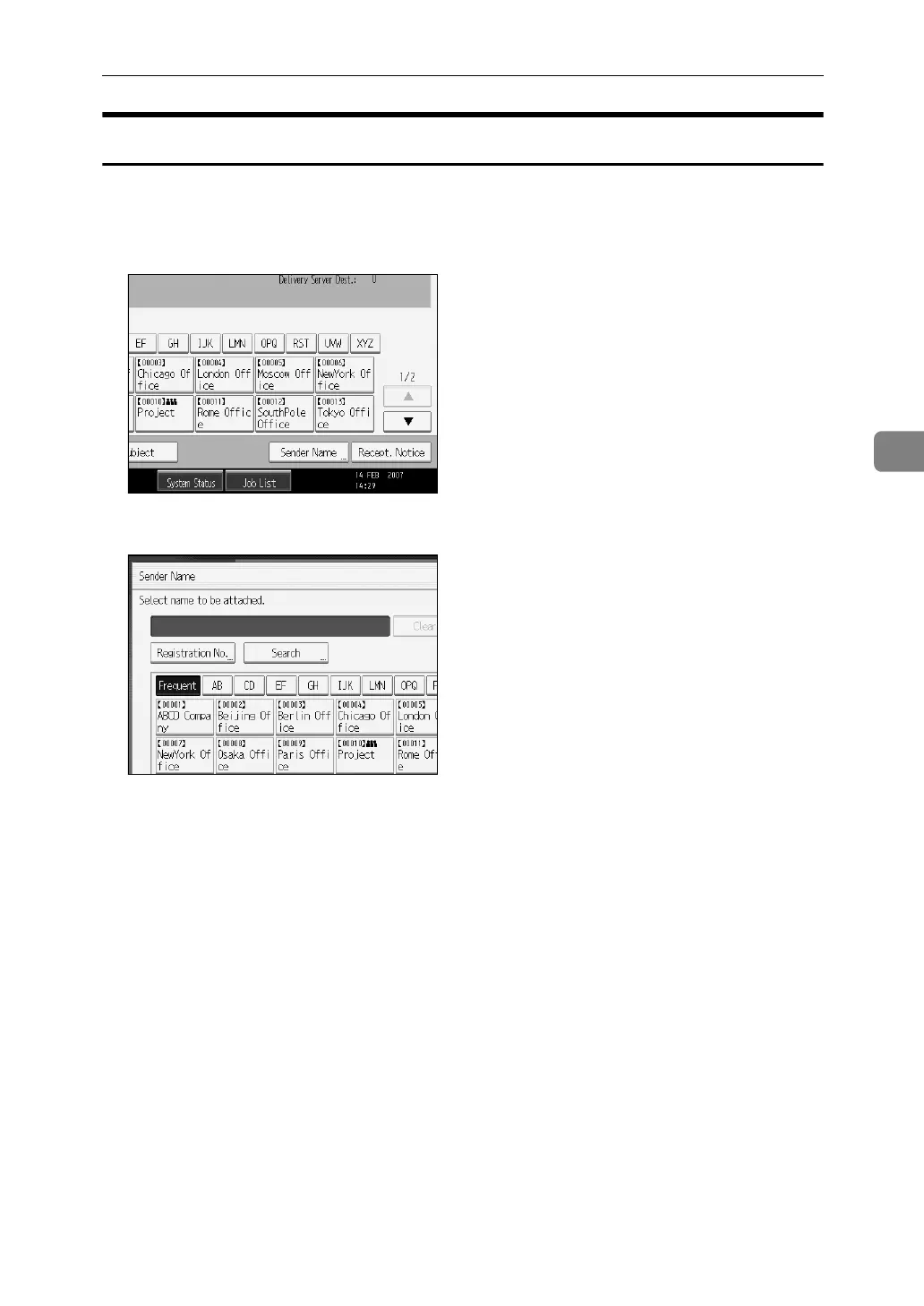
A Press [Sender Name].
B Press [Search].
C To search by destination name, press [Name].
To search by comment, press [Comment].
The soft keyboard appears.
You can also search by combining [Name] and [Comment].
D Enter the beginning of the sender's name.
To search by comment, enter the beginning of the comment.
E Press [OK].


 To Next Page
 Loading...











