Sending a Stored File
77
3
Sending a Stored File
This section explains how to send a stored file.
Stored files can be sent by e-mail, Scan to Folder, or the network delivery scan-
ner.
Note
❒ There are two methods of sending stored files by e-mail. Settings made under
[Scanner Features] determine which method is used. For details, see General
Settings Guide.
• To send the URL by e-mail:
Under [Scanner Features], [Stored File E-mail Method], select [Send URL Link].
This method is useful when network restrictions prevent you sending at-
tachments.
• To send an attached file by e-mail:
Under [Scanner Features], [Stored File E-mail Method], select [Send File].
Sending Stored Files
This section describes a brief procedure for sending stored files.
For details about how to select stored files and make settings for sending those
files, see respective pages.
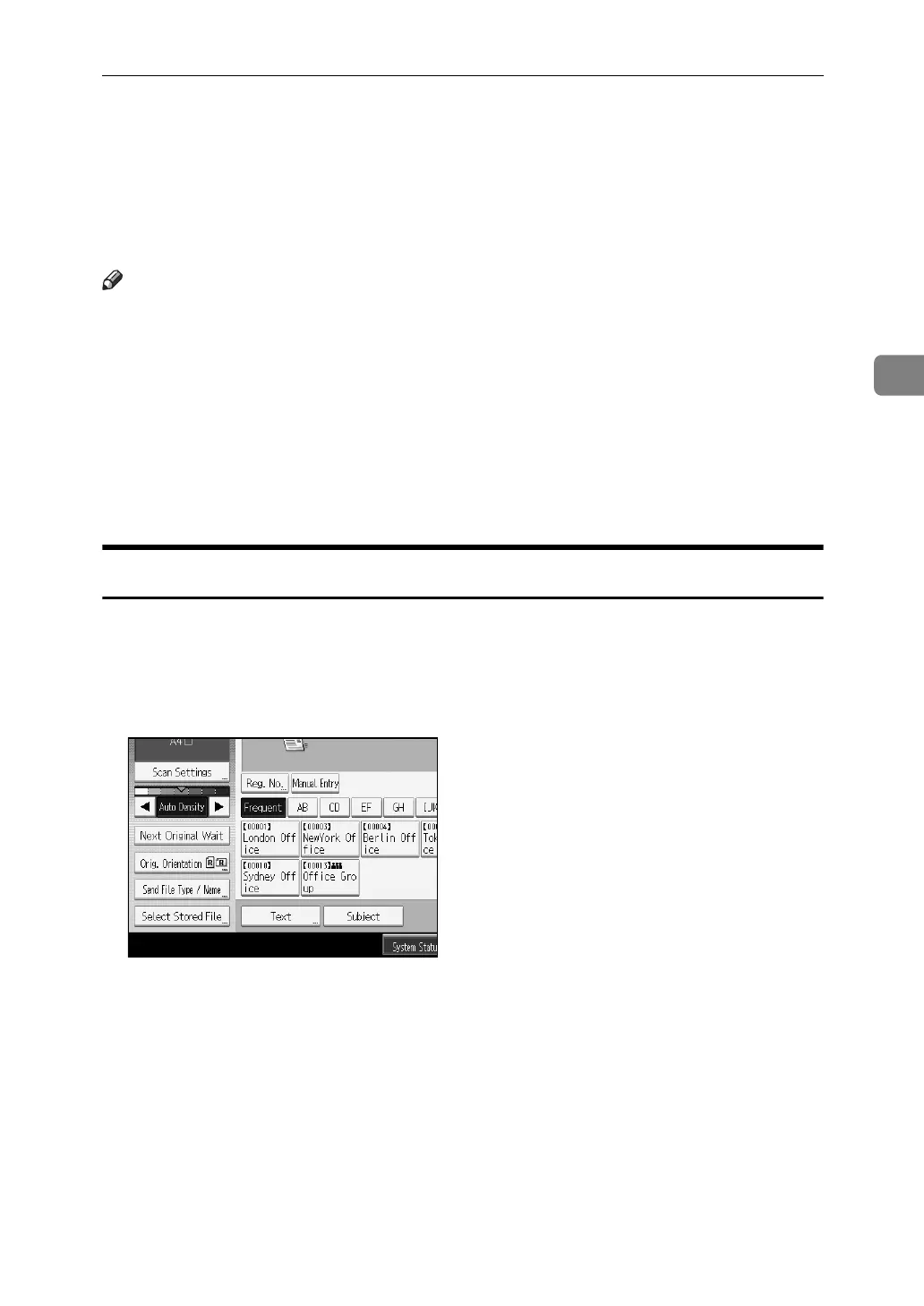
A Press [Select Stored File].
The list of stored files appears.
B Select the file you want to send.
You can select multiple files.
The selected files are sent in the order they were selected.
If you press [Queue], only the files you have selected are displayed in the order
they will be sent.
For details about selecting the stored files, see "Searching the List of Stored
Files".
C Press [OK].



 To Next Page
 Loading...










