107
6. Various Scan Settings
This section describes various scan settings.
Specifying Scan Settings
This section explains how to make scan settings.
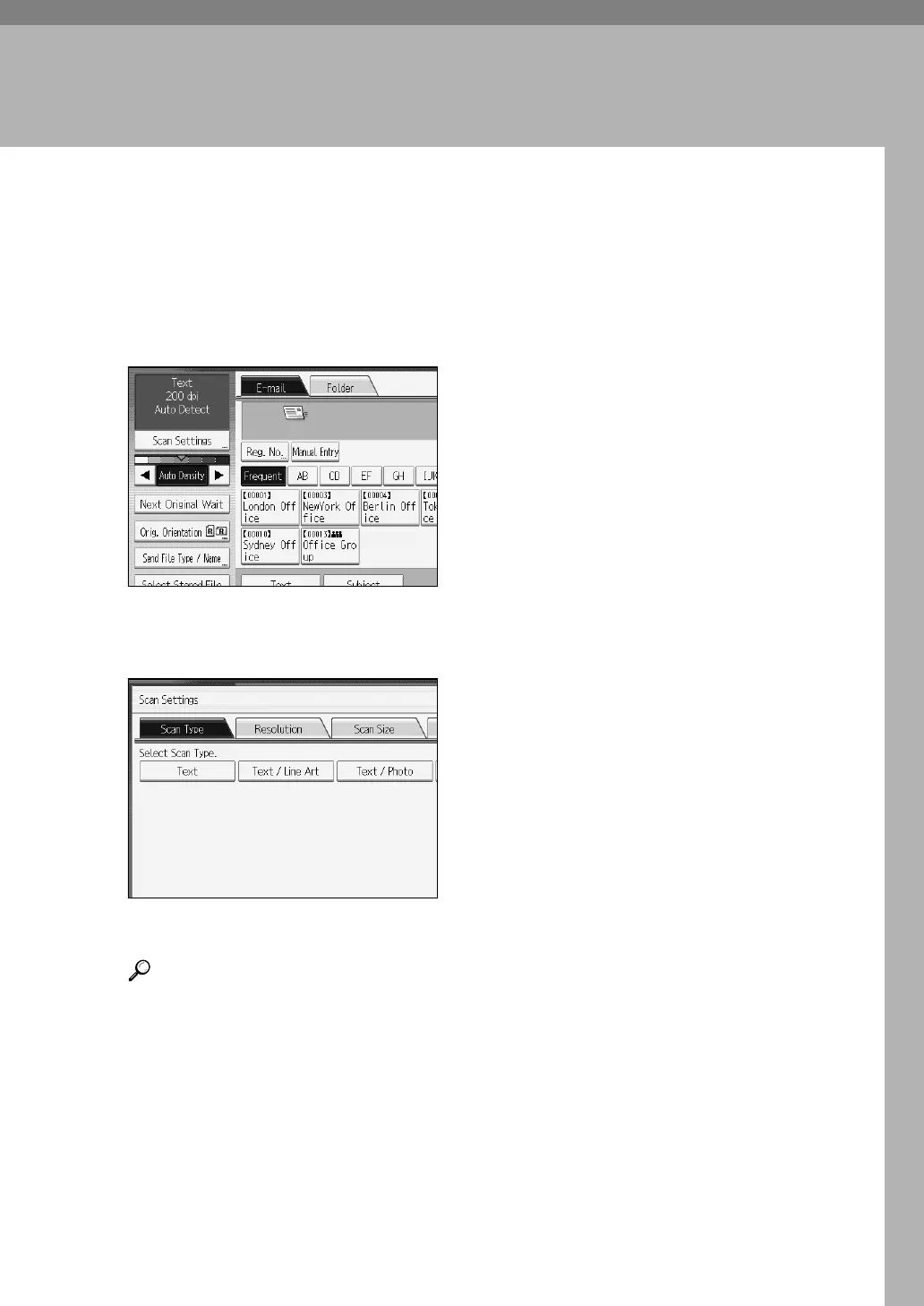
A Press [Scan Settings].
B Specify resolution, scan size, and other settings, as required.
For details about individual scan settings, see "Scan Settings".
C Press [OK].
Reference
p.108 “Scan Settings”


 To Next Page
 Loading...











