Basic Operation for Delivering Files
87
4
Basic Operation for Delivering Files
This section describes the basic operation for delivering scan files using the net-
work delivery scanner.
Important
❒ You must register destinations and senders in advance using the ScanRouter
delivery software installed on the delivery server.
A Make sure that no previous settings remain.
If a previous setting remains, press the {Clear Modes} key.
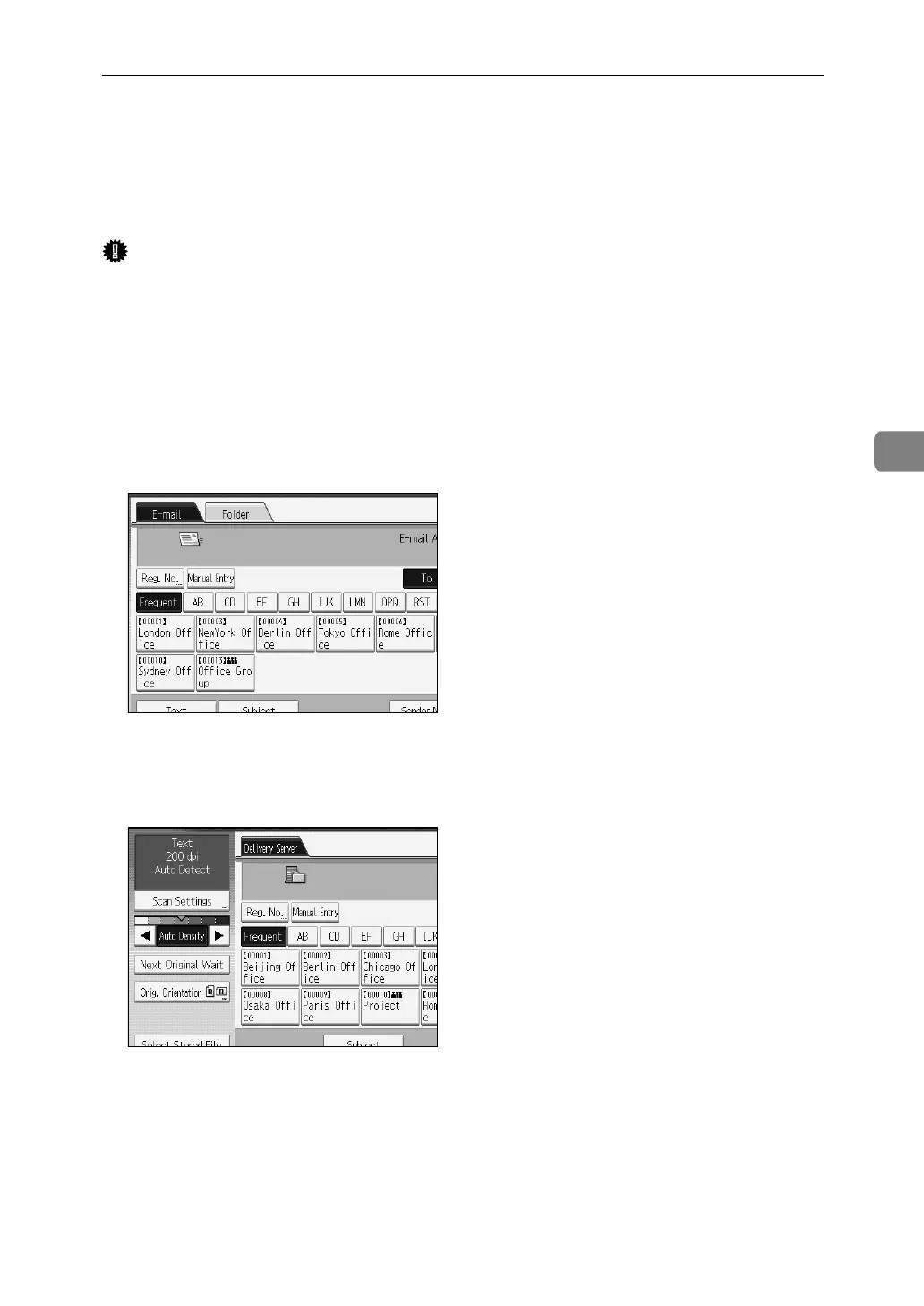
B If the E-mail screen or Scan to Folder screen appears, switch to the network
delivery scanner screen.
For details, see "Switching to the Network Delivery Scanner Screen".
C If necessary, press [Scan Settings] to specify scanner settings such as resolu-
tion and scan size.
For details, see "Various Scan Settings".
D If necessary, specify the scanning density.
For details, see "Adjusting Image Density".
E If necessary, press [Orig. Orientation] to original orientation.
For details, see "Setting Original Orientation".


 To Next Page
 Loading...










