Sending Scan Files by E-mail
36
1
Simultaneous Storage and Sending by E-mail
This section explains how to store a file and simultaneously send it by e-mail.
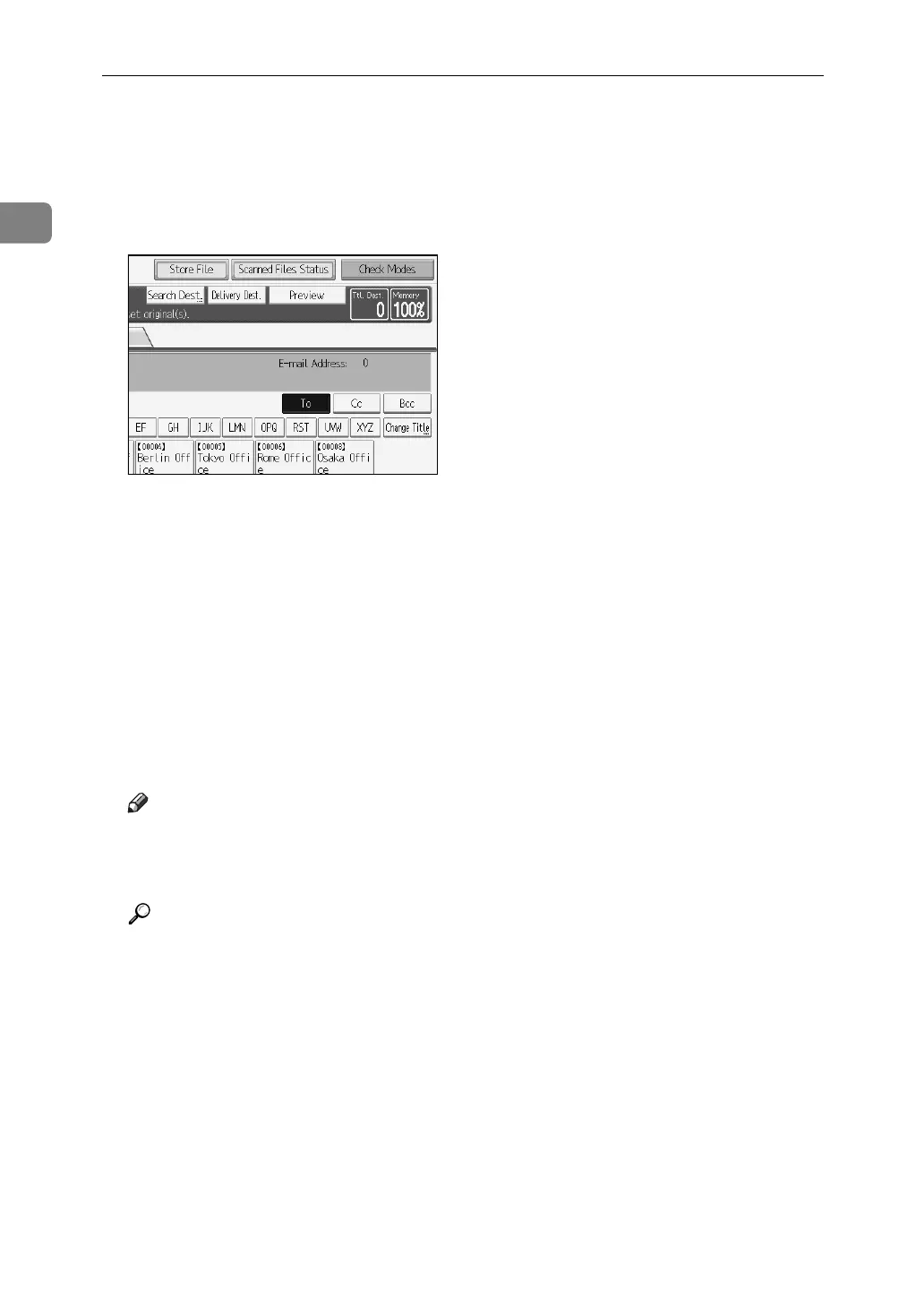
A Press [Store File].
B Select [Send & Store].
C If necessary, specify the stored file's information, such as [User Name], [File
Name], and [Password].
For details, see "Specifying File Information for a Store File".
D Press [OK].
E Specify the destination, make any other necessary settings, and then send
the e-mail.
For details about sending a file by e-mail, see "Basic Operation for Sending
Scan Files by E-mail".
Note
❒ You can resend stored files by e-mail. To resend stored files, select the files
on the Select Stored File screen, and then send them. For details, see "Send-
ing a Stored Files".
Reference
p.68 “Specifying File Information for a Stored File”
p.16 “Basic Operation for Sending Scan Files by E-mail”
p.77 “Sending a Stored File”



 To Next Page
 Loading...










