Delivering Scan Files
90
4
Switching to the Network Delivery Scanner
Screen
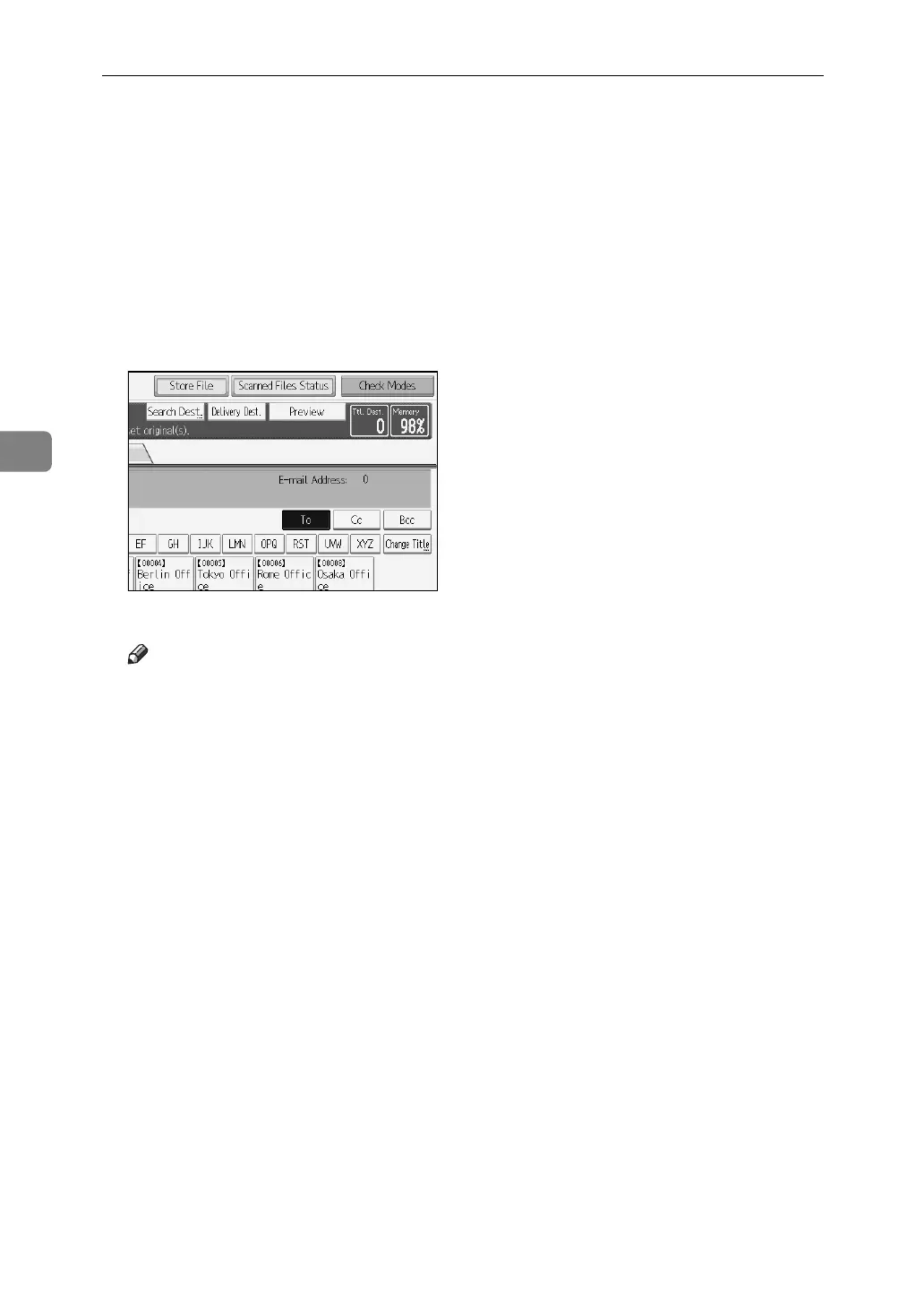
This section explains how to switch the screen to the network delivery scanner
screen.
If the E-mail screen or Scan to Folder screen is being displayed, switch to the net-
work delivery scanner screen.
A Press [Delivery Dest.].
The network delivery scanner screen appears.
Note
❒ You cannot switch from the E-mail screen or Scan to Folder screen while
destinations or senders are being specified. To clear a specified destination,
display the destination in the destination field of the E-mail screen or Scan
to Folder screen, and then press the {Clear / Stop} key.



 To Next Page
 Loading...










