Specifying File Information for a Stored File
69
3
Specifying a File Name
This section explains how to change the name of a stored file.
A stored file is allocated a name starting with "SCAN" followed by a 4-digit
number.
• Example: SCAN0001
You can change this file name.
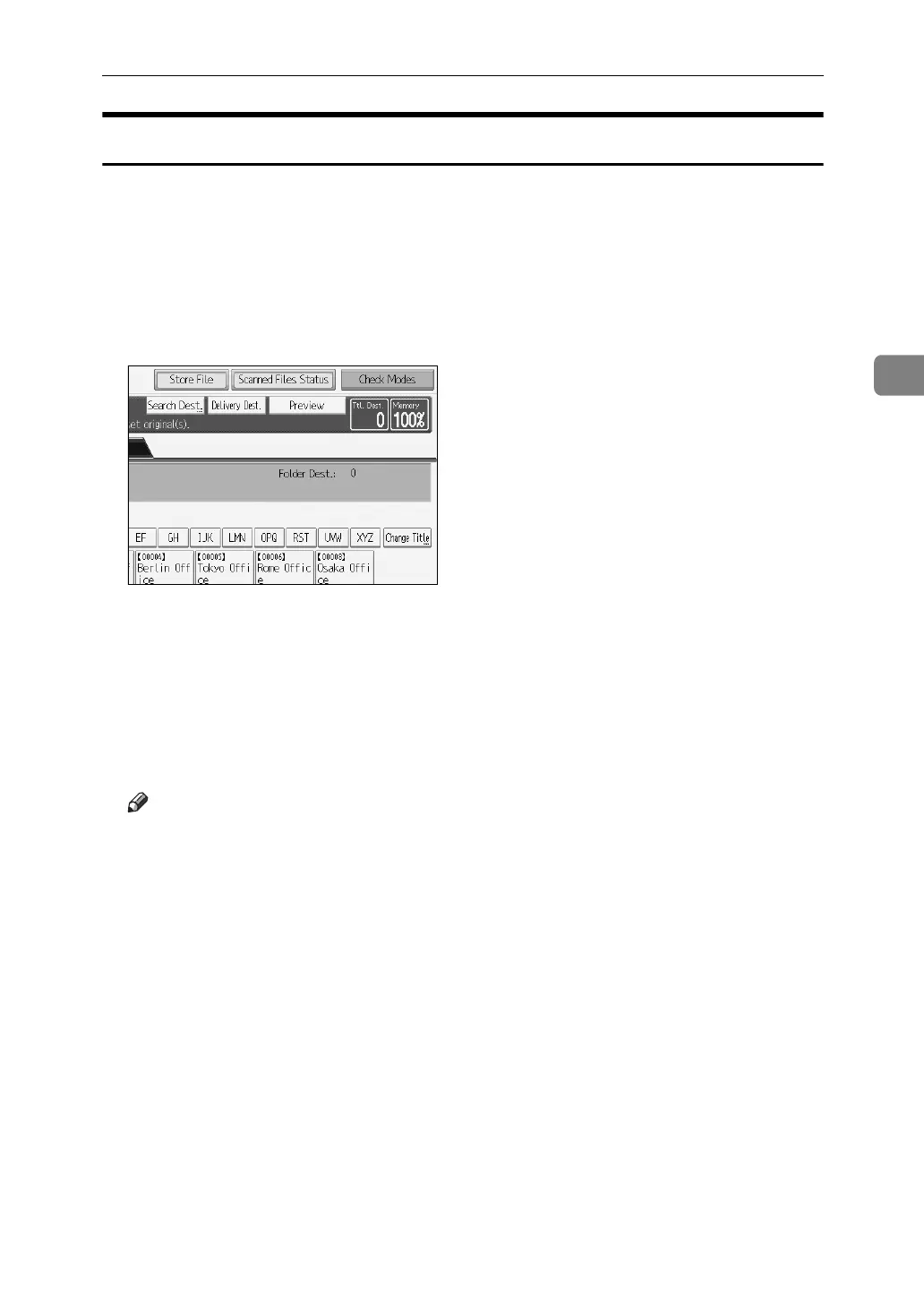
A Press [Store File].
The Store File screen appears.
B Press [File Name].
The soft keyboard appears.
C Change the file name.
D Press [OK] twice.
Note
❒ For details about entering the text, see About This Machine.



 To Next Page
 Loading...










