Storing Files Using the Scanner Function
66
3
Basic Operation for Storing Scan Files
This section describes the basic operation for storing scan files.
A Make sure that no previous settings remain.
If a previous setting remains, press the {Clear Modes} key.
B Press [Store File].
C Press [Store Only].
D If necessary, specify file information, such as [User Name], [File Name], and
[Password].
For details, see "Specifying File Information for a Stored File".
E Press [OK].
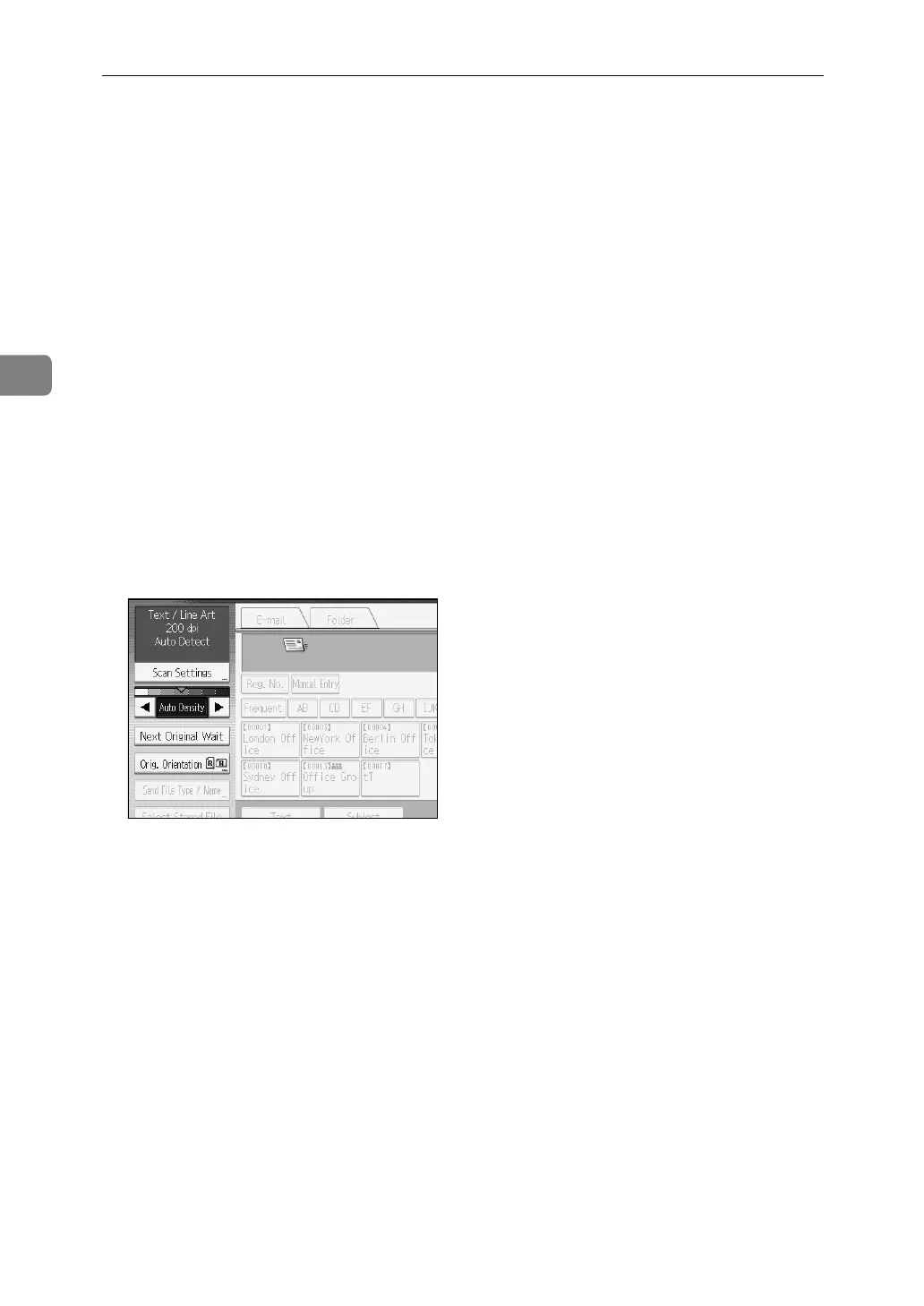
F If necessary, press [Scan Settings] to specify scanner settings such as resolu-
tion and scan size.
For details, see "Various Scan Settings".
G If necessary, specify the scanning density.
For details, see "Adjusting Image Density".
H If necessary, press [Orig. Orientation] to specify original orientation.
For details, see "Setting Original Orientation".
I Place originals.
J Press the {Start} key, if scanning does not start automatically.
If you are scanning batches, place the next originals.
For details, see "Scanning Multiple Pages into a Single File".


 To Next Page
 Loading...










