Appendix
140
7
When Using the E-mail, Scan to Folder, Storing, or Network
Delivery Function
This section explains the relationship between resolution and scan size when us-
ing the e-mail, Scan to Folder, storing, or network delivery scanner function.
❖ A1 - A4, B2 - B4
All combinations up to 600 dpi can be scanned.
❖ Larger than A1 or B2
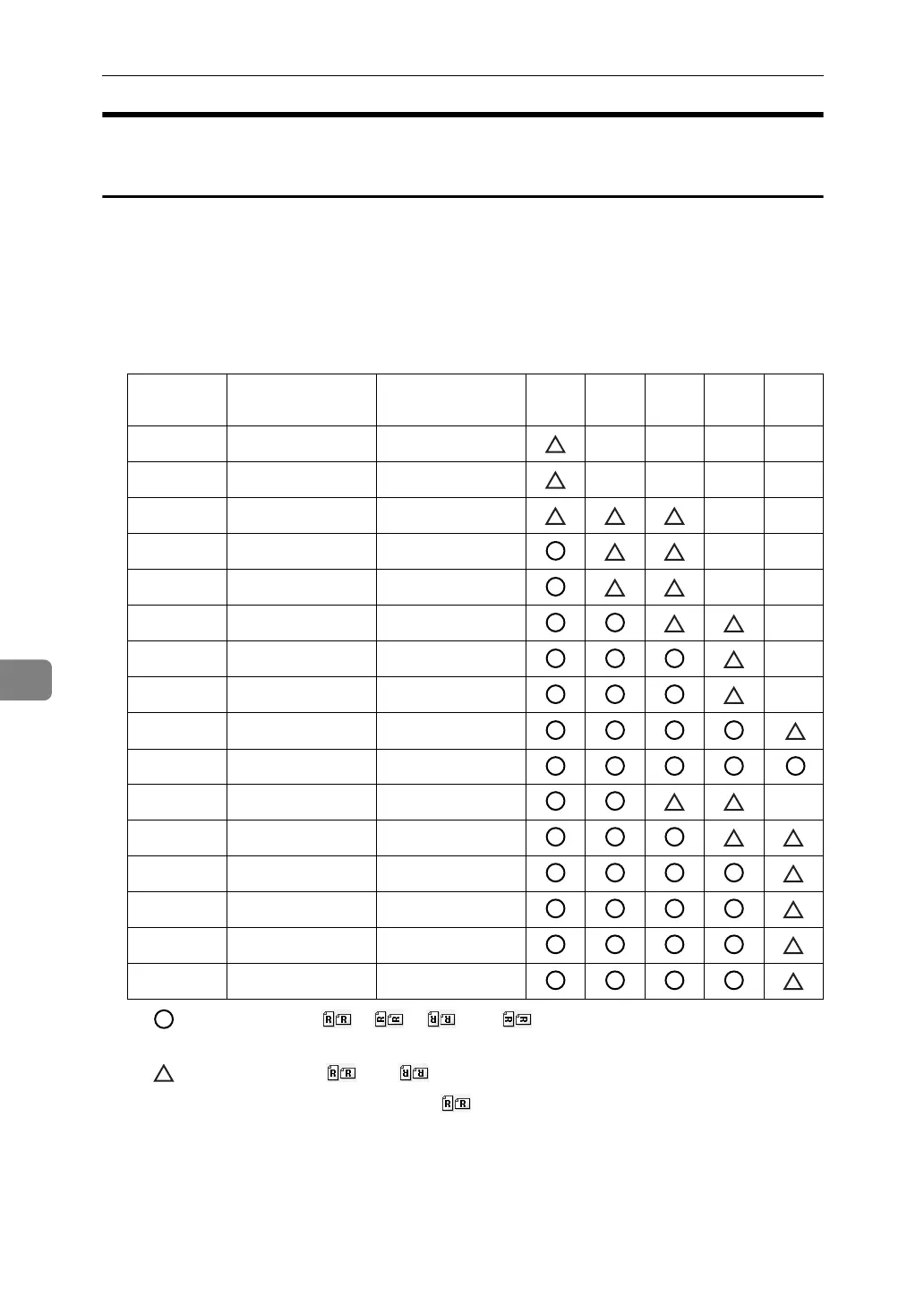
• : You can select [], [], [], or [] as the placing orientation of the
original.
• : You can select [] or [] as the placing orientation of the original.
• Unmarked: You can only select [] as the placing orienting of the original.
If the width is less than 914 mm, the original may be scanned at a resolu-
tion higher than shown in the table.
Width (mm) Length (mm) 150
dpi
200
dpi
300
dpi
400
dpi
600
dpi
Long Length 914 ∼ 15000
Long Length 914 ∼ 13400
Long Length 914 ∼ 6000
Long Length 914 ∼ 3680
Long Length 914 ∼ 3400
Long Length 914 ∼ 2760
Long Length 914 ∼ 1840
Long Length 914 ∼ 1520
Long Length 914 ∼ 1380
Long Length 914 ∼ 920
A0× 2 841 2378
A1× 2 594 1682
A0 841 1189
B1 728 1030
36× 44 914 1117.6
34× 44 864 1117.6



 To Next Page
 Loading...










