Specifying the E-mail Sender
31
1
Selecting the Sender by Searching the Machine’s Address Book
This section explains how to select the sender by searching the machine’s ad-
dress book.
A Press [Sender Name].
B Press [Search].
C To search by user name, press [Name].
To search by e-mail address, press [E-mail Address].
The soft keyboard appears.
You can also search by combining [Name] and [E-mail Address].
D Enter the beginning of the sender’s name you want to search for.
To search by e-mail address, enter the beginning of the address.
E Press [OK].
F If necessary, press [Advanced Search], and then specify the detailed search
criteria.
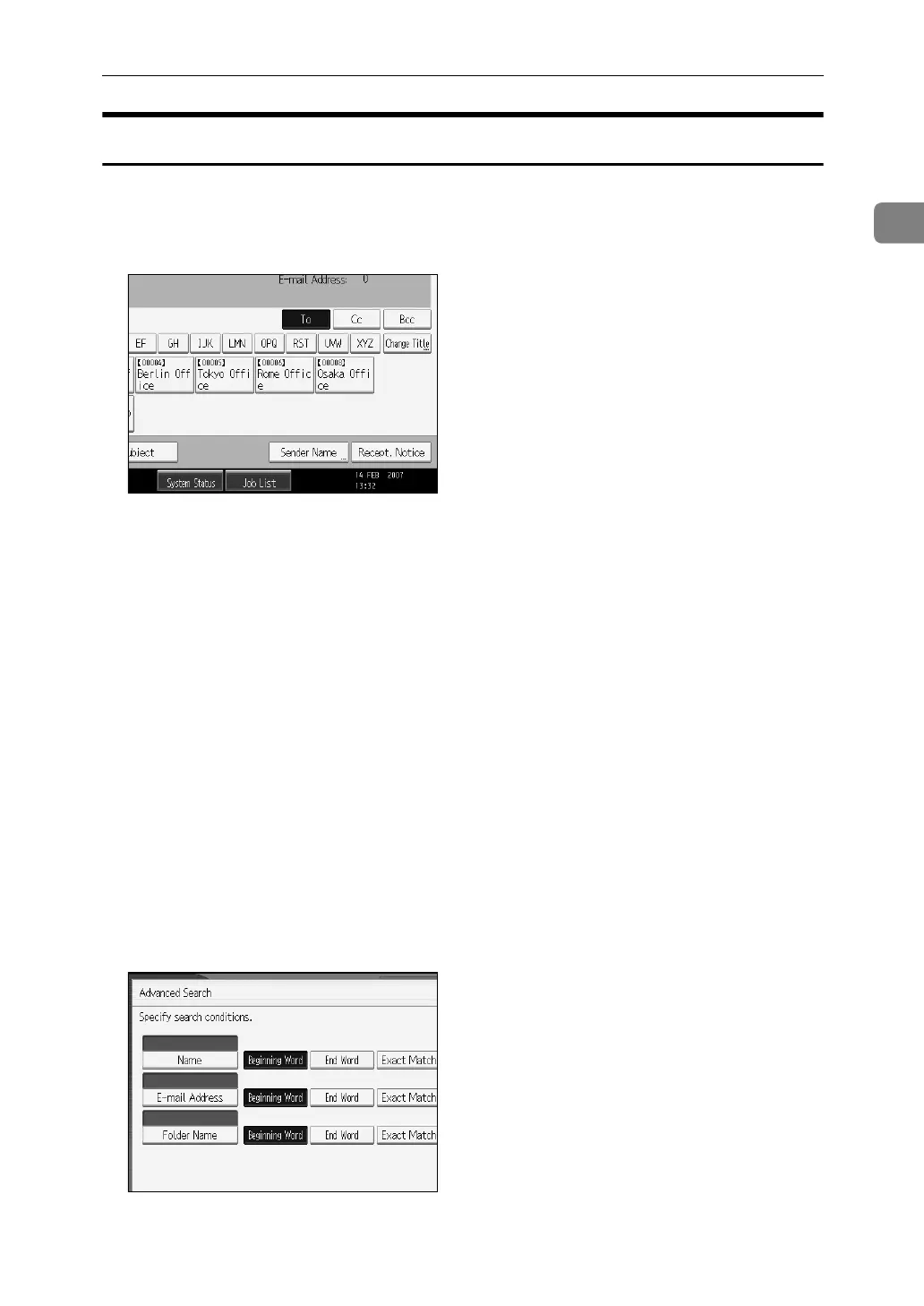
By pressing [Advanced Search], you can search using criteria such as [Name], [E-
mail Address], and [Folder Name].
You can also search by combining the [Beginning Word] or [End Word] criteria
with the other criteria.
The illustrated screen is an example. The items that actually appear on the
screen may differ.



 To Next Page
 Loading...










