1.Detailed Descriptions
20
No. Description No. Description
1 Top Fence 3 Stack Stopper
2 Positioning Roller
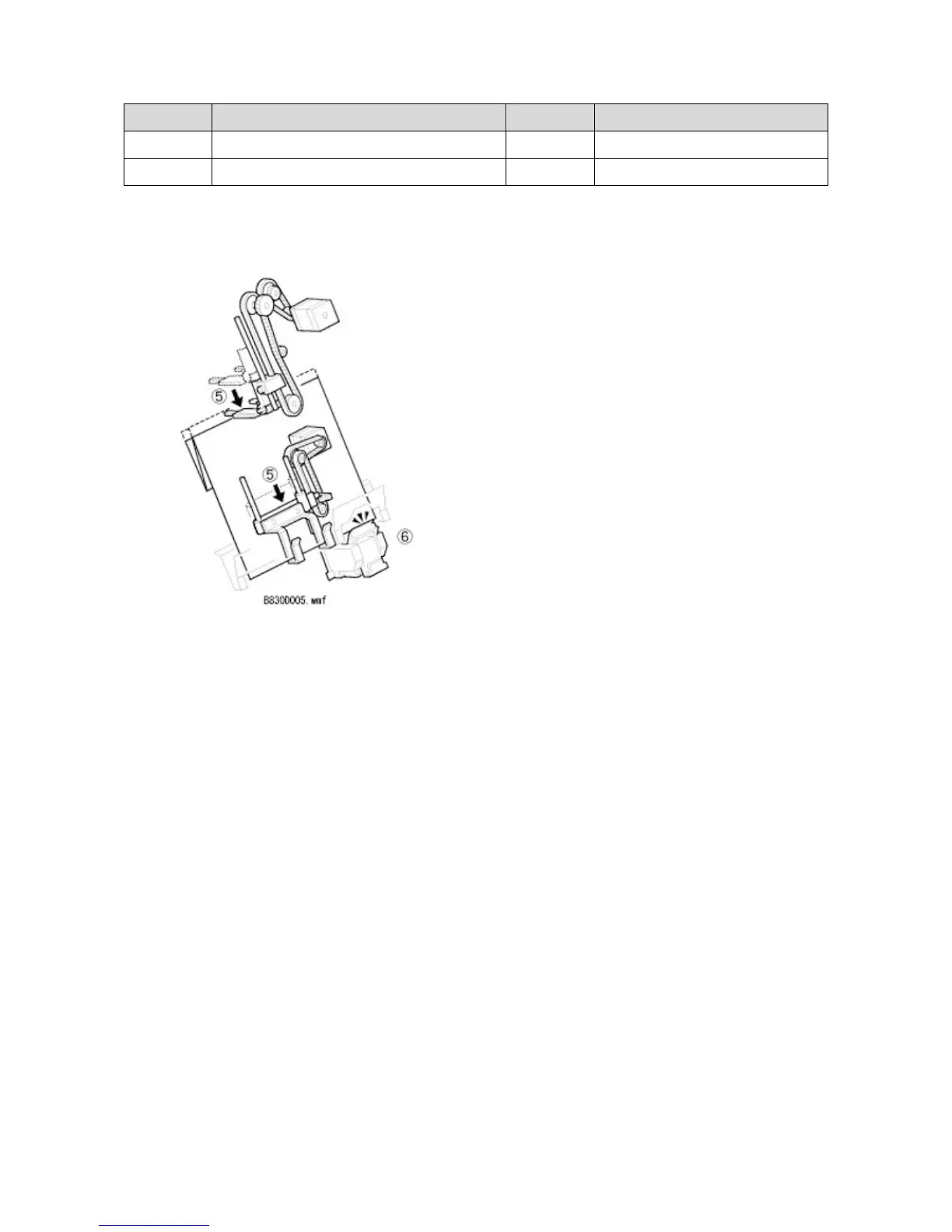
When the specified amount of paper is stacked, the top fence moves down. The stack stopper also moves down to
straighten the leading edge of the paper.
Output Exit Open/Close
The machine opens the output exit when outputting paper in order to output up to one hundred stapled sheets of
paper to the tray.
When the stapler turns ON, the exit open/close motor turns OFF to open the exit, and the feed out motor turns ON
after the stapler turns OFF. The feed out motor drives the stack feed-out belt, and the pawl attached to the belt lifts
the paper to the exit. A certain time after the stapler turns OFF, the output exit open/close motor turns ON to close
the exit, where the paper is output to the shift tray by the exit roller.
In staple mode, the exit opens and close when sixteen or more sheets of paper need to be output.
OFF timing for the output exit open/close motor is detected by the HP sensor.



 To Next Page