91
Store Operation
Recalling stored data
The procedure for recalling data stored in memory using Auto mode is described
below.
1. Press the MENU/ENTER key to bring up the menu list screen.
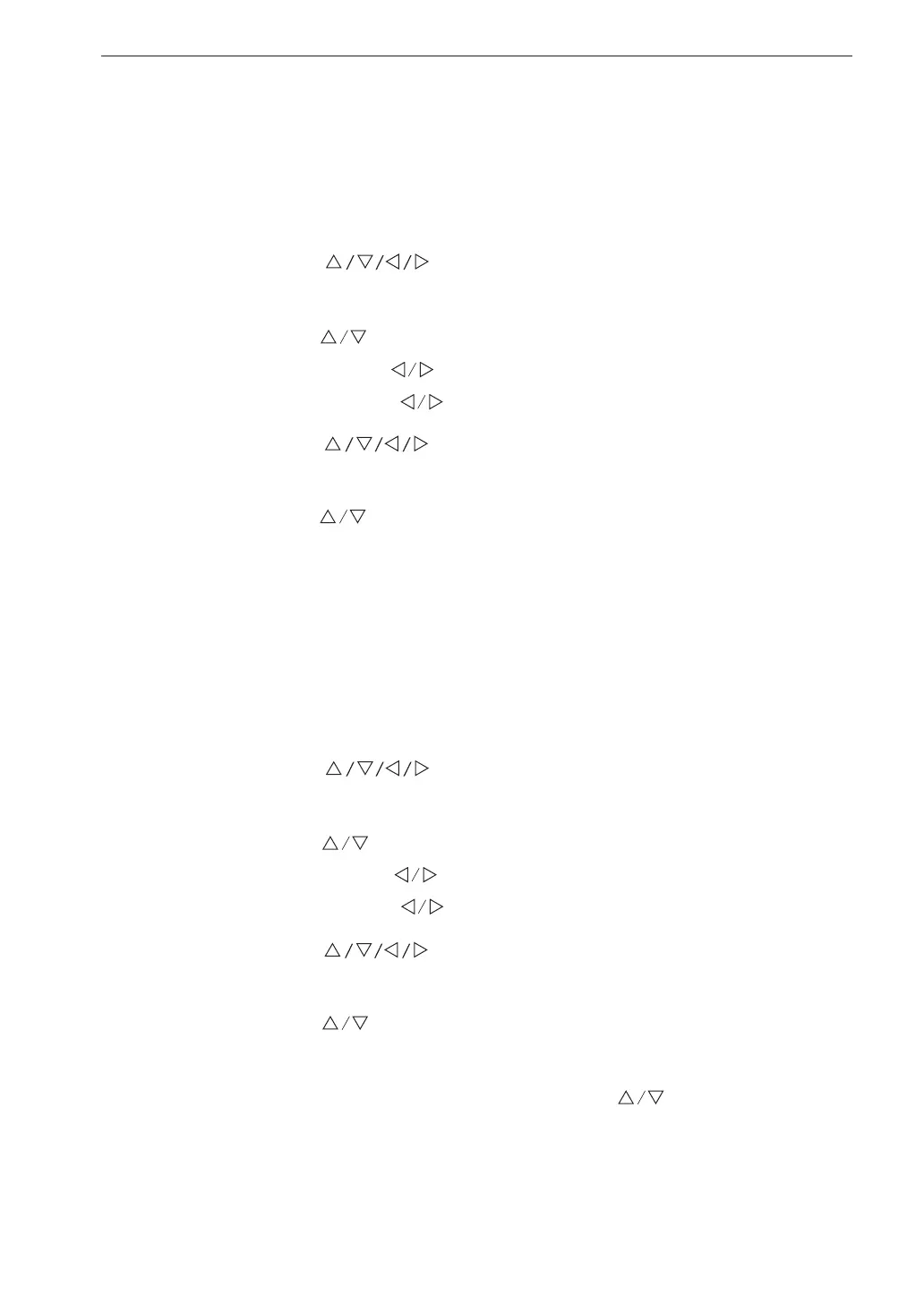
2. Use the
keys to select [Recall] and press the MENU/
ENTER key. The le selection screen appears.
3. Use the
keys to select the data store location. To display stored
L
v
data, use the keys to select [SD Auto Lv]. To display stored
L
eq
data, use the keys to select [SD Auto Leq].
4. Use the keys to select the data you want to recall and
press the MENU/ENTER key.
5. Use the
keys to select [Con rm the data] and press the MENU/
ENTER key. The data stored in memory are displayed.
Deleting stored data
The procedure for deleting data stored in memory using Auto mode is described
below.
1. Press the MENU/ENTER key to bring up the menu list screen.
2. Use the
keys to select [Recall] and press the MENU/
ENTER key. The le selection screen appears.
3. Use the
keys to select the data store location. To delete stored
L
v
data, use the keys to select [SD Auto Lv]. To delete stored
L
eq
data, use the keys to select [SD Auto Leq].
4. Use the
keys to select the data you want to delete and
press the MENU/ENTER key.
5. Use the
keys to select [Delete the data] and press the MENU/
ENTER key.
6. The con rmation screen appears. Use the
keys to select [Yes]
and press the MENU/ENTER key. The selected data are deleted.


 To Next Page