81
Store Operation
Manual mode operation
Memory store
When an operator performs store operation on the con rmation screen
displayed after processing nishes, each processed data will be stored.
If no SD memory card is inserted, the data will be stored in the internal memory
of the unit. If an SD memory card is inserted, the data will automatically be
stored on the card.
The procedure is as follows.
1. Press the POWER key to turn the unit on.
2. Press the MENU/ENTER key to bring up the menu list screen.
3. Use the
keys to select [Store] and press the MENU/ENTER
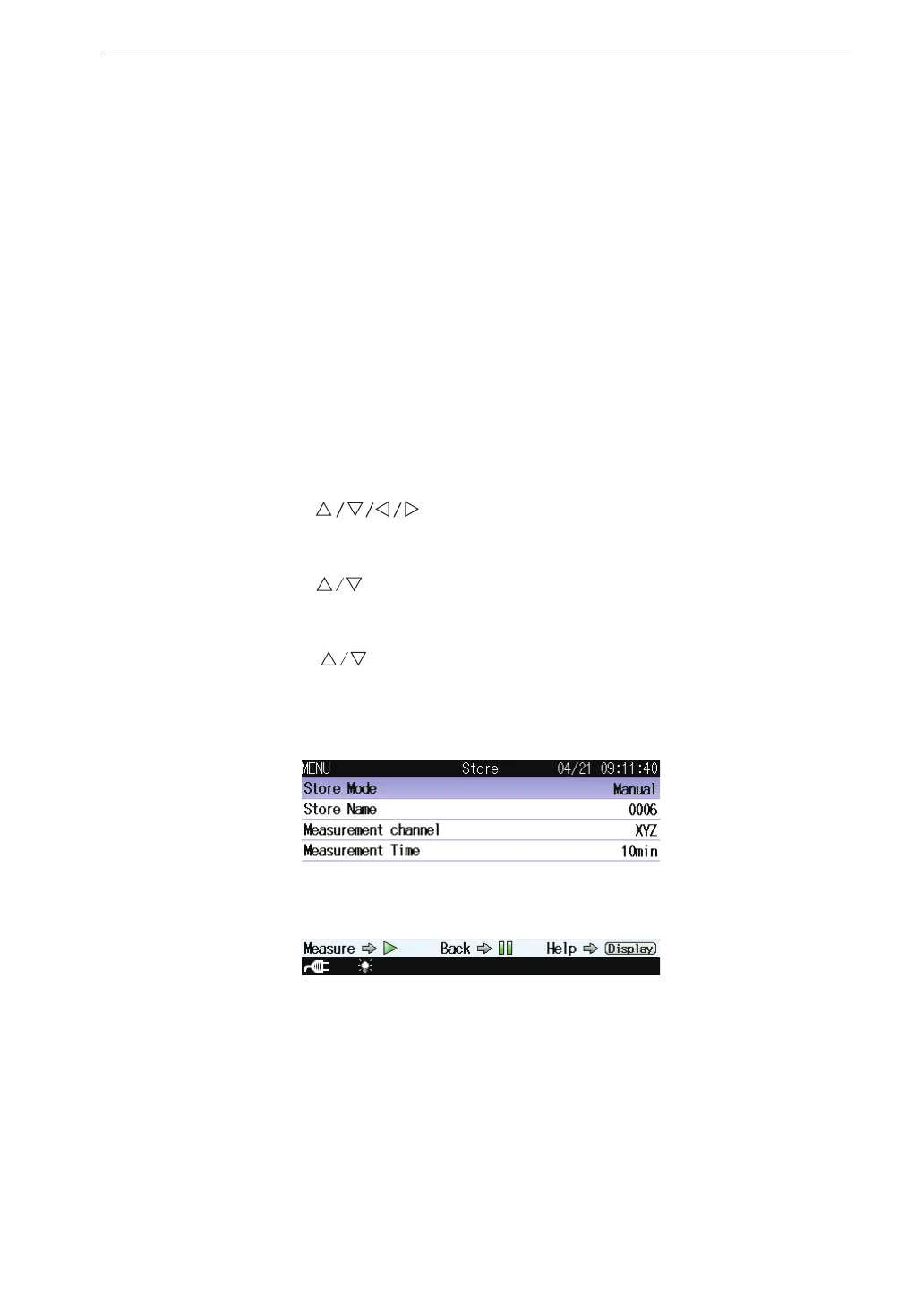
key. The store screen appears.
4. Use the
keys to select [Store Mode] and press the MENU/ENTER
key. The store mode settings screen appears.
5. Use the
keys to select [Manual] and press the MENU/ENTER
key. When the optional Extended Function Program VX-55EX is not
installed, only the [Manual] can be selected.
Store screen when Manual mode is selected



 To Next Page