52
Reading the Display
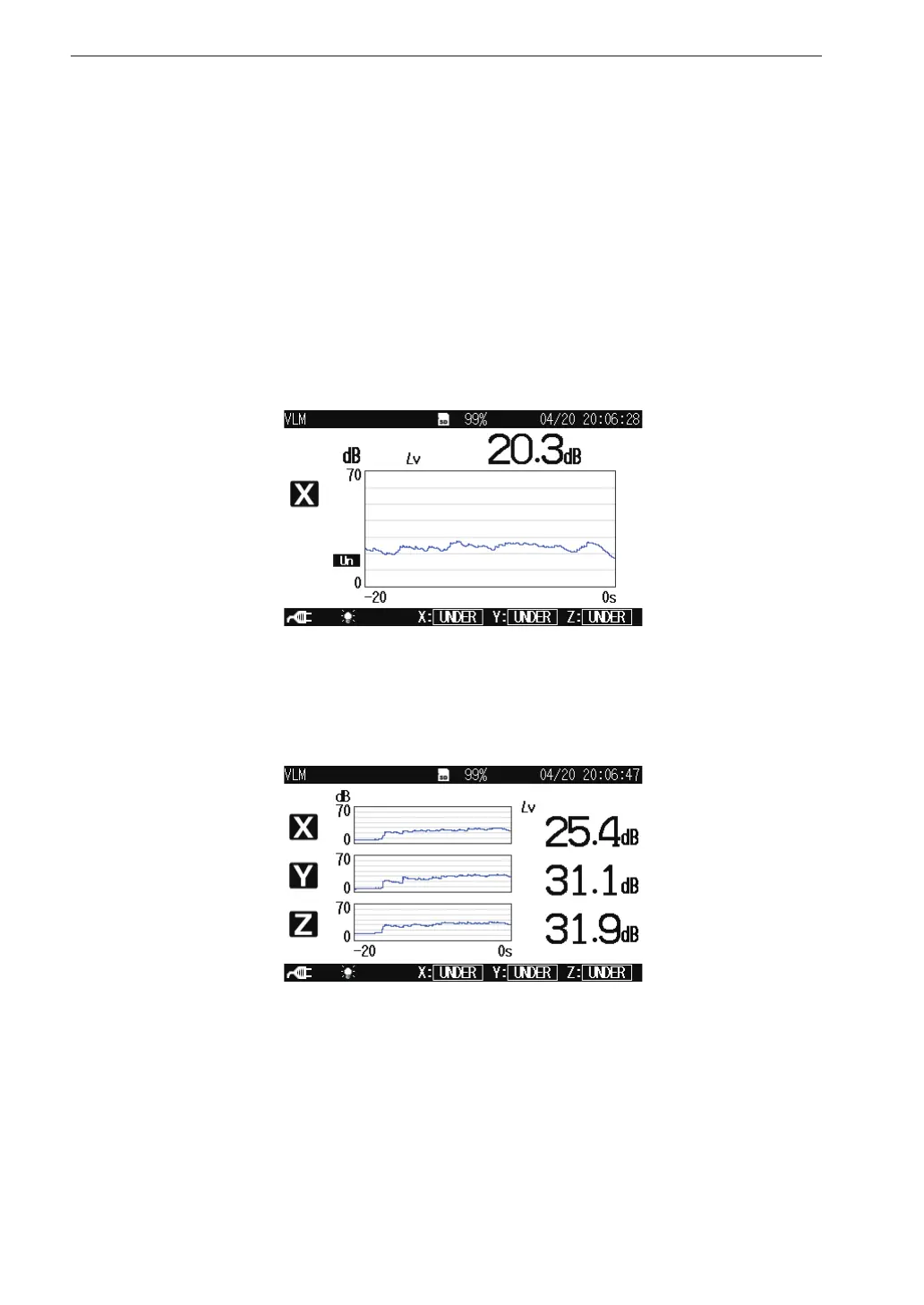
Time-level display screen
When the processed data display screen is displayed, pressing the DISPLAY
key brings up the time-level display screen as shown below.
Pressing the X/Y/Z/XYZ key switches the vibration axis (channel) to be
shown on the display.
Pressing the MAX HOLD RESET key resets the value of the max hold function.
1 channel display
3 channel display



 To Next Page