136
Serial Interface
Disconnection from the computer
VM-55 will be recognized as “removable media”. Consequently, the correct
procedure as described below must be followed when disconnecting the VM-55.
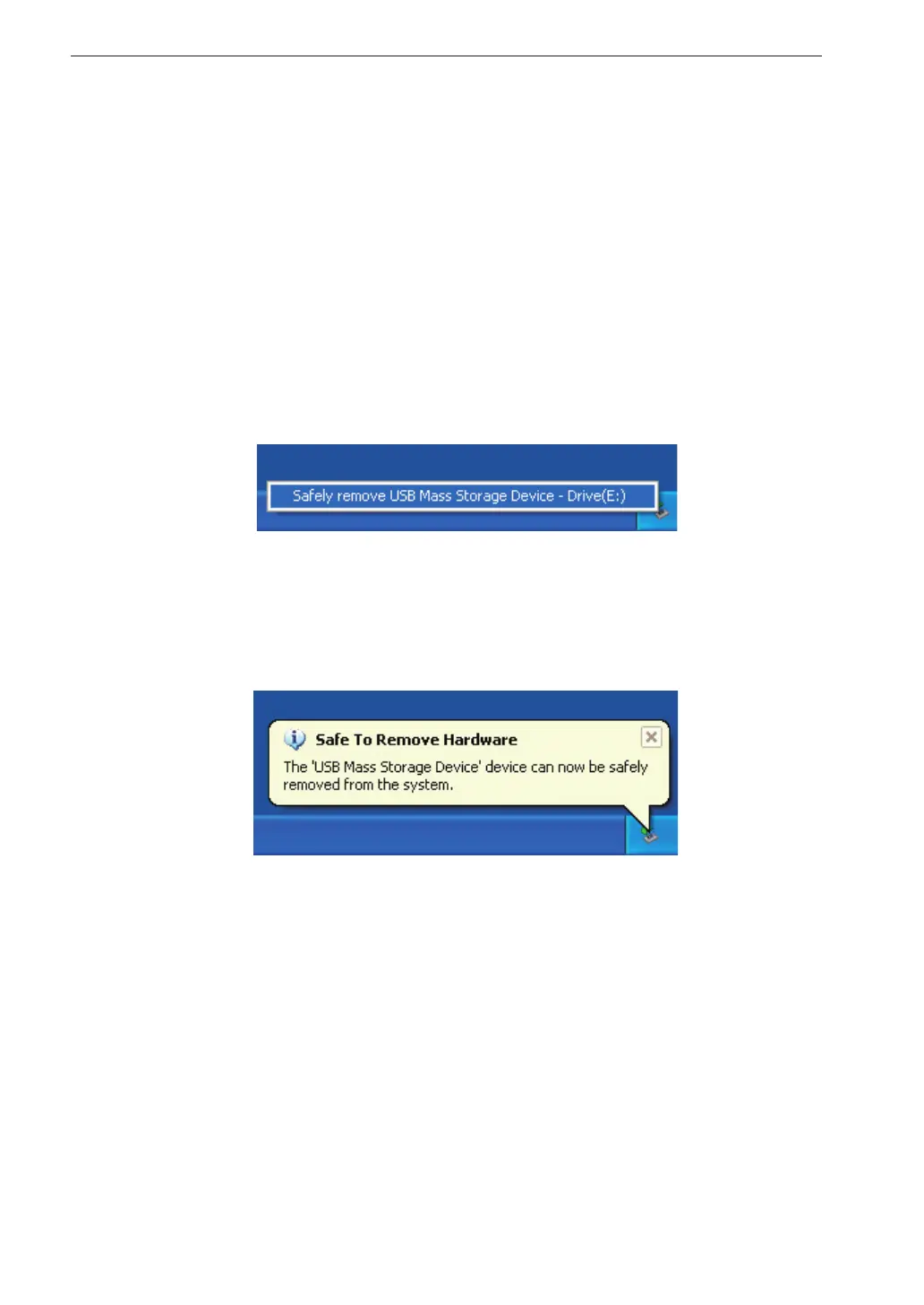
1. Click on the “Safely remove hardware” icon in the right section of
the taskbar, and select “Safely remove USB Mass Storage Device -
Drive (*1)”.
*1: The drive letter (E in the example shown) will differ, depending
on the computer con guration.
2. When the message shown below appears, disconnect the USB cable.
The VM-55 is now properly disconnected.



 To Next Page