31
Preparations
Connection to a computer
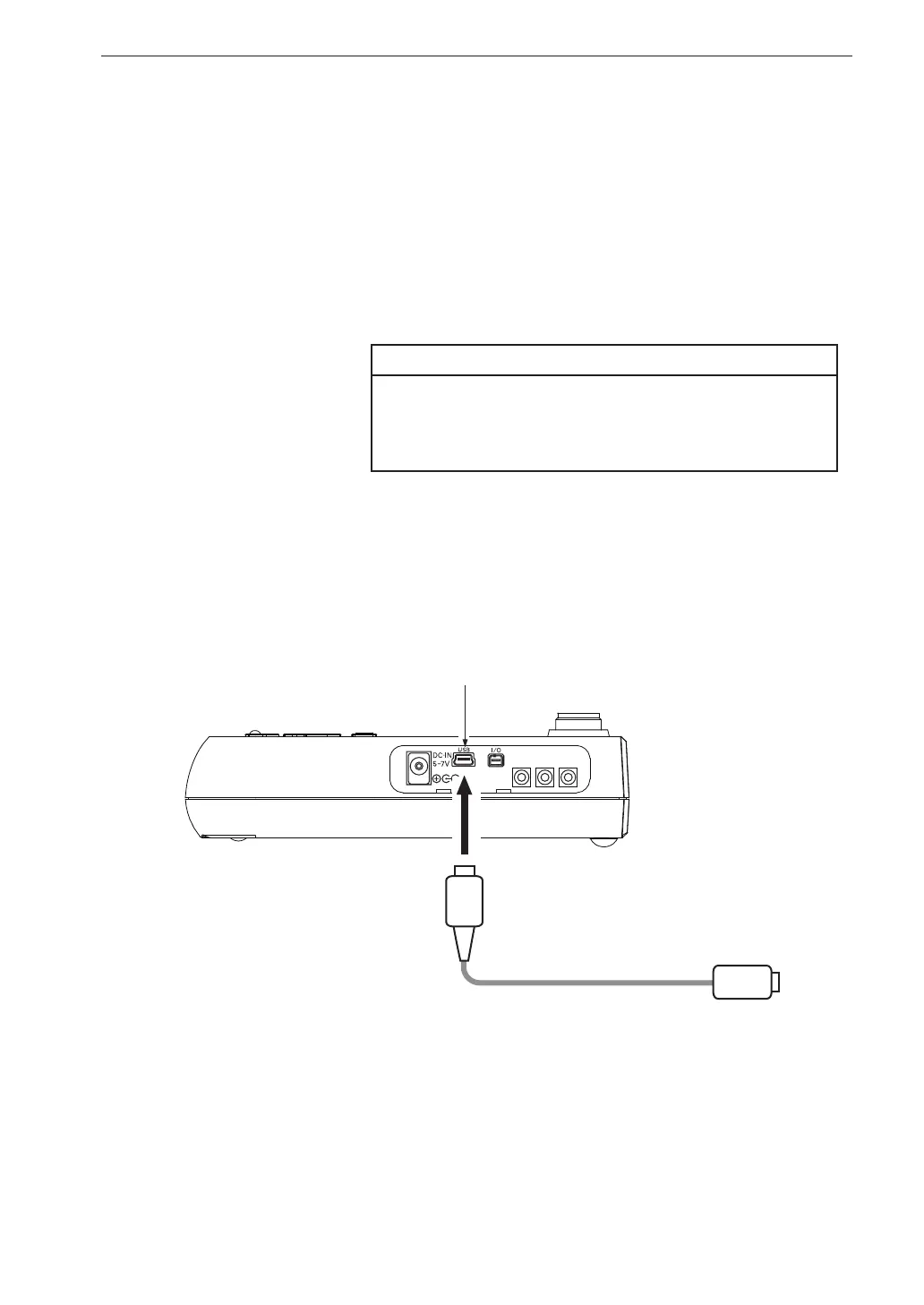
Connect the USB connector on the right side of the VM-55 with a USB
connector of a computer, using the optional (generic) A - mini B USB cable
as shown below.
An SD memory card inserted in the unit will be recognized as a removable
disk by the computer when connected via USB, without having to install a
USB driver.
Note
If the store operation is being carried out, the unit
will not be recognized as a removable disk by the
computer.
To control the setting of the VM-55 with USB commands using the commu-
nication function, select the [Display / I/O] from the menu list and set the
[Communication Interface] to [USB] (see page 63).
OUTPUT
X
Y
Z
USB connector (mini B)
Open
the side cover
To computer
A - mini B USB cable



 To Next Page