51
Reading the Display
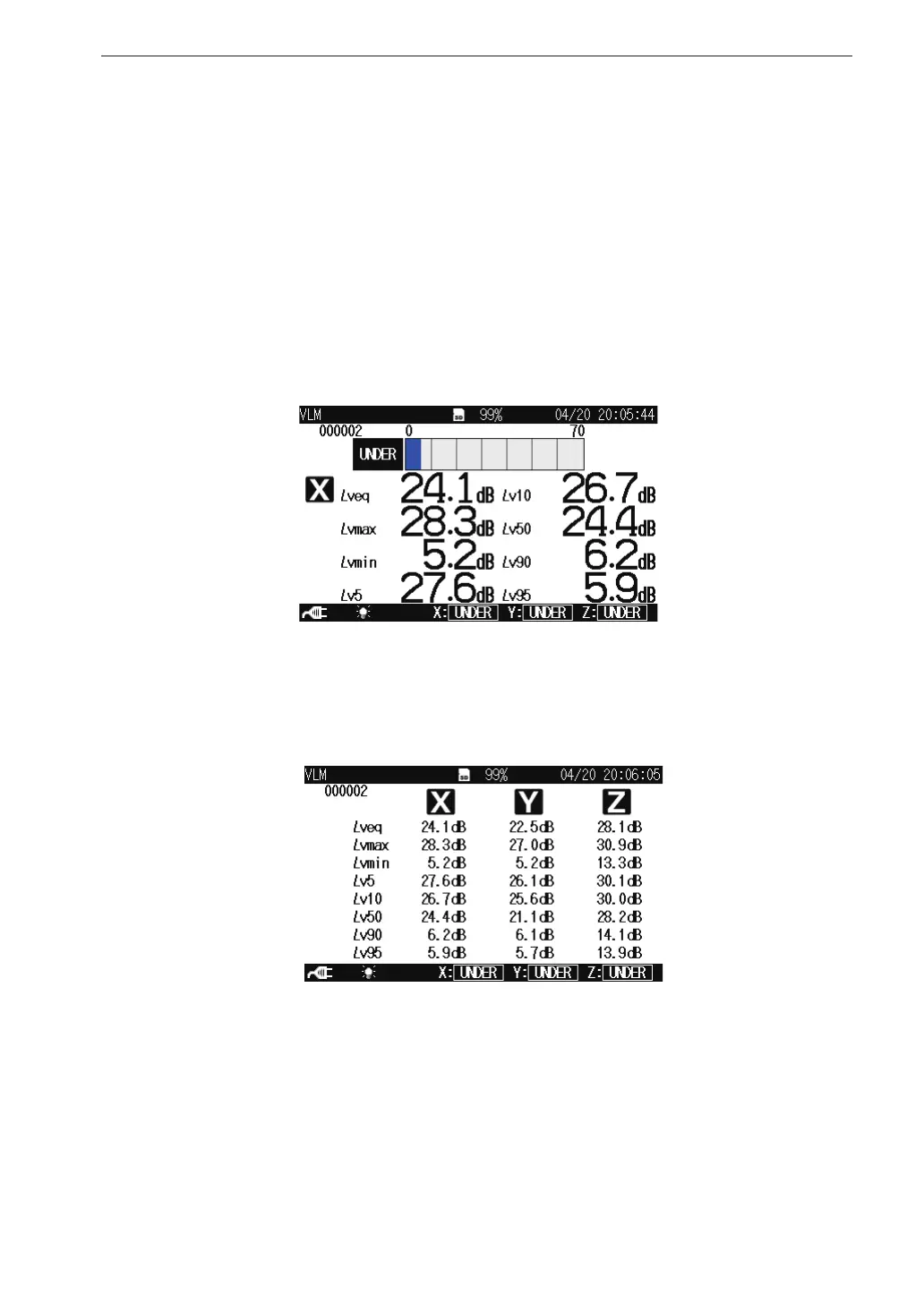
Processed data display screen
When the Max Hold display screen is displayed, pressing the DISPLAY key
brings up the processed data display screen as shown below.
Pressing the X/Y/Z/XYZ key switches the vibration axis (channel) to be
shown on the display.
Pressing the MAX HOLD RESET key resets the value of the max hold function.
1 channel display
3 channel display



 To Next Page