87
Store Operation
Auto mode operation
Memory store
Note
The optional Extended Function Program VX-55EX
should be installed.
An SD memory card should be inserted.
With the Auto mode, L
v
store and L
eq
store are executed
simultaneously (separate operation also possible).
The procedure for storing data using Auto mode is as follows.
Con rm the SD memory card has been inserted in the card slot.
1. Press the POWER key to turn the unit on.
2. Press the MENU/ENTER key to bring up the menu list screen.
3. Use the
keys to select [Store] and press the MENU/
ENTER key. The store screen appears.
4. Use the
keys to select [Store Mode] and press the MENU/
ENTER key. The store mode settings screen appears.
5. Use the
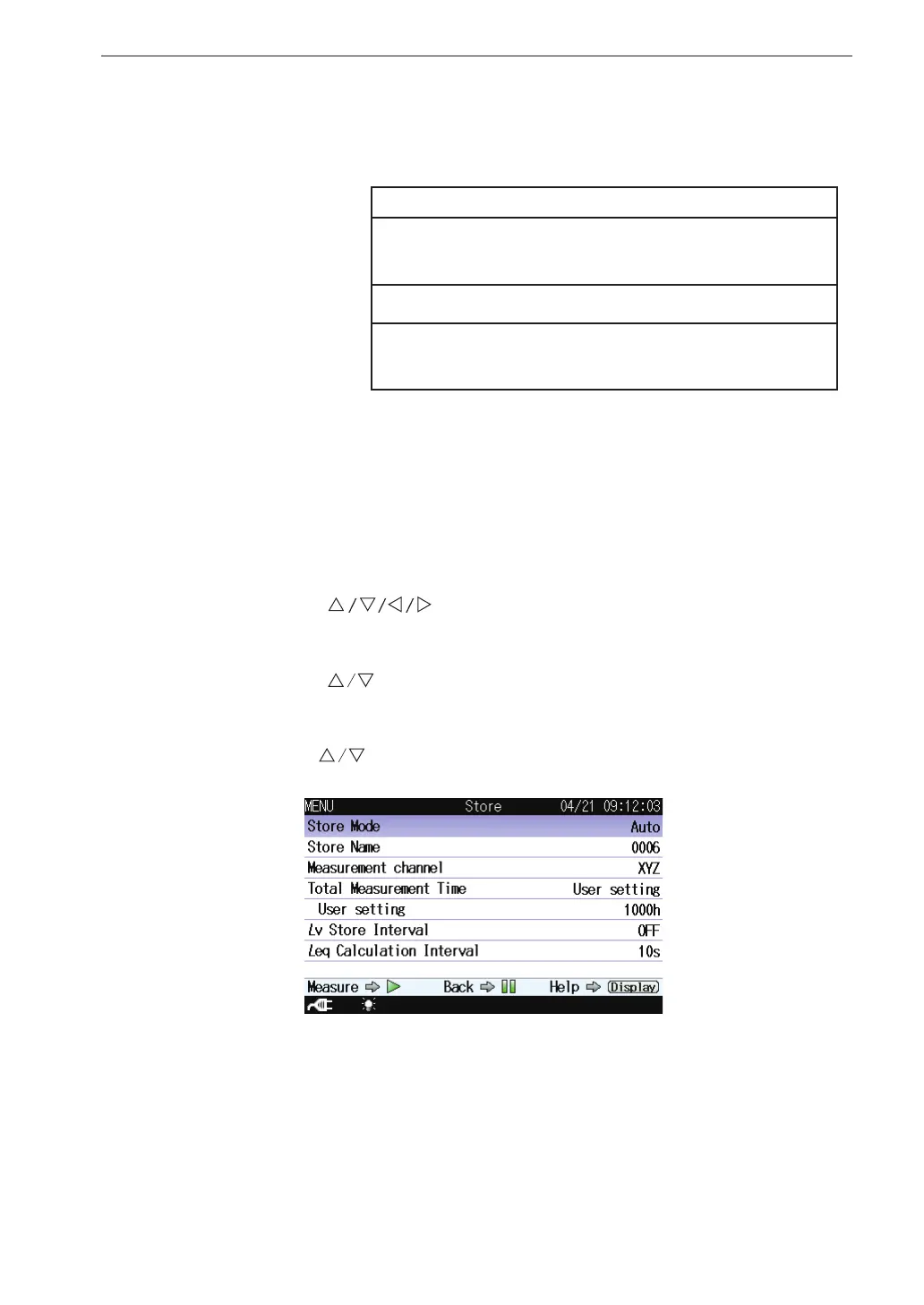
keys to select [Auto] and press the MENU/ENTER key.
Store screen when Auto mode is selected



 To Next Page