38
Preparations
Comparator output
This is an open collector output that can be used to control external equipment
such as alarm device. When the optional Extended Function Program VX-55EX
is not installed, the comparator output cannot be set.
1. Press the MENU/ENTER key to bring up the menu list screen.
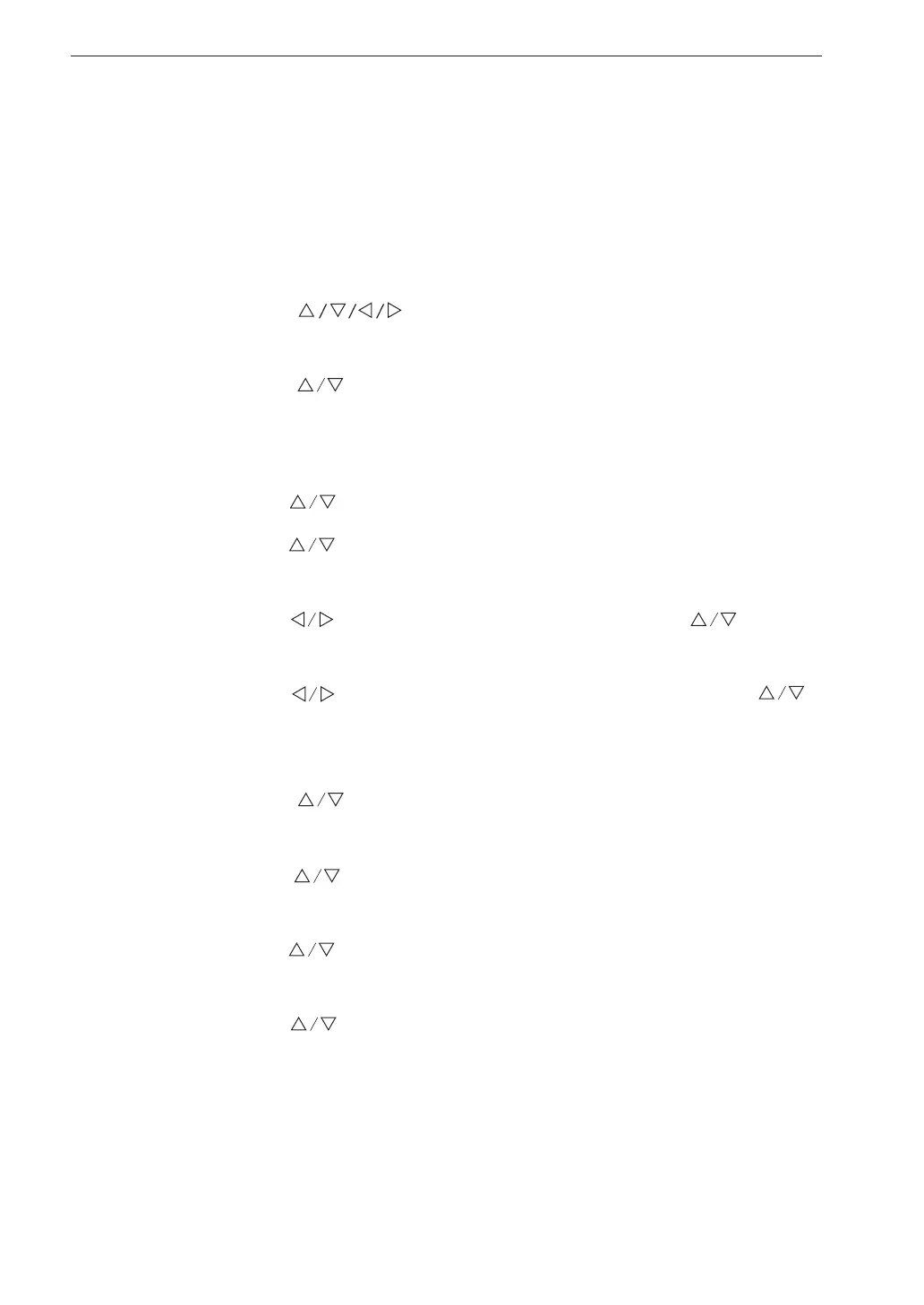
2. Use the
keys to select [Display / I/O] and press the
MENU/ENTER key. The display / I/O screen appears.
3. Use the
keys to select [Comparator] and press the MENU/
ENTER key. The comparator screen appears.
4. Press the MENU/ENTER key. The ON/OFF setting screen appears.
5. Use the
keys to select [ON] and press the MENU/ENTER key.
6. Use the
keys to select [Comparator level] and press the MENU/
ENTER key. The comparator level screen appears.
7. Use the
keys to select the rst digit and use the keys to
set the value.
8. Use the keys to select the two lower digits and use the
keys to set the value. Then press the MENU/ENTER key. (Setting
range 30 dB to 120 dB, 1 dB steps)
9. Use the
keys to select [Comparator channel] and press the
MENU/ENTER key. The comparator channel screen appears.
10. Use the
keys to select the comparator channel (X, Y, Z) and
press the MENU/ENTER key.
11. Use the
keys to select [Comparator band] and press the MENU/
ENTER key. The comparator band screen appears.
12. Use the
keys to select the comparator band (Lv, Lva) and press
the MENU/ENTER key.
13. Press the START/STOP key to return to the measurement screen.



 To Next Page