121
Optional Accessories
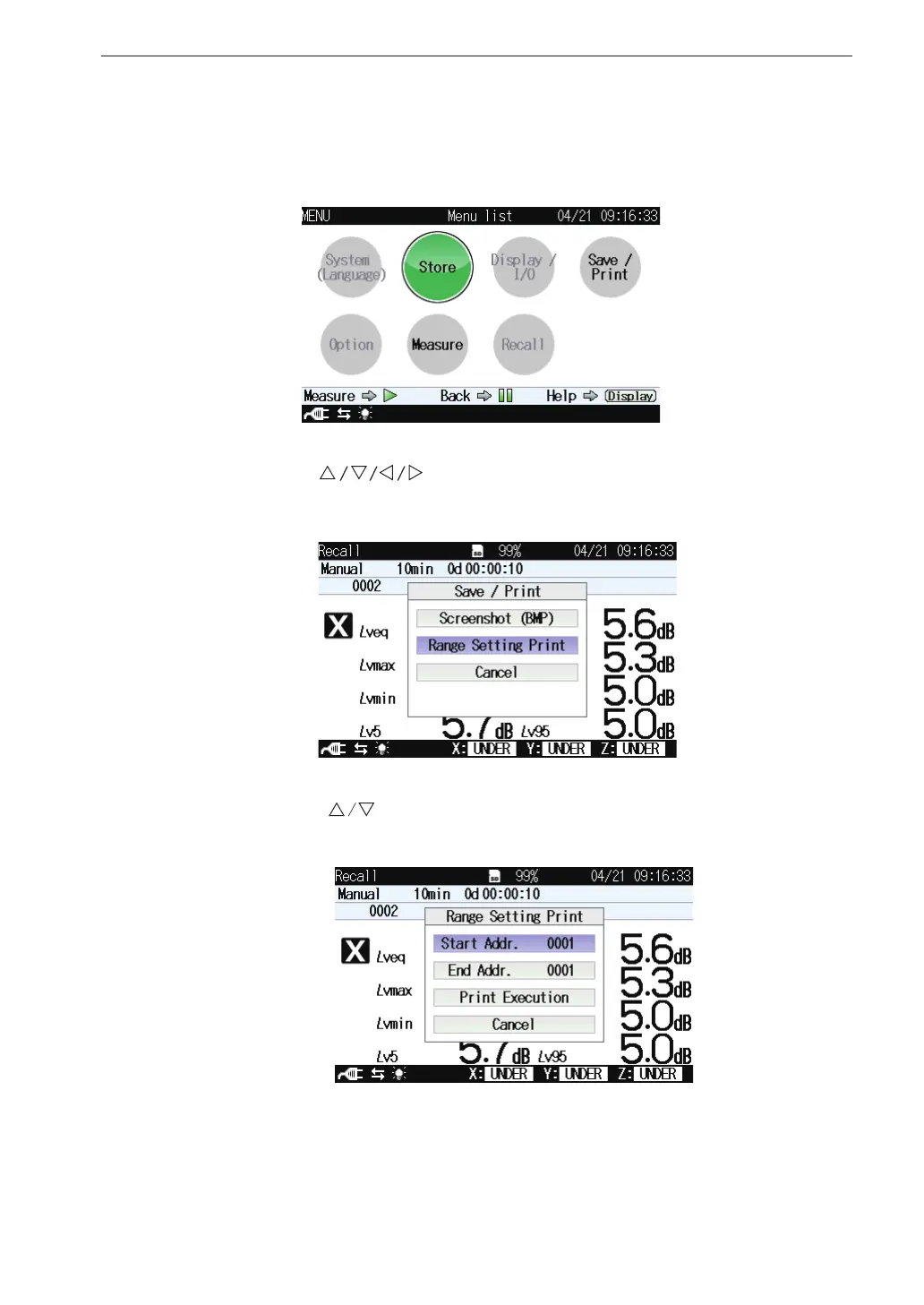
6. Use the keys to select [Save/Print] and press the MENU/
ENTER key. The save/print screen appears.
5. When the stored data screen is displayed, pressing the MENU/ENTER
key brings up the menu list screen for stored data.
7. Use the keys to select [Range Setting Print] and press the
MENU/ENTER key. The range setting print screen appears.
8. Set the [Start Addr.] and [End Addr.] and then select [Print Execution]
and press the ENTER key. The data within the area speci ed by the
entered addresses will be printed



 To Next Page