132
Serial Interface
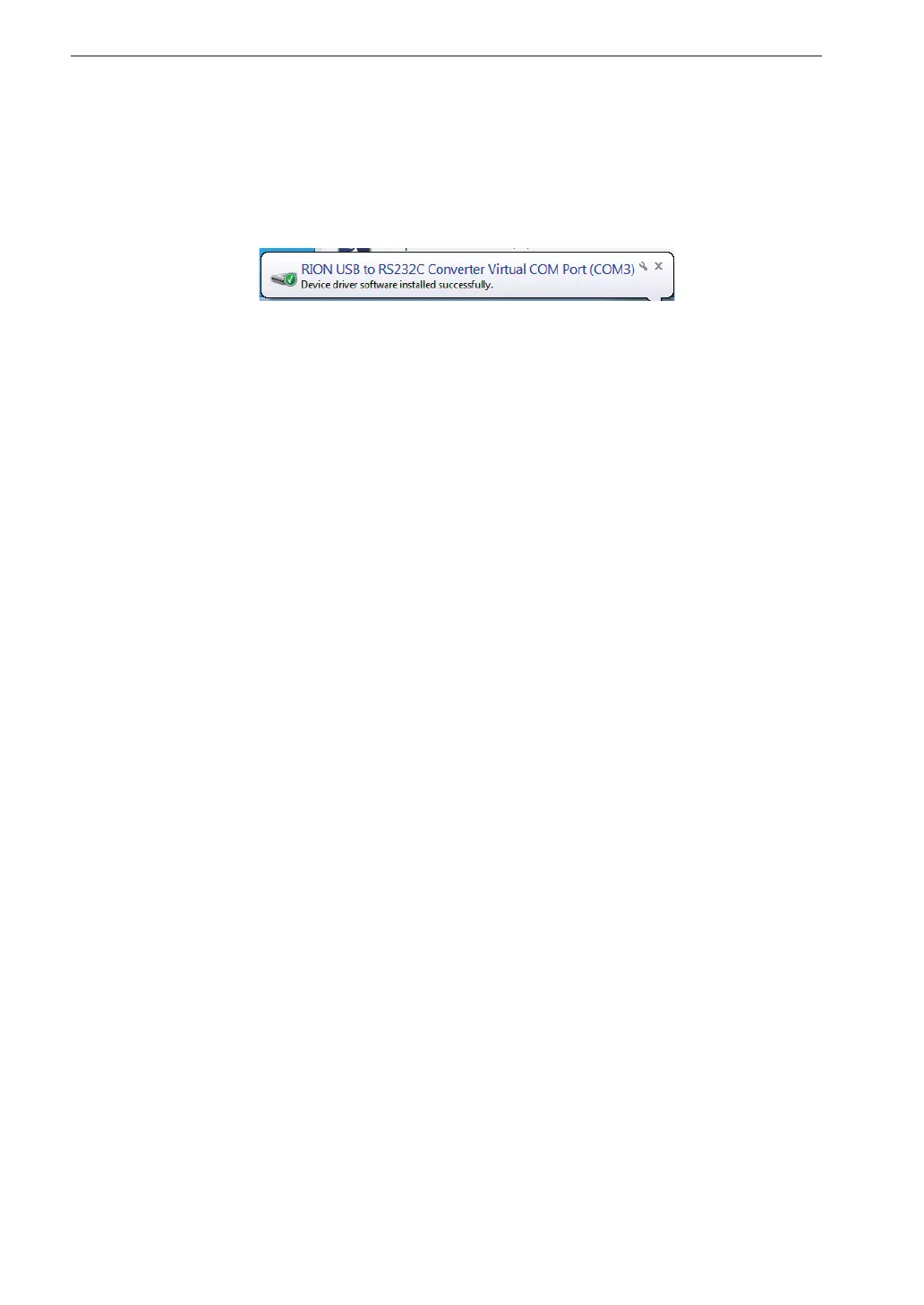
When the computer detects the VM-55, the device driver software installation
is started automatically. When the installation has been completed, USB
communication is enabled.
The driver installation creates a virtual COM port in the computer. For information
on how to verify that the installation was successful, see the section “Checking
the virtual COM port” on next page.


 To Next Page
 Loading...








