134
Serial Interface
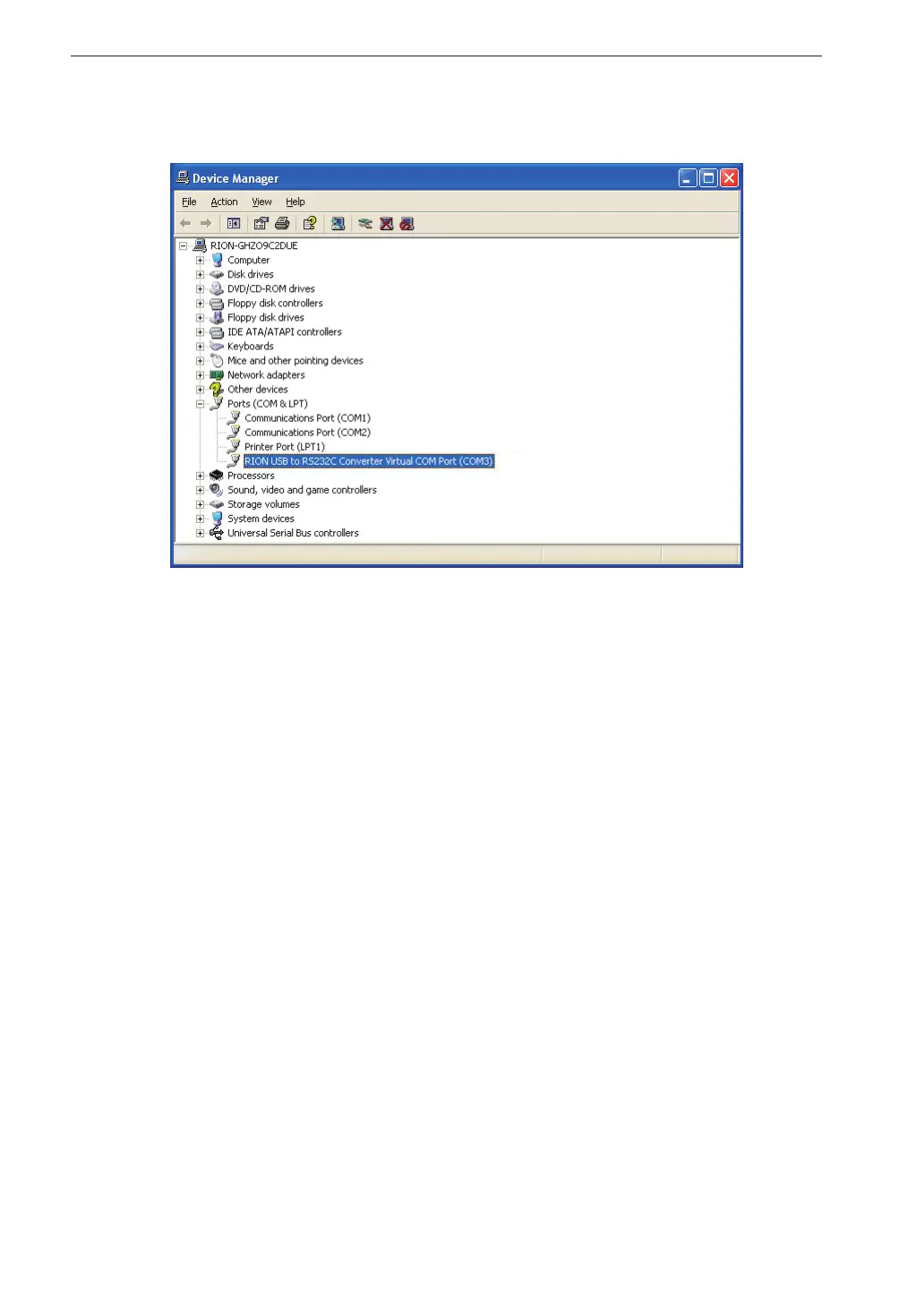
3. Click on the + at the left of “Ports (COM & LPT)”.
The indication “RION USB to RS232C Converter Virtual COM Port” should
be shown as COM port name. If this is not shown, check the connection
between the VM-55 and the computer (step 1). If there is an “×” over the
icon, the port is not functioning normally. Install the driver again.


 To Next Page
 Loading...








