18
Preparations
Power-on mode switch
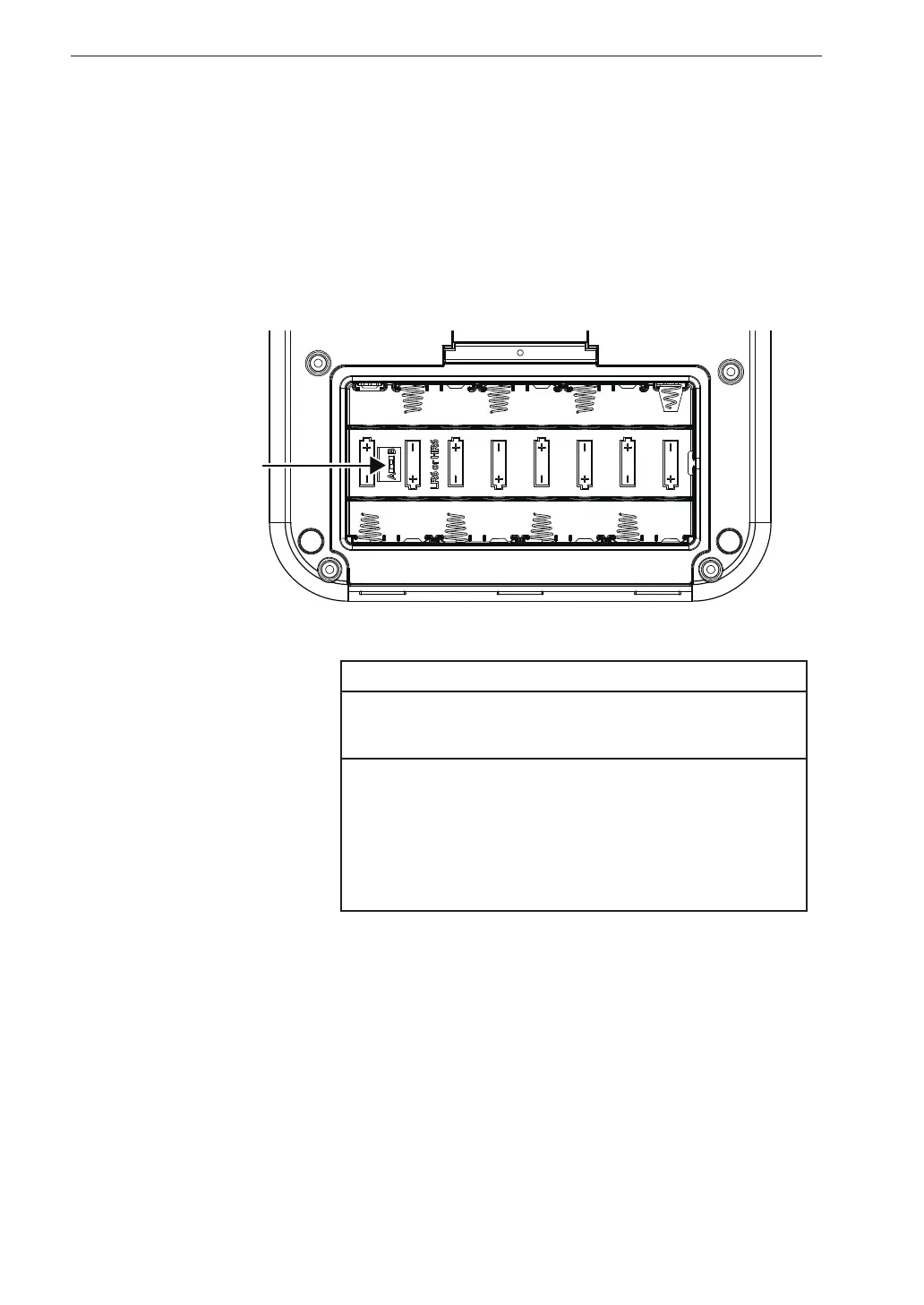
Opening the battery compartment as shown below gives access to a switch
labeled “A-B”. Normally the “A” position is used. Setting this switch to the
‘’B’’ position allows the unit to be turned on simply by supplying power to the
DC IN connector. In this case, the POWER key on the operation key panel of
the unit has no effect.
Important
When using the unit with the switch in the “B”
position, do not insert batteries.
If the unit is turned off immediately after changing
the setting while using the unit with the switch in
the “B” position, the setting may not be resumed.
After changing the setting, wait at least 10 seconds
before turning the unit off.
[Power-on mode]
switch



 To Next Page