71
Reading the Display
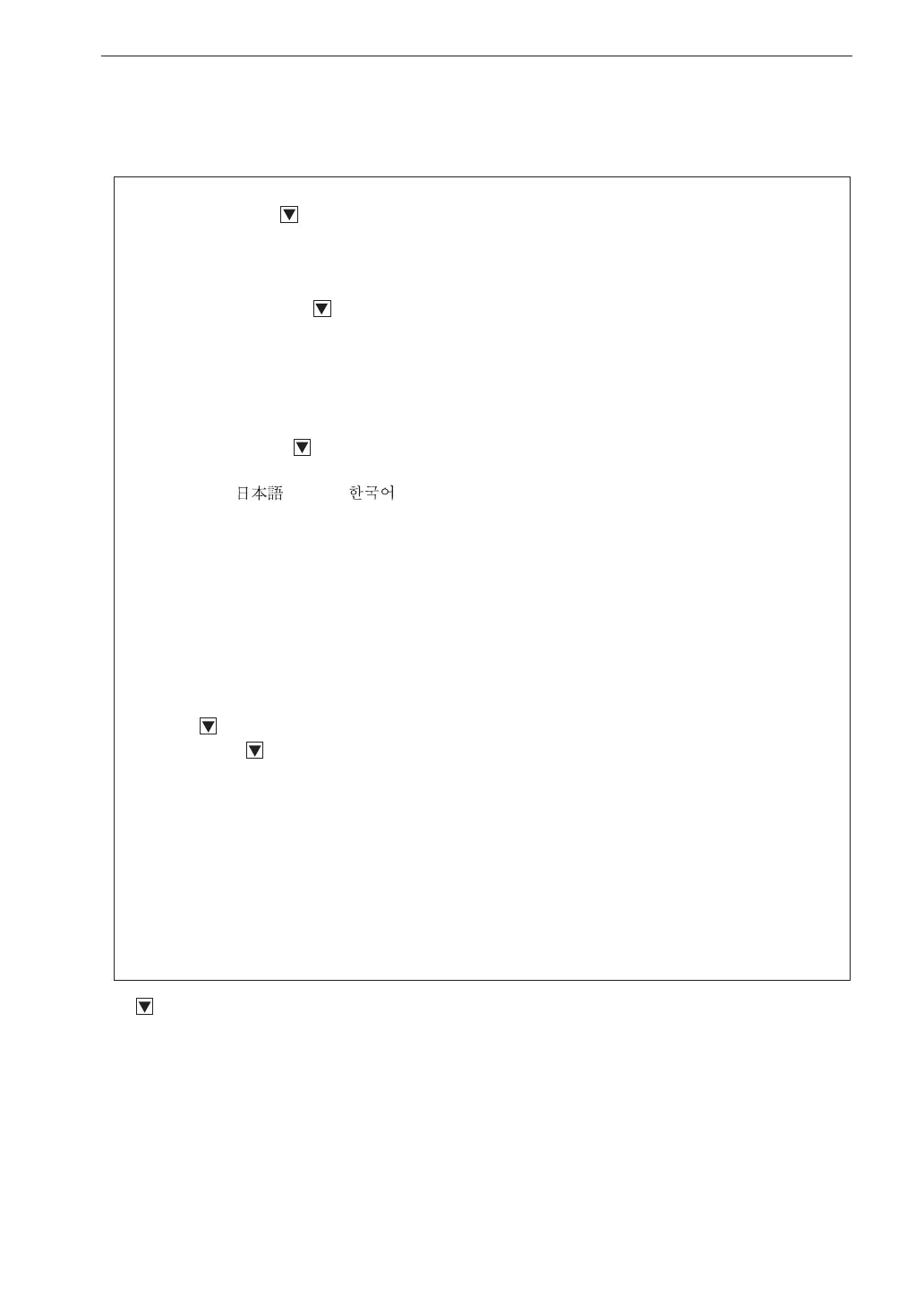
MENU list items
System (Language)
Read/Save Settings [v]---------- Load Default Settings
Internal Memory---- List of setting groups on internal memory
Startup File
Clock Settings
Backlight/LCD Settings [v]-----Backlight Auto Off
Backlight brightness
LCD Auto Off (Auto Store)
Battery Type---- Alkaline / Ni-MH
Card Format
Index
Program Information [v]--------Model, Version
Eco Setting
Language---- /English/
Store
Store Mode----Manual / Auto
*
1
/ Timer Auto
*
1
Manual----Store Name
*
2
, Measurement channel, Measurement Time
Auto----Store Name, Measurement channel, Total Measurement Time, Lv Store Interval,
Leq Calculation Interval
Timer Auto----Store Name, Measurement channel, Lv Store Interval, Leq Calculation Interval,
Timer Auto Start, Timer Auto Stop, Timer Auto Interval, Sleep Mode
Display / I/O
Timer-Level graph Time scale
Output [v]----Output ON/OFF, Type, Freq
Comparator
*
1
[v]------------------- Comparator ON/OFF, Comparator level, Comparator channel,
Comparator band
Communication Interface----OFF / USB / RS-232C (When RS-232C is selected: Baud rate, Flow control)
Save / Print
Option
Measure
Delay Time
Recall
Recall data list
WR
*
3
------: Items displayed when proceeding to next menu level
*
1: When optional VX-55EX is installed
*
2: When SD memory card is inserted
*
3: When optional VX-55WR is installed



 To Next Page