Troubleshooting
When a Message Displays
239
Consumable Information Screen
In order to assure optimum printing, the machine acquires information from the consumables.
If acquired matching information is not proper, the Consumable Information Screen is shown.
Enter appropriate values.
The icon on the Info Button will be grayed-out when this occurs.
)p.207
Note:
• Entering an inappropriate value does not affect usual operations but may result in bad print quality.
• When you perform the following operations, the values set on the “Consumables Information Input Wizard” screen
disappears and thus you need to enter the values again.
– After the power switch is set to (OFF), the switch is set to (ON) again
– After the machine is placed into the Sleep status.
– After the key is pressed
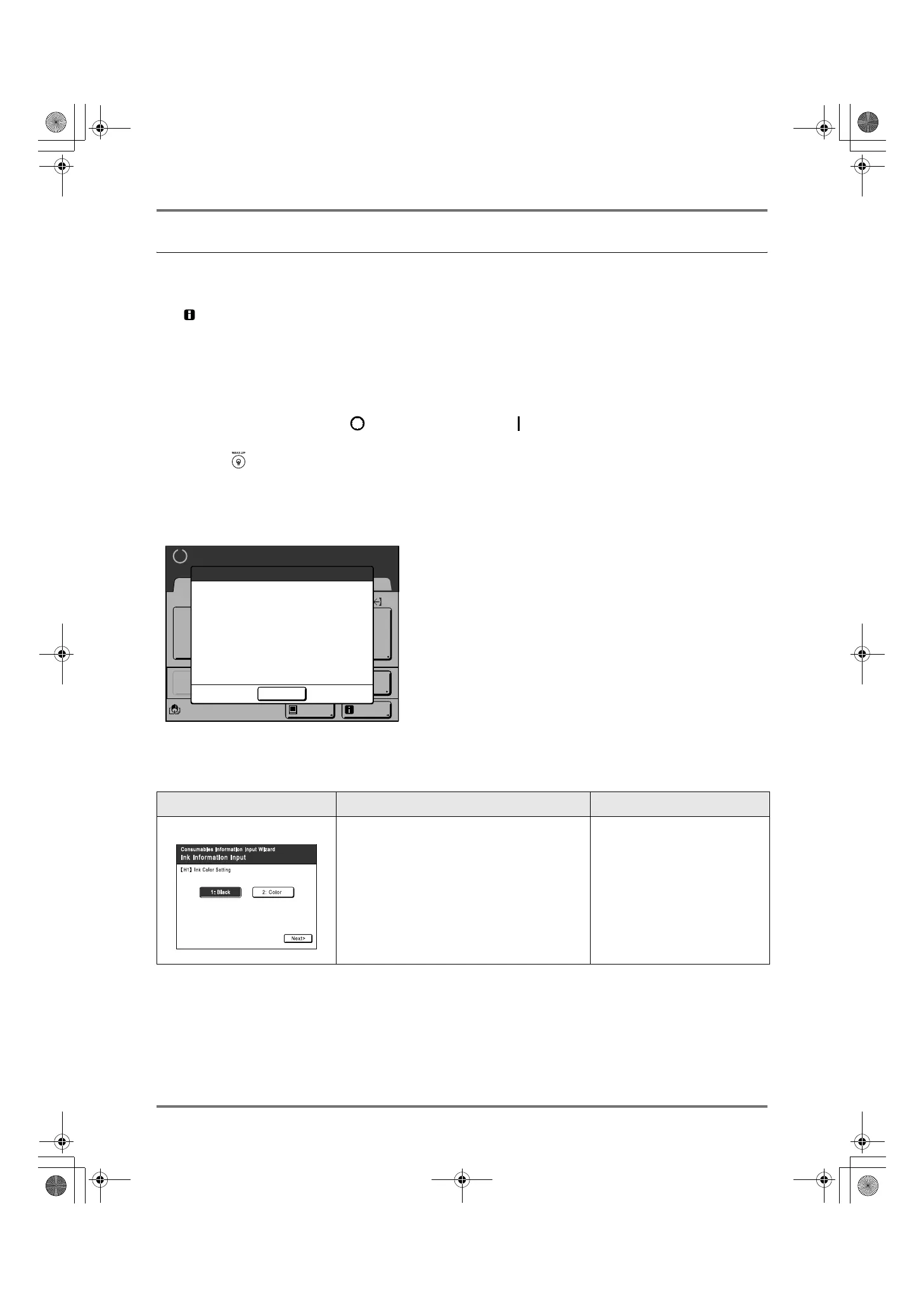
Ink Information Input Screen
This screen pops up when data could not be obtained from the Ink Cartridge.
Touch [OK] and enter values as shown below.
Screen Display Description Values
[H1] Ink Color (Colour) Setting
Select the same color (colour) as the Print
Drum (Cylinder) currently in use.
1: Black 2: Color (Colour)
Image
Black
Idle Info
Line
Basic Admin.
Ready to Make Master
Reserva-
tion
Multi-Up
Print
Editor
Dot
Process
Cannot Get Consumables Info
Input Values Required
Ink
OK
REG-ML_EN.book Page 239 Wednesday, September 21, 2011 5:19 PM



 To Next Page