Troubleshooting
When a Message Displays
232
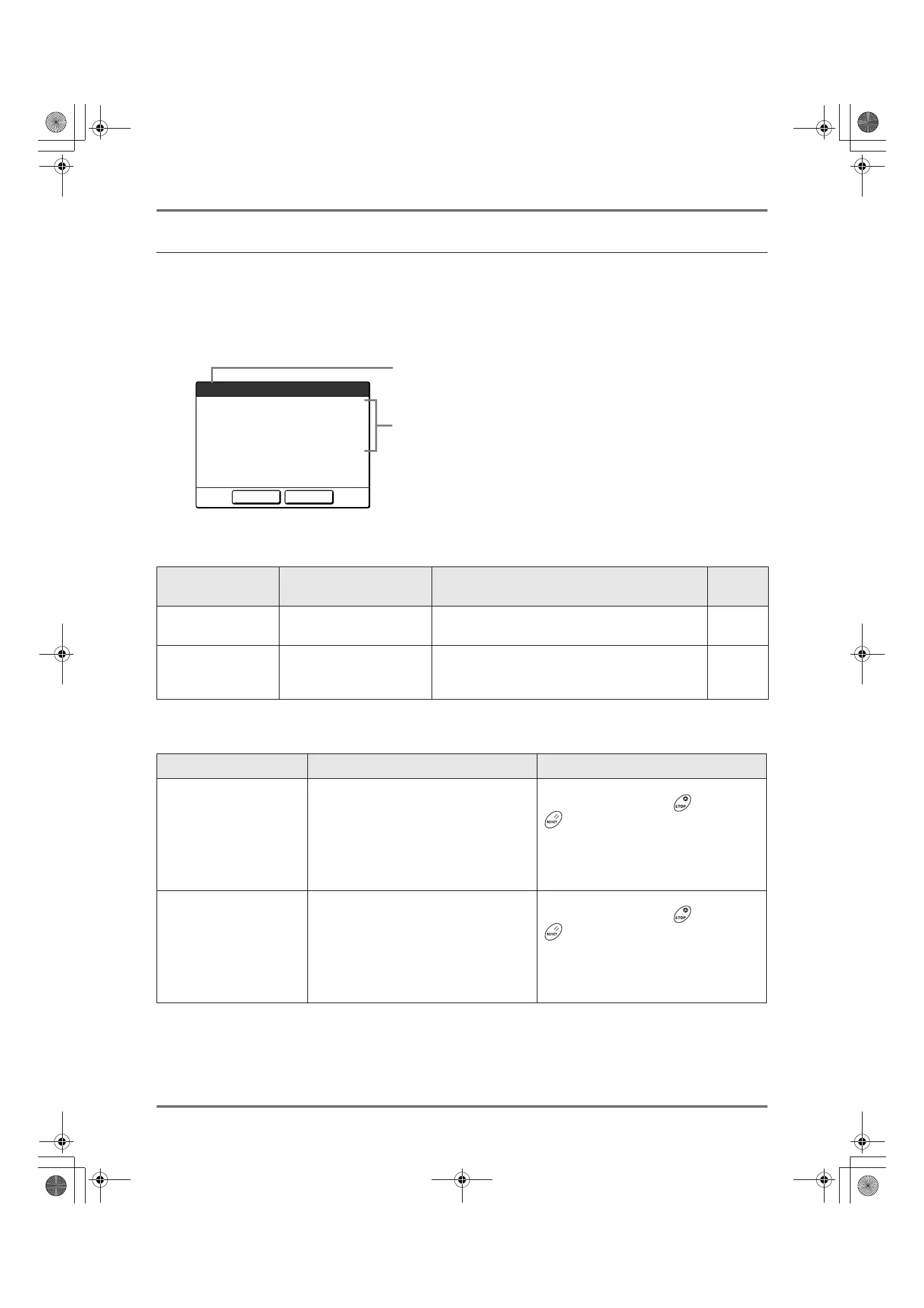
Pop-Up Message Layout
Pop-Up Messages communicates various operational statuses.
You can continue operation over some of them, but depending upon the context, others will require your action before
operations can be resumed.
E00-000:Maintenance Call (in alphabetical order)
1) Error Number
A reference letter (E/F) and an ID number.
2) Pop-Up Messages
Content of the message.
Error Number Error Types Description
Reference
page
E00-000 Maintenance Call
Pops up when battery replacement or a routine
inspection by a service personnel is required.
)p.232
F00-000 Warning Messages
Pops up when printing job cannot proceed due to a
conflict between a Control Panel setting and the
status of the machine.
)p.233
Message Symptom/Action How to Clear a Pop-Up Message
!!Battery Replacement!!
Call Service
(Symptom)
Low battery.
(Action)
Contact your dealer (or authorized
service representative) and have the
battery replaced.
Touch [Close].
(Alternatively, press the key or the
key to clear.)
!!Maintenance!!
Call Service
(Symptom)
Notifies user of need for a periodic
maintenance.
(Action)
Consult your dealer (or authorized service
representative).
Touch [Close].
(Alternatively, press the key or the
key to clear.)
Continue
Page Format is Larger
than Paper Size
!! Possible Ink Smudges
on Prints !!
Cancel
F02
1
2
REG-ML_EN.book Page 232 Wednesday, September 21, 2011 5:19 PM



 To Next Page