Basic Operations
Printing from a Computer Data [Direct Print] [USB Job List]
44
Printing from a Computer Data
[Direct Print] [USB Job List]
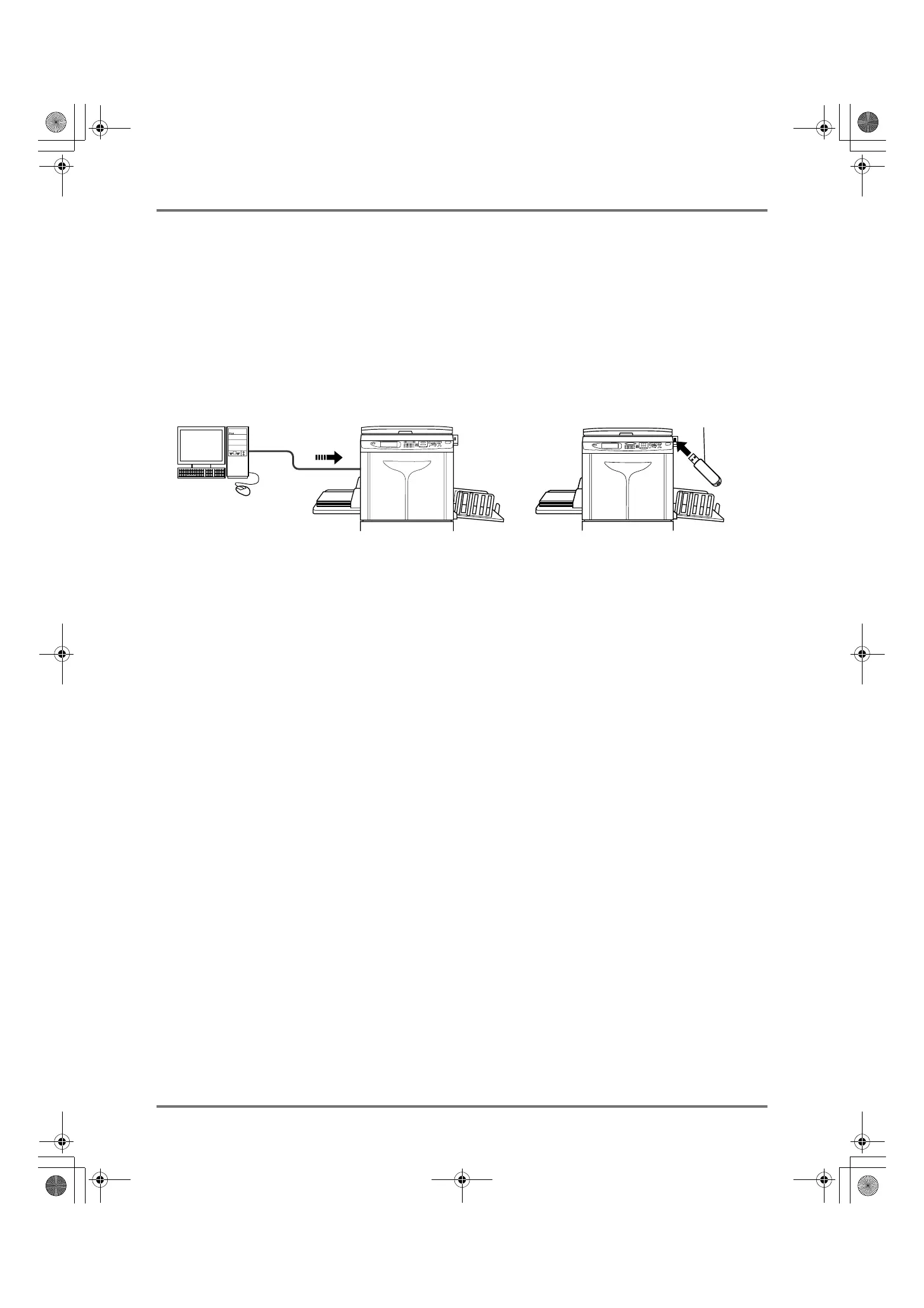
This machine can directly print the original created on the computer by connecting the computer and machine by cable.
The data will be digitally processed into a master, thus achieving higher quality prints than the master-making of
scanned originals.
Furthermore, a USB slot for connecting a USB Flash Drive is supplied with this machine so that you can print by con-
necting a USB Flash Drive that stores the data of originals to the machine even if the computer and machine are not
connected by cable.
Note:
• First, install a proper printer driver on your computer. See the RISO Printer Driver User’s Guide for installation details.
• Document data created on your PC can be stored in the optional Document Storage Card attached to the machine.
• This manual provides only a summary of functions available when printing from a computer.
See RISO Printer Driver User’s Guide for further details on sending data and other settings.
USB Flash Drive
Connect the USB Flash Drive
to the USB slot
REG-ML_EN.book Page 44 Wednesday, September 21, 2011 5:19 PM



 To Next Page