Functions for Master-Making
Automatic Printing [Auto-Process]
64
Automatic Printing [Auto-Process]
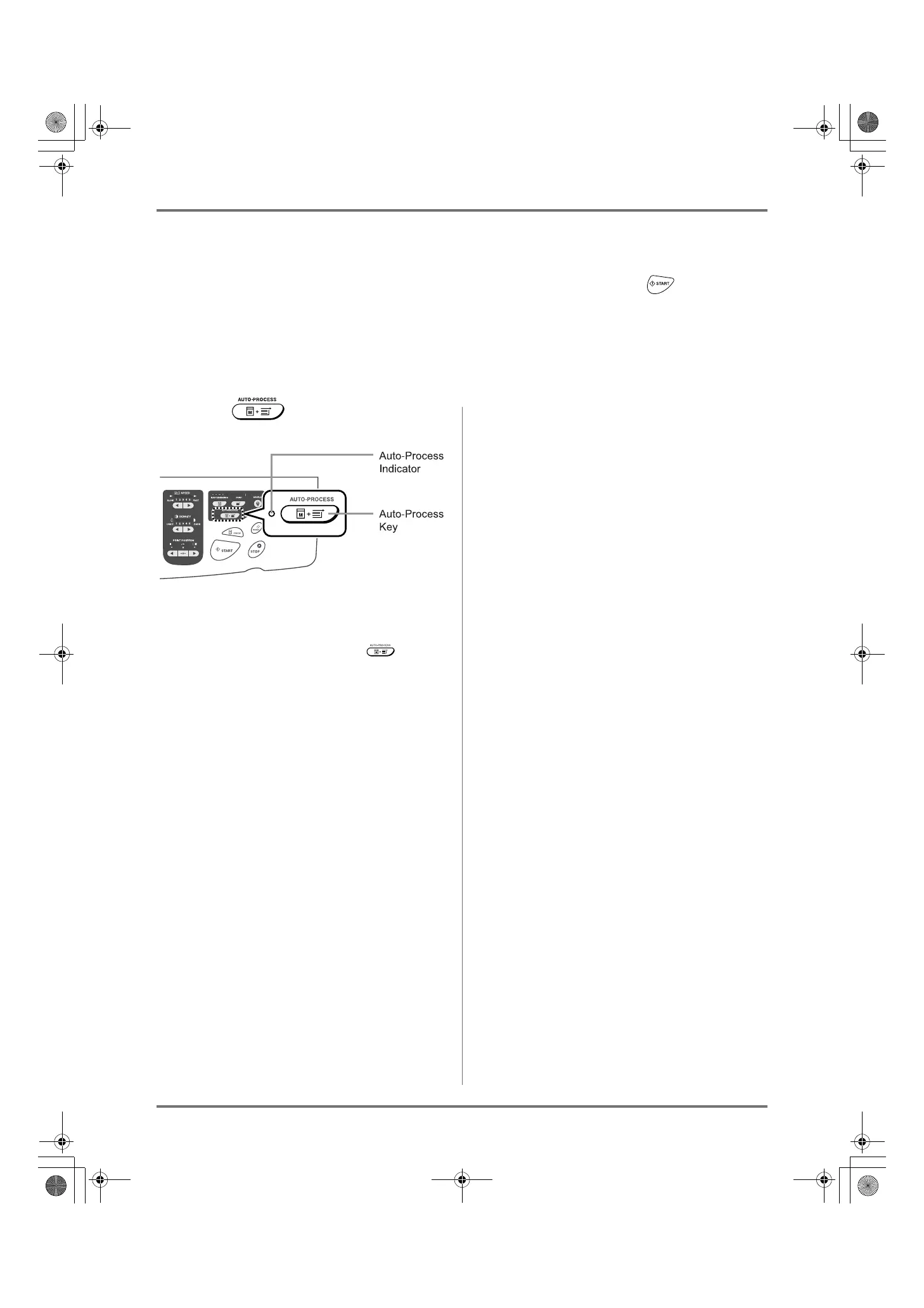
Master-making and printing can be performed automatically in sequence.
When “Auto-Process” is selected, simply enter the number of copies to print, then press the key.
Note:
• When printing is completed, Print Quantity will restore the number originally entered.
• On the Admin. screen, you can make such a setting that “Auto-Process” is always set to ON when you reset or start
the machine.
)p.159
Press the key.
The Auto-Process indicator turns on.
Note:
• To cancel “Auto-Process”, press the key
again. The indicator turns off.
• When “Auto-Process” is set to ON and multiple origi-
nals are placed in the ADF unit (Option), all originals
will be printed automatically.
• When the ADF unit is installed, the default setting for
“Auto-Process” is set to ON.
)p.159 “Changing Default Settings / OP Auto Pro-
cess”
REG-ML_EN.book Page 64 Wednesday, September 21, 2011 5:19 PM



 To Next Page