Functions for Printing
Paper Feed/Output Settings for Special Paper and Printing Types [Jump Wing Control] [Special Paper Ctrl]
98
Paper Feed/Output Settings for Special Paper
and Printing Types
[Jump Wing Control]
[Special Paper Ctrl]
Paper feed and output settings can be adjusted when using special paper or uneven print finishes.
Jump Wing Control
The following steps retrieves pre-configured custom settings for
the Paper Jumping Wing. Use this feature to eject certain printing
paper that is hard to eject with automatically adjusted normal
Paper Jumping Wing setting.
Important!:
• “Jump Wing Control” feature is not available unless pre-config-
ured.
• Only one setting can be pre-configured.
• To pre-configure or to change settings, please contact your dealer (or authorized service representative).
Note:
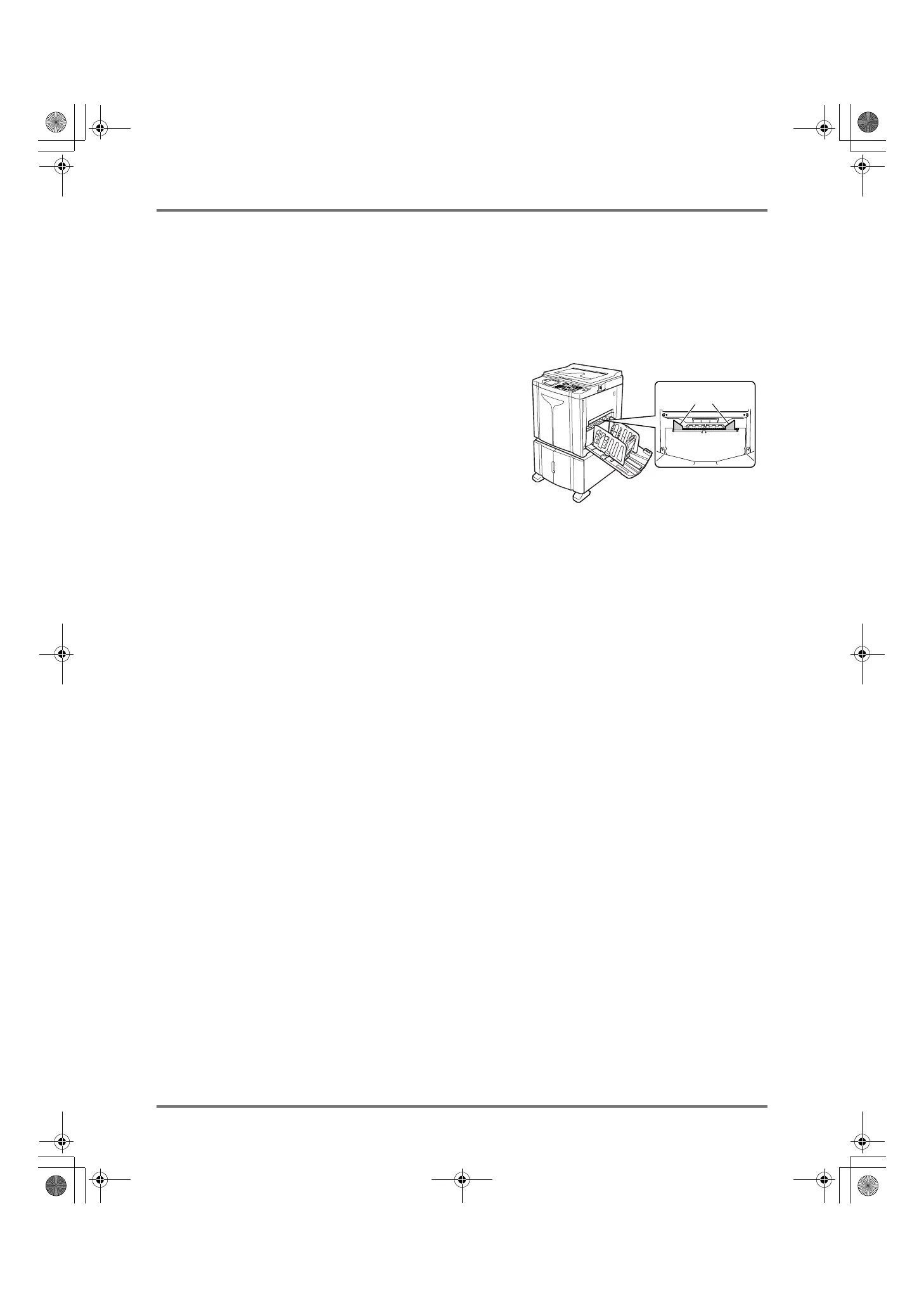
• The Paper Jumping Wing is a device which helps eject printed paper onto the Paper Receiving Tray.
It automatically adjusts according to the position of the Paper Feed Pressure Adjustment Lever (Normal or
Card).
Special Paper Ctrl
You can save settings for easy retrieval next time. The “Special Paper Ctrl” menu contains the following options:
Paper Feed Adj.
Adjust Paper Feed Tray position and paper-feed amount to suit special paper characteristics.
For adjustment methods, please contact your dealer (or authorized service representative).
Paper Eject Adj.
Some types of original image/paper may be printed with an uneven or blurred finish due to separation fan settings.
This option can be used to change separation fan and suction fan settings.
For adjustment methods, please contact your dealer (or authorized service representative).
Paper Jumping Wing
REG-ML_EN.book Page 98 Wednesday, September 21, 2011 5:19 PM



 To Next Page