Basic Operations
Printing from a Computer Data [Direct Print] [USB Job List]
53
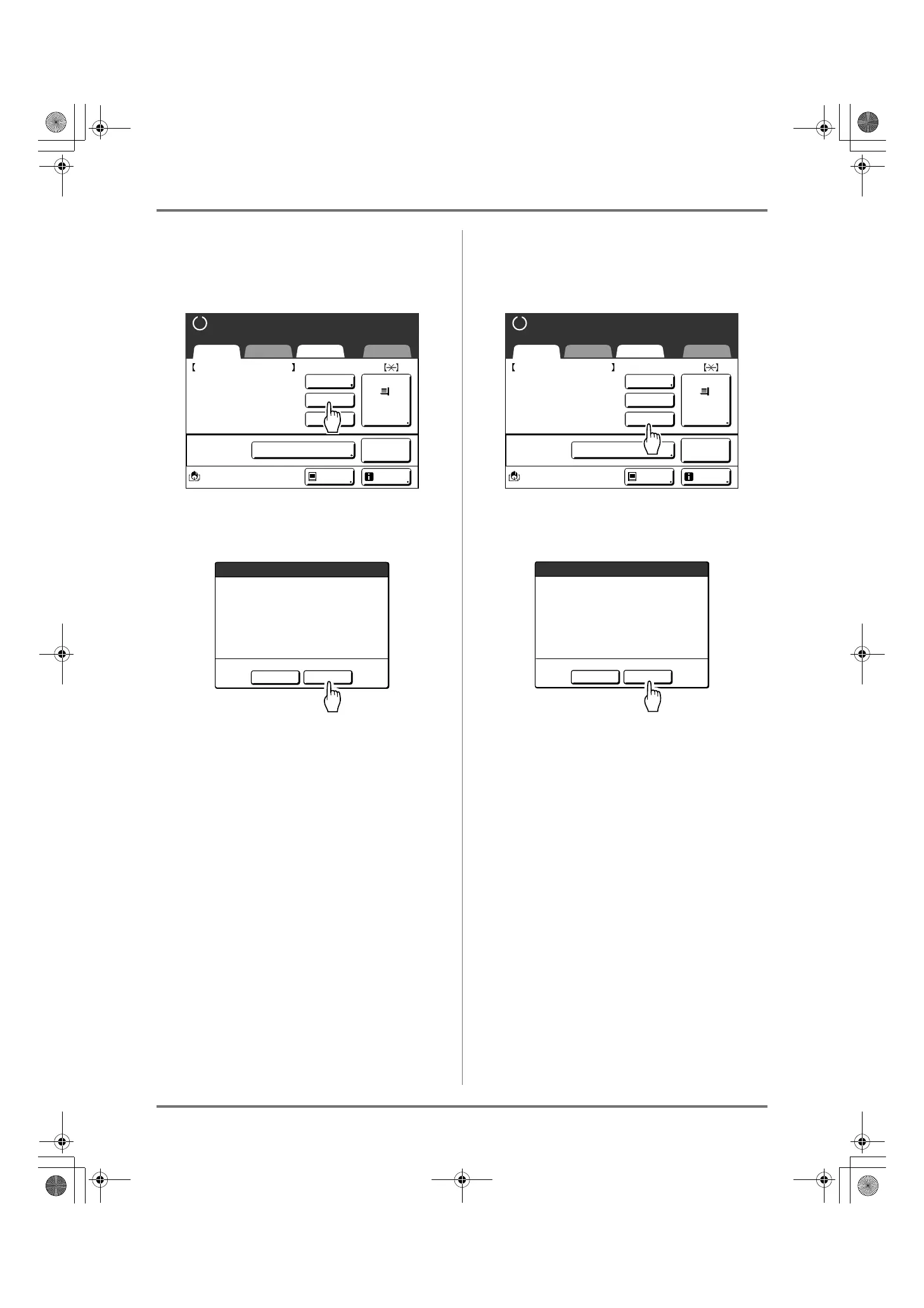
When selecting [Skip Page]
1
Touch [Skip Page].
2
Touch [OK].
Stops processing the current page and moves on
to process the next page.
When selecting [Clear All]
1
Touch [Clear All].
2
Touch [OK].
Clears current job.
Starts processing next data in queue.
A4
Black
Basic Selections Functions Admin.
Paper
Process:
Job
Separation
Info
Ready to Make Master
Document_1.doc
Owner: RISO
ReceiptTime: 30/09/11 05:30
Format: A4
P.1/10
Pause
Auto-process "OFF"
Skip Page
Clear All
Preview
Master-Making for Next Page
will be Started
OK?
Cancel
OK
A4
Black
Basic Selections Functions Admin.
Paper
Process:
Job
Separation
Info
Ready to Make Master
Document_1.doc
Owner: RISO
ReceiptTime: 30/09/11 05:30
Format: A4
P.1/10
Pause
Auto-process "OFF"
Skip Page
Clear All
Preview
Current Job will be Cleared
OK?
Cancel
OK
REG-ML_EN.book Page 53 Wednesday, September 21, 2011 5:19 PM



 To Next Page